Section 7: Channel Function Enhancements
7 - 48 Euphonix CS3000/2000 MixView 3.0 Software Supplement
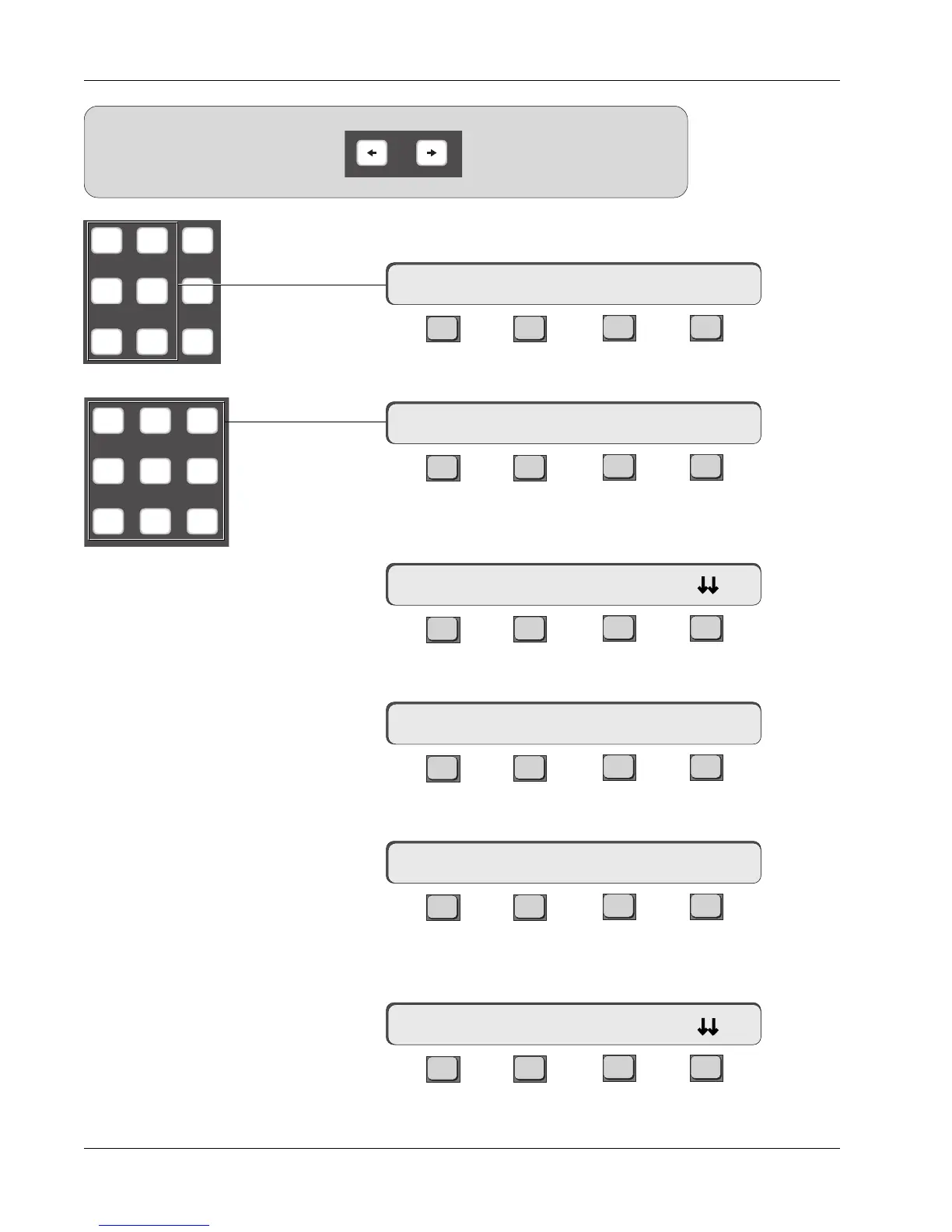
Press the DSC [L4] key to directly assign the aux source routing:
F3F1 F2 F4
Press the DSC keypad [1] key to directly assign the aux send to aux bus 1:
F3F1 F2 F4
Press the DSC [right arrow] key to direct attention to aux send B. Confirm
that B is now displayed in the SmartDisplay menu:
F3F1 F2 F4
As before, press the [L4] key to directly assign the aux source routing:
F3F1 F2 F4
Press the DSC keypad [2] key to directly assign aux send B to aux bus 2:
F3F1 F2 F4
Press channel 16’s aux C/D block attention key to display the aux menu.
Confirm that C is now displayed in the SmartDisplay menu:
F3F1 F2 F4
16A-> BUS 1
16B-> ON pre
Aux Assign Menu
16B-> L4<-p. .
16B-> BUS 2
16C-> ON pre
16A-> L4<-p. .
Aux Source Menu
M1 M2 DIR
L1 L2 ST1
L3 L4 ST2
789
456
123
SIDE NOTE:
Since aux sends A/B and C/D share their
respective aux blocks, the DSC [left
arrow] and [right arrow] keys are used
to direct attention between them.
Left and right DSC arrow keys



 To Next Page