Section 7: Channel Function Enhancements
Euphonix CS3000/2000 MixView 3.0 Software Supplement 7 - 57
The following list details available selections:
LEFT METER:
Aud: M1, L1*, L3, CMB*, MT, LFL, UFL, OFF
Lvl: UF, UP, A, C, M1, OFF, LF, LP, B, D, M2
RIGHT METER:
Aud: M2, L2*, L4, MT*, CMB*, LFR, UFR, OFF
Lvl: LF, LP, B, D, M2, OFF, UF, UP, A, C, M1
An asterisk (*) indicates that choice is available only for F Rev channel hard-
ware.
Metering presets allow you to easily configure meter pairs. Pressing any
numeral on the DSC Numeric Keypad recalls these Meter selection presets.
Following is a list of the numeric presets available:
KEY LEFT METER: RIGHT METER:
E Rev F Rev E Rev F Rev
0 — Aud:OFF Aud:OFF Aud:OFF Aud:OFF
1 — Aud:M1 Aud:M1 Aud:M2 Aud:M2
2 — Aud:L3 Aud:L1 Aud:L4 Aud:L2
3 — Aud:MT Aud:L3 Aud:L4 Aud:L4
4 — Aud:LFL Aud:CMB Aud:LFR Aud:MT
5 — Aud:UFL Aud:MT Aud:UFR Aud:CMB
6 — Lvl:UF Aud:LFL Lvl:LF Aud:LFR
7 — Lvl:M1 Aud:UFL Lvl:M2 Aud:UFR
8 — - - - Lvl:UF - - - Lvl:LF
9 — - - - Lvl:M1 - - - Lvl:M2
For certain signal routing situations, the MT bus can be sent from Out3. This is
useful when the Dir 1 & Dir 2 connectors must be used to feed a 2/channel
Cube for example. Another example may be to obtain a stereo post fader
direct feed using Dir 1/2.
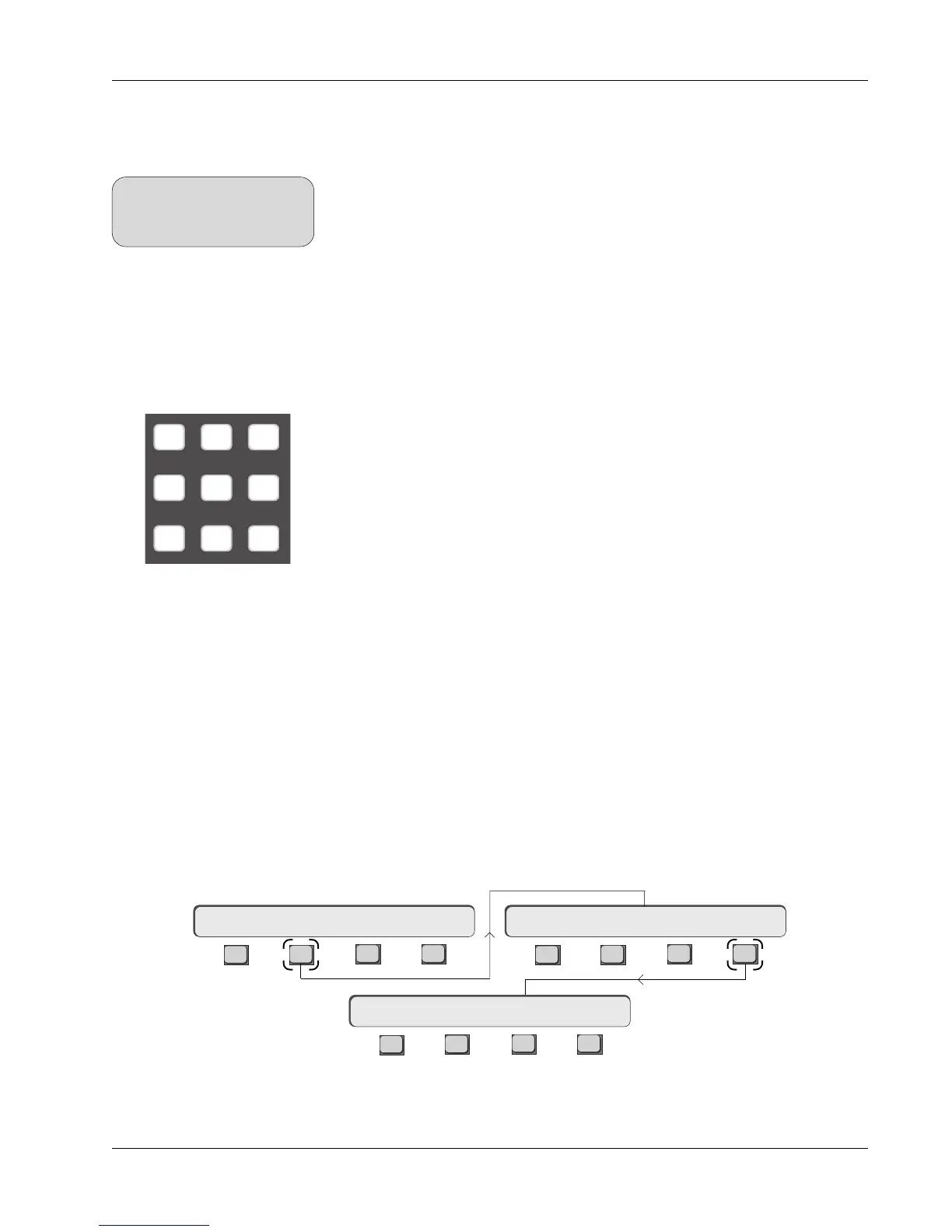
To set the Out3/MT routing, press the channel attention key at the top of the
channel, [F2] (OUTs) and then [F4] (OUT3):
Metering Presets
MT Bus to Out3
F3F1 F2 F4
F3F1 F2 F4
F3F1 F2 F4
16CH-> OUT1 OUT2 OUT316CH-> OUTs METER Route
16CH->OUT3 ?
789
456
123
SIDE NOTE:
Any combination of sources you
cannot monitor directly can be
monitored using the Combiner.



 To Next Page