Section 11: Miscellaneous
Euphonix CS3000/2000 MixView 3.0 Software Supplement 11 - 73
I
n order to make it easier to locate to a specific place within your program,
v3.0 adds a new SmartDisplay Locate menu.
The Locate menu is accessed by pressing the DSC Transport Control [Loc] key.
When first pressed, the Cue List is no longer automatically displayed on the
DSC screen. Instead the SmartDisplay menu allows the user to enter a time-
code position or a Cue Number:
F3F1 F2 F4
To locate to a specific timecode address, type in the numbers using the DSC
Numeric keypad. Type in the TC address in hrs:mins:secs.frames as the
address field is filled from right to left. If you make a mistake, you can use the
[Del] key as a backspace key. It is not necessary to type leading zeros and it is
no longer necessary to use the *ST key to enter frames. As an exercise, type
in 7 minutes, 35 seconds and 20 frames:
F3F1 F2 F4
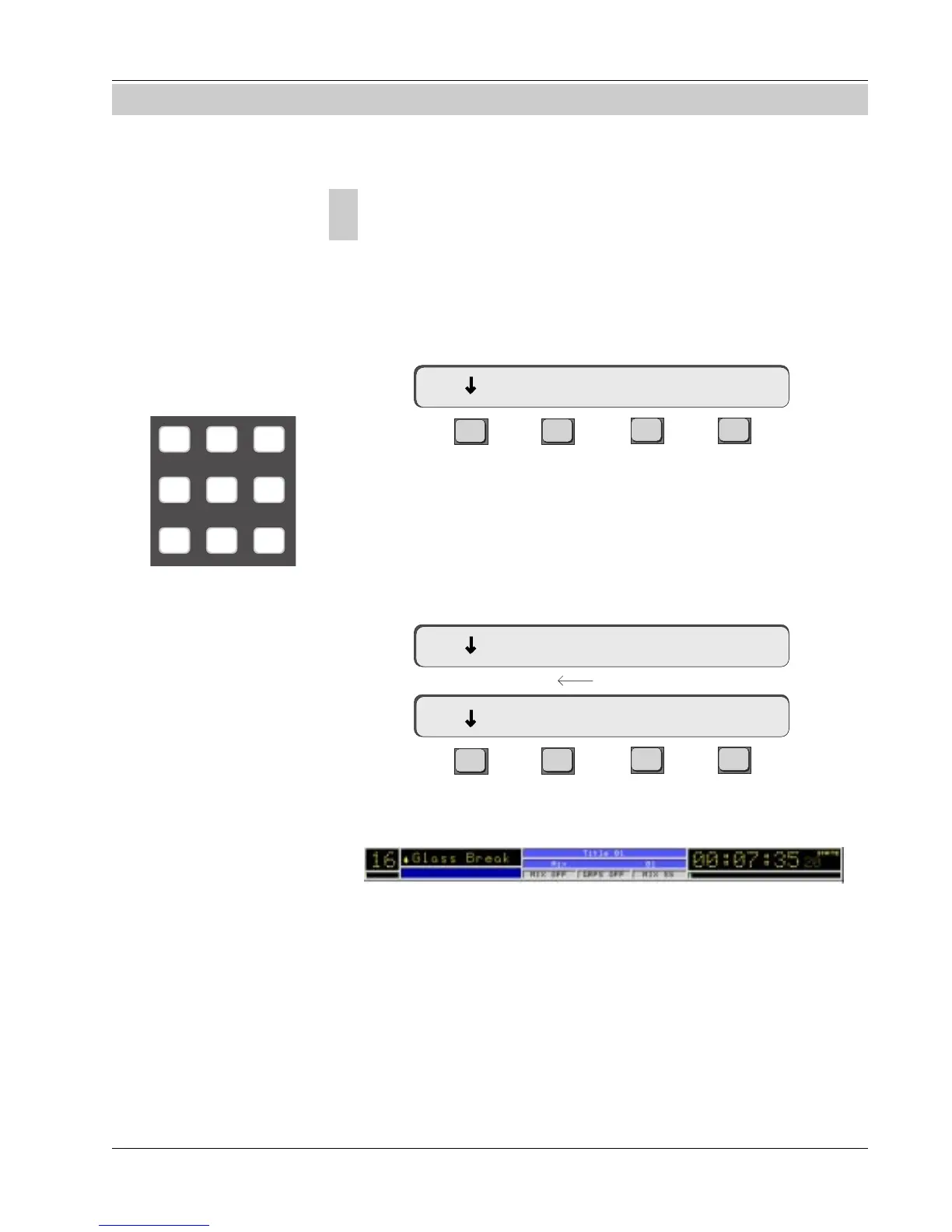
Press [Enter] to locate to the new address:
SECTION 11 : MISCELLANEOUS
00:00:07.35 Mark Cue
00:07:35.20 Mark Cue
TC address field fills from right to left
00:00:00.00 Mark Cue
789
456
123
Locate Menu
System
Locate Menu
Overview
Once a position has been located using the Enter key, the timecode position is
remembered so that pressing the [Loc] key twice at any time locates to the
last recalled position.



 To Next Page