Section 7: Channel Function Enhancements
7 - 56 Euphonix CS3000/2000 MixView 3.0 Software Supplement
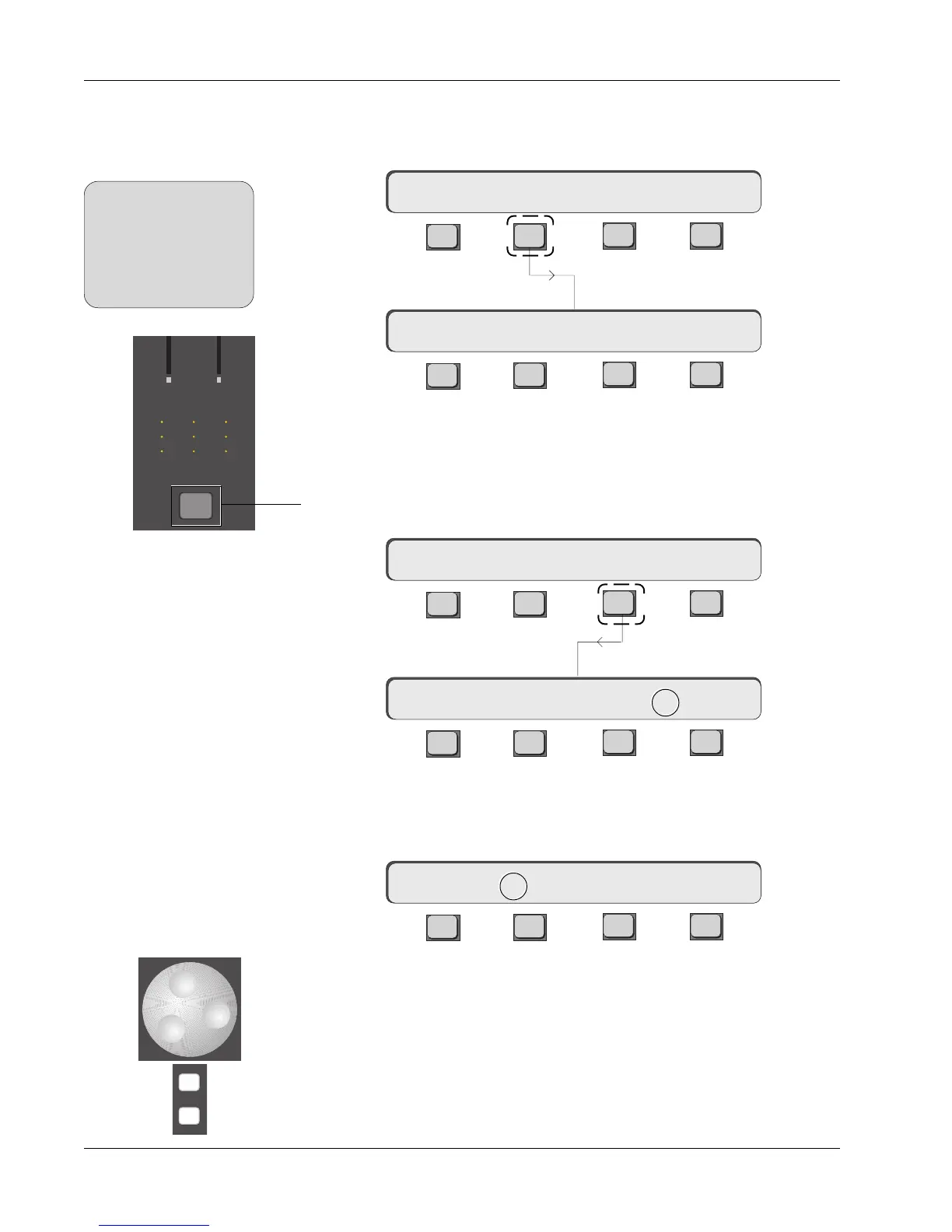
You can set the meter modes globally for all channel I/O meters or for indi-
vidual channels. To set the meter mode globally, press the DSC [Mtrs] key,
then [F2] (I/O):
F3F1 F2 F4
F3F1 F2 F4
The two asterisks preceding the channel designator indicate that we are
affecting all I/O meters simultaneously. Pressing the [*ST] key from the Meter
Config menu switches you into individual meter config mode. There is another
way to set meter modes for individual channels. Press a channel’s attention
key located just under the I/O channel’s meter array, then press [F3] (METER):
F3F1 F2 F4
F3F1 F2 F4
Starting with unconfigured meters, attention is initially directed to the right
channel meter as indicated by the arrow between Aud and OFF. Press [F2] to
direct attention to the left meter:
F3F1 F2 F4
Pressing [F2] again toggles the meter mode between Aud (Audio signal) and
Lvl (DCA level).
This new menu structure allows each meter’s source to be assigned using the
SpinKnob or [+]/[-] keys.
Meter Modes
1CH->Aud->OFF Aud:OFF
**CH->Aud:OFF Aud->OFF
Mode I/O Master
1CH-> OUTs METER Route
-
DIR
+
Bus
Meter Config Menu
Global Meter Menu
1CH->Aud:OFF Aud->OFF
33
M
L
L
M
L
L
M
L
L
33
48
60
Out 1 Out 2 Out 3
48
60
1 2
1 2
3 4
1 2
1 2
3 4
1 2
1 2
3 4
U L
B
F
SIDE NOTE:
Assigning meter modes
globally by using the DSC
Mtrs key, always
overrides and changes
any individual channel
meter assignments.



 To Next Page