Section 10: MX464
Euphonix CS3000/2000 MixView 3.0 Software Supplement 10 - 69
Master Section
External Input
Selection
1
2
3
4
5
6
7
8
9
10
11
12
13
14
15
16
Faders
Mon
Select
Snap
Shot
Preset Macro
Pg 1 Pg 2 Pg 3 Pg 4
Store
Mon
Cnfg
Studio
Faders
Pg 1 Pg 2 Pg 3 Pg 4
Store
Mon
Select
Snap
Shot
Preset Macro
Mon
Cnfg
Studio
Page 1
S01-> Ext1
Mon 1–4 i
Mon A
∑
Mon B
Mon C
Mi A
∑
B C
INCR ( )
Line 1
S02-> Ext2
??->Mon1
??->Mon2
01->Mon3
02->Mon4
Mi A B C
DECR ( )
External Linking parameters
I
n previous versions of software, it was necessary to manually set the
Master Control Ext input selections once all assignments had been made
in the DSC Assignable keys display . MixV iew v3.0 now automatically sets
these monitor input sources depending on the options selected in the Mon
Cnfg/Pg 4 Assignable keys display .
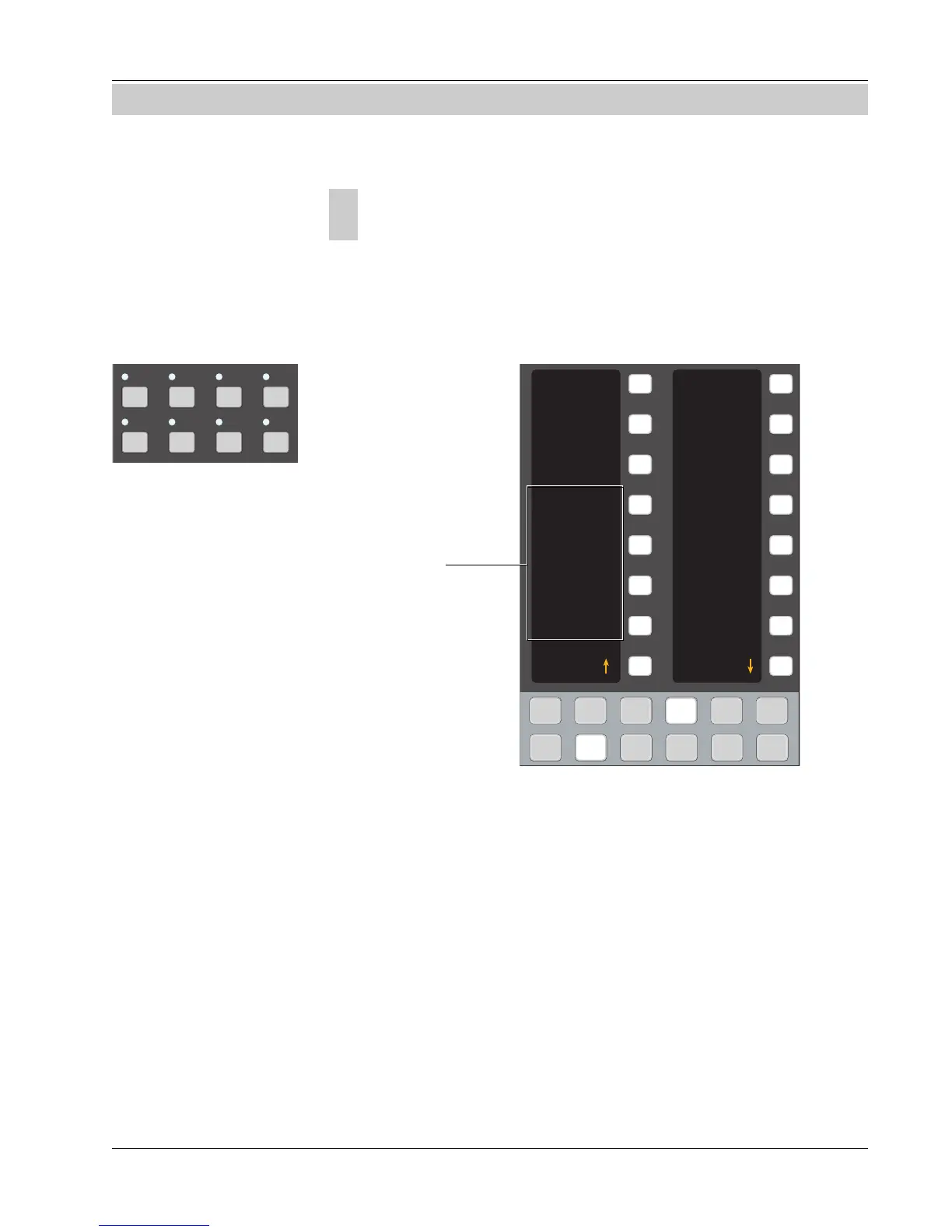
Press the DSC [ Mon Cnfg] key followed by the [ Pg 4] key:
The External Linking feature is set using one of four action parameters:
1 . (blank)
2. i (intercancel)
3. ∑ (sum)
4. k (kill)
These modes can be applied independently to Mon A, B and C. For reference,
MX464 Mon Bus 1 & 2 are routed to Ext 1 (Mon A) and Mon Bus 3 & 4 are
routed to Ext 2 (Mon A).
The default designation of “blank” (no parameter visible) requires all Mon
External input selections to be set manually and corresponds to operation of
the console for softwar e versions prior to v3.0. T o engage Exter nal Linking for
a given Monitor bus, press the Assignable key to the right of the desired
monitor to select the desired option.
SECTION 10 : MX464
A1•2 A3•4 A5•6 A7•8
Ext 1 Ext 2 ST1 ST2
Master Module Monitor
Source Select keys



 To Next Page