Section 11: Miscellaneous
11 - 74 Euphonix CS3000/2000 MixView 3.0 Software Supplement
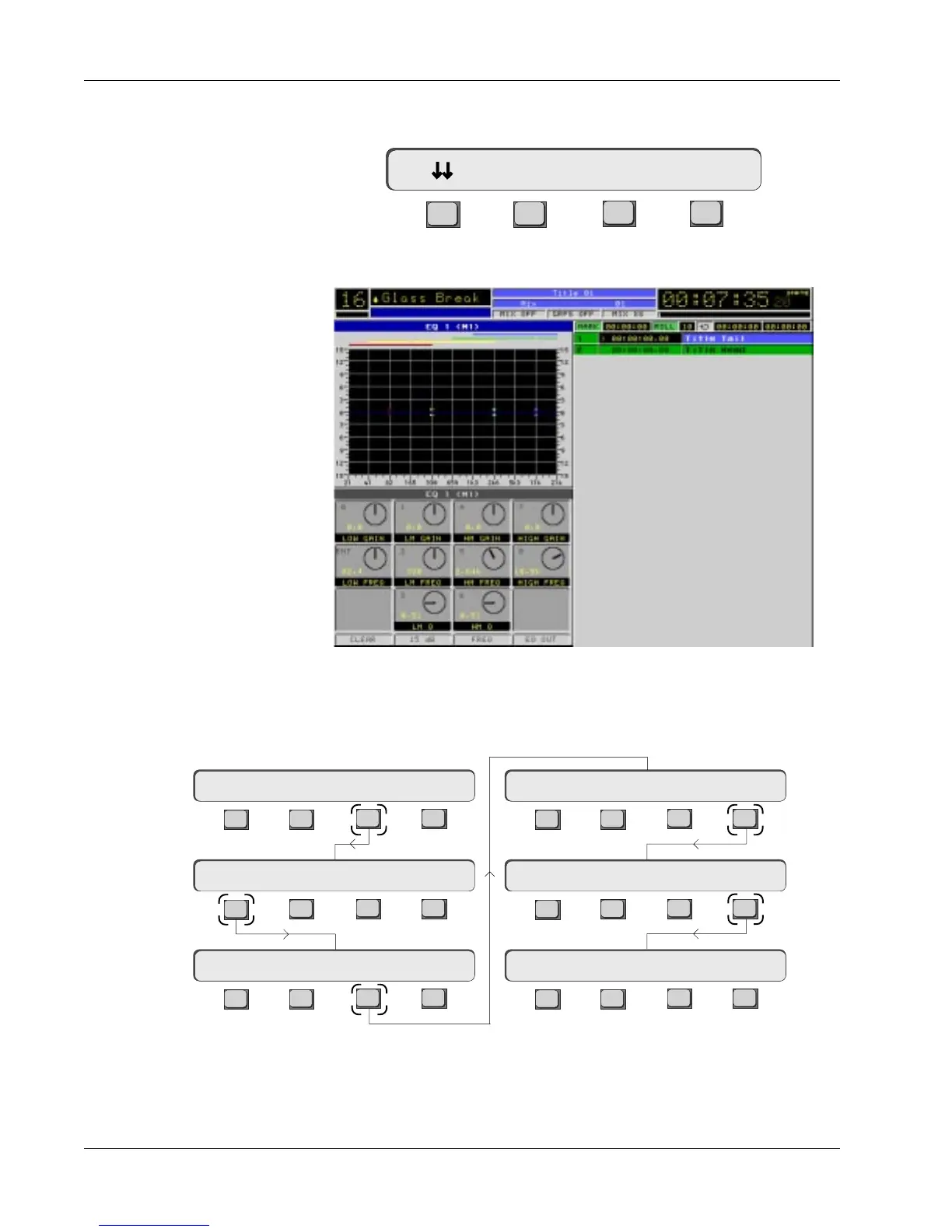
The Cue List menu has been moved down one level in the SmartDisplay and
can be reached by pressing [F1] (down arrows) from the Locate menu:
F3F1 F2 F4
The Cue List screen itself does not appear until the Cue List menu is displayed:
Cue List menu
Cue List and Menu
Cycle Head Edit
The Cue List includes the Title Head and Tail for reference. The Title Head and
Tail are shown in the Pass Control screen cue window as well. These points
are still entered from the Title Setup menu:
F3F1 F2 F4
F3F1 F2 F4
F3F1 F2 F4
F3F1 F2 F4
F3F1 F2 F4
F3F1 F2 F4
Setup Snap System Grps
File F-Link GPI MIDI
Disk Project Title Mix
ReNm? Del? Copy? Setup
New? Load? Save? Utils
T/C Display hh:mm:ss



 To Next Page