Section 7: Channel Function Enhancements
7 - 54 Euphonix CS3000/2000 MixView 3.0 Software Supplement
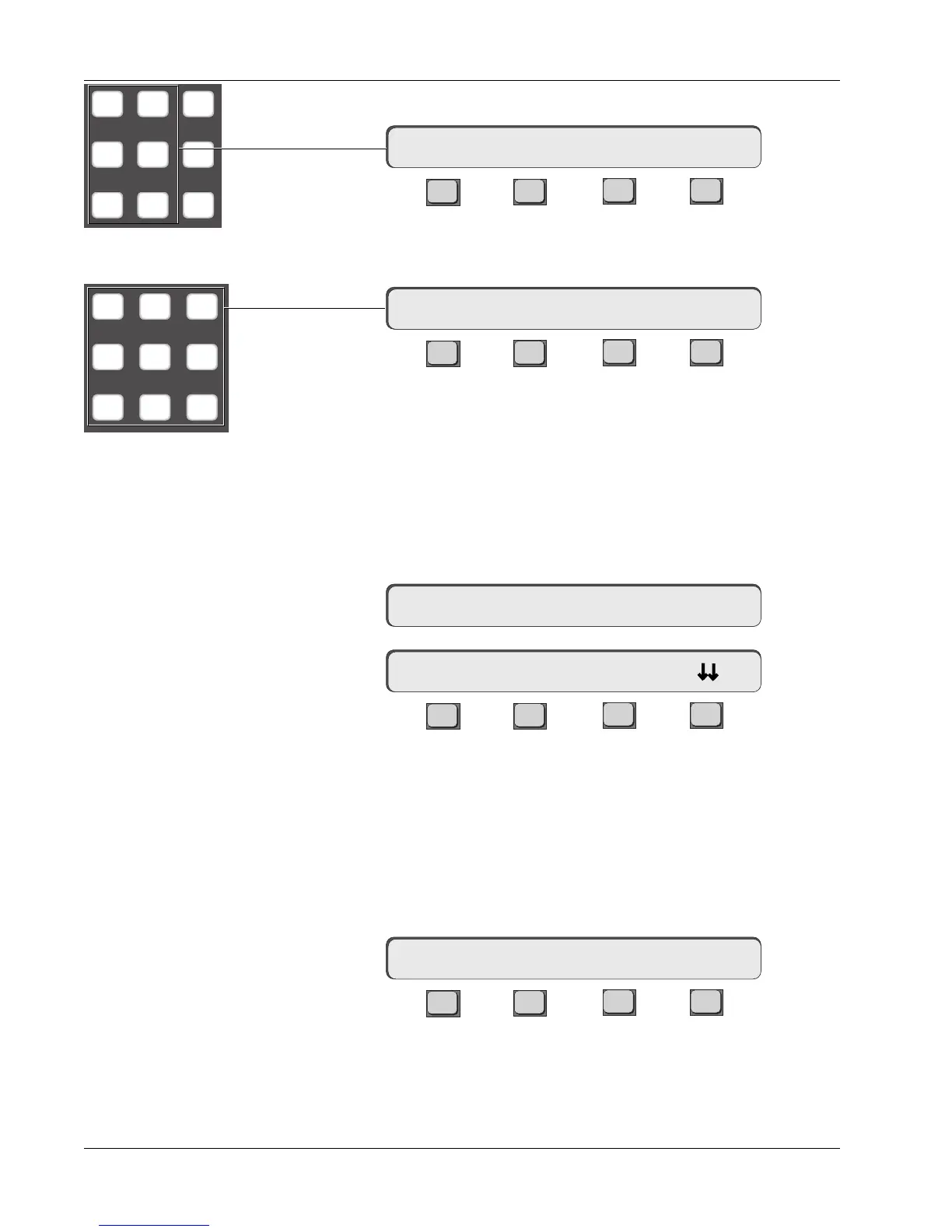
Press the DSC [L3] & [L4] key to directly assign the aux source routing:
F3F1 F2 F4
Press the DSC keypad [1] & [2] keys to directly assign the aux send to aux bus
1 & 2:
F3F1 F2 F4
As with the mono in/stereo out modes, the aux A (C) pot becomes the pan
control and the aux B (D) pot becomes the level control. The aux send is now
ready for use.
Whenever a stereo-in mode has been selected, an asterisk appears in the
SmartDisplay menu to remind you that stereo mode has been selected. To
verify this, press the [Esc] key to backup to the Aux Config menu and/or press
the aux send A block attention key to view the Aux Status menu:
F3F1 F2 F4
This concludes Exercise 4.
There are some additional stereo-in variations which bear mentioning at this
time. Press [F3] to select Stereo Center Locked mode and lock the balance
(pan) control signal at the center:
F3F1 F2 F4
M1 M2 DIR
L1 L2 ST1
L3 L4 ST2
789
456
123
16AB-> L3 L4<-p. .
16AB-> * SRC MODE ASGN
Aux Config Menu
Aux Status menu
16AB-> * ON pre
16AB-> Stereo Ctr Ind?
16AB-> BUS 1 2
Stereo Center Locked
mode



 To Next Page