Section 10: MX464
10 - 70 Euphonix CS3000/2000 MixView 3.0 Software Supplement
Be aware that changing the
init state, active state or pulse
width timing of a relay or
speaker mute always resets
the relay/speaker mute
parameters back to their
initialized states.
SIDE NOTE:
To sum Ext 1 with all other Master Monitor settings, set the Mon A, B or C
parameter to “ ∑”.
To add Ext 1 and cancel all cur rent Master Monitor settings, set the Mon A, B
or C parameter to “i”.
To shut of f all Master Monitor settings, set the Mon A, B or C parameter to
“k”.
Selected parameters appear to the right of the alpha
display . Pressing the [ M A B C] key toggles between the
standard MX464 monitor displays while continuing to
show the assignments in the alpha display .
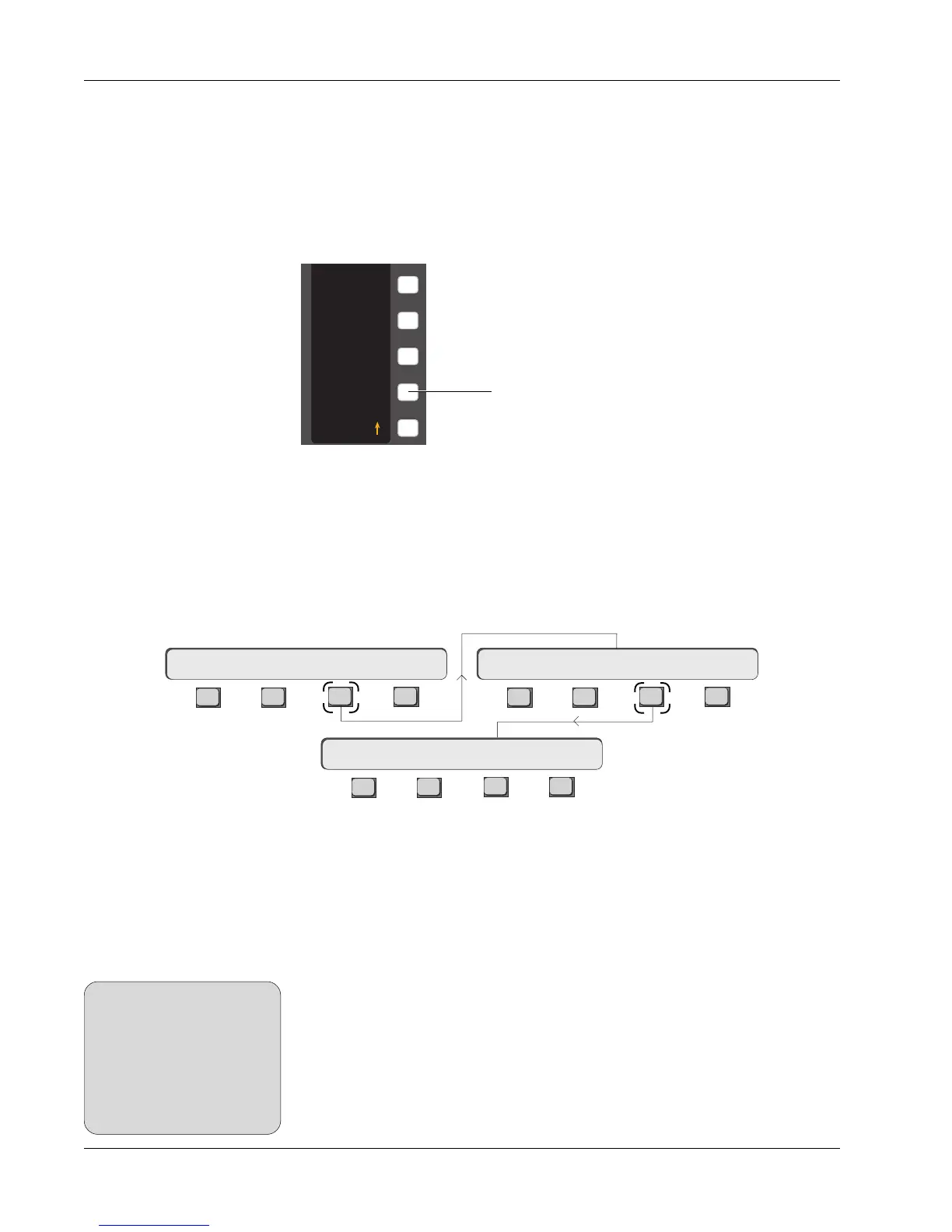
GPI control has been enhanced in v3.0 software through the addition of the
pulsed GPI control parameters. Each GPI relay can be set for pulsed (momen-
tary) operation. Additionally , this behavior can be set to operate in either or
both fader movement directions and for selectable timing intervals (pulse
width) from 20mS - 2.54s. From the top level SmartDisplay menu, press [ F3]
twice to display the GPI menu and screen:
Pulsed GPI
Switching
System-wide GPI
Relay and Speaker
mutes
F3F1 F2 F4
F3F1 F2 F4
F3F1 F2 F4
Setup Snap System Grps File F-Link GPI MIDI
R1 OPEN — — CLSD
MX464 GPI relays and speaker mutes are now configured ‘system-wide’ and
only the assignment to faders is title-specific. The initialize (reset) state,
action state and pulse width timing of a relay or speaker mute do not change
when a title is loaded or saved.
This system-wide data is stor ed in the DSC’ s batter y-backed RAM and is not
dependent on the PC. Once set, these settings should never need attention
unless the lithium cell fails or the DSC module is replaced.
4
5
6
7
8
Mon A
∑
Mon B
Mon C
Mi A
∑
B C
INCR ( )
Toggles the Monitor
Assignable key display



 To Next Page