Section 10: MX464
Euphonix CS3000/2000 MixView 3.0 Software Supplement 10 - 71
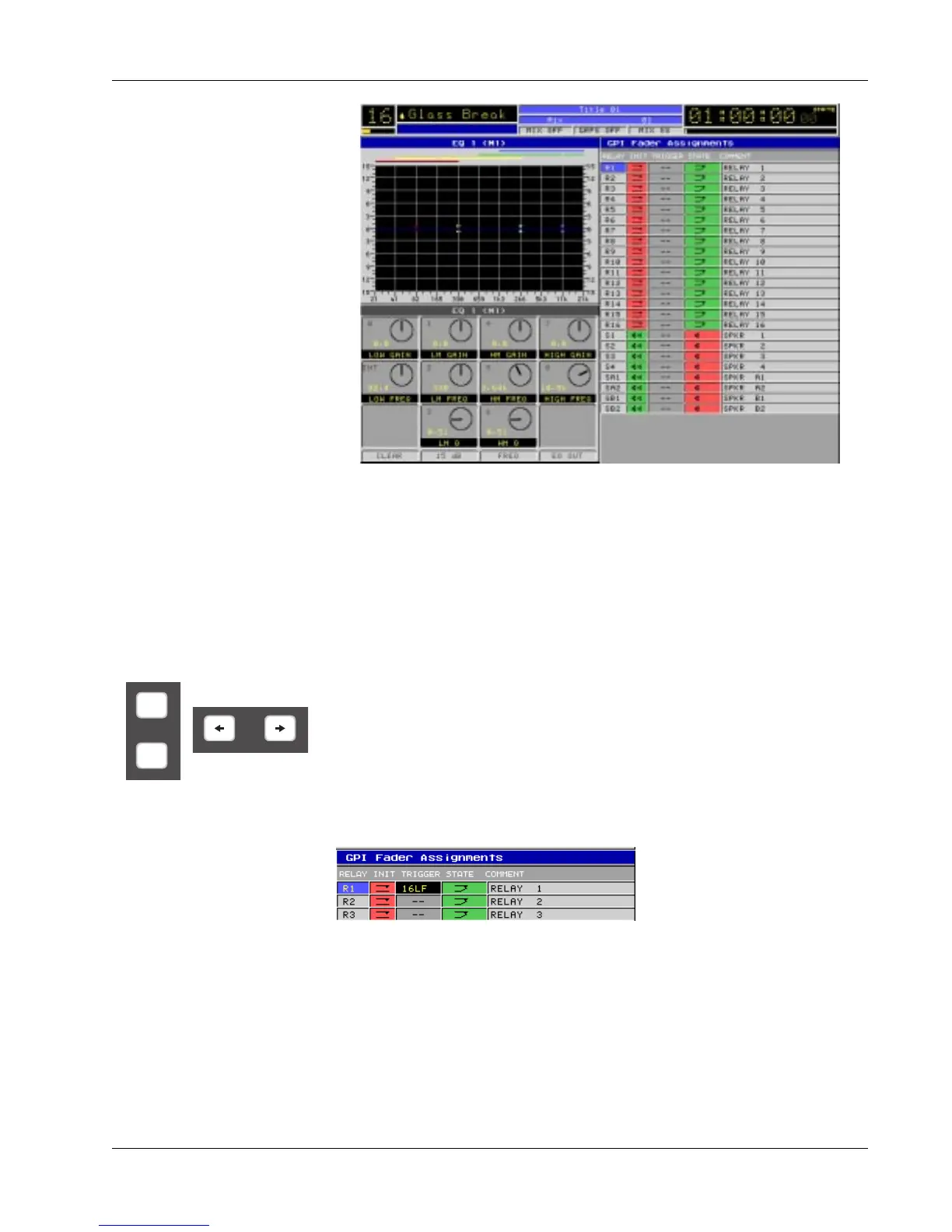
Column names and their functions are as follows:
• RELAY: The r elay number being addr essed.
• INIT: The state to which a r elay is set when initialized or r eset.
• TRIGGER: The fader object contr olling the r elay.
• STATE: The “active” position of the r elay when trigger ed by the upwar d
movement of the fader object.
• COMMENT: The name of the r elay assigned by either the console or the
user.
The DSC [ +]/[-] keys are used to move vertically within columns to
select/addr ess any GPI r elay. The DSC [ left arrow] and [ right arrow] keys
move the selection horizontally from column to column.
To assign a fader object to a r elay, select the r elay and pr ess a fader object's
attention key:
The selected fader object appears in the TRIGGER field. T o clear any fader
object designation, pr ess [ Clr] and then [ F3] (Yes).
As you may have noticed, it is not necessary to first select the TRIGGER field
in or der to assign the fader object. The INIT and ST ATE fields operate in a
similar manner when pressing F2 and F3.
As with MIDI and Fader -Linking scr eens, the [ Enter] key duplicates the
currently selected GPI object allowing it to be controlled from multiple faders.
*
ST
-
DIR



 To Next Page