Section 9: Fader Links
9 - 68 Euphonix CS3000/2000 MixView 3.0 Software Supplement
The DSC [left arrow] and [right arrow] keys are used to navigate horizontally
from column to column. Column values can be changed or entered using the
SpinKnob, [+]/[-] keys or directly with the DSC Numeric keys.
Pressing [F3] and [F4] sequences the controller assignments. Press the [right
arrow] key once to select the Controller Chan column:
F3F1 F2 F4
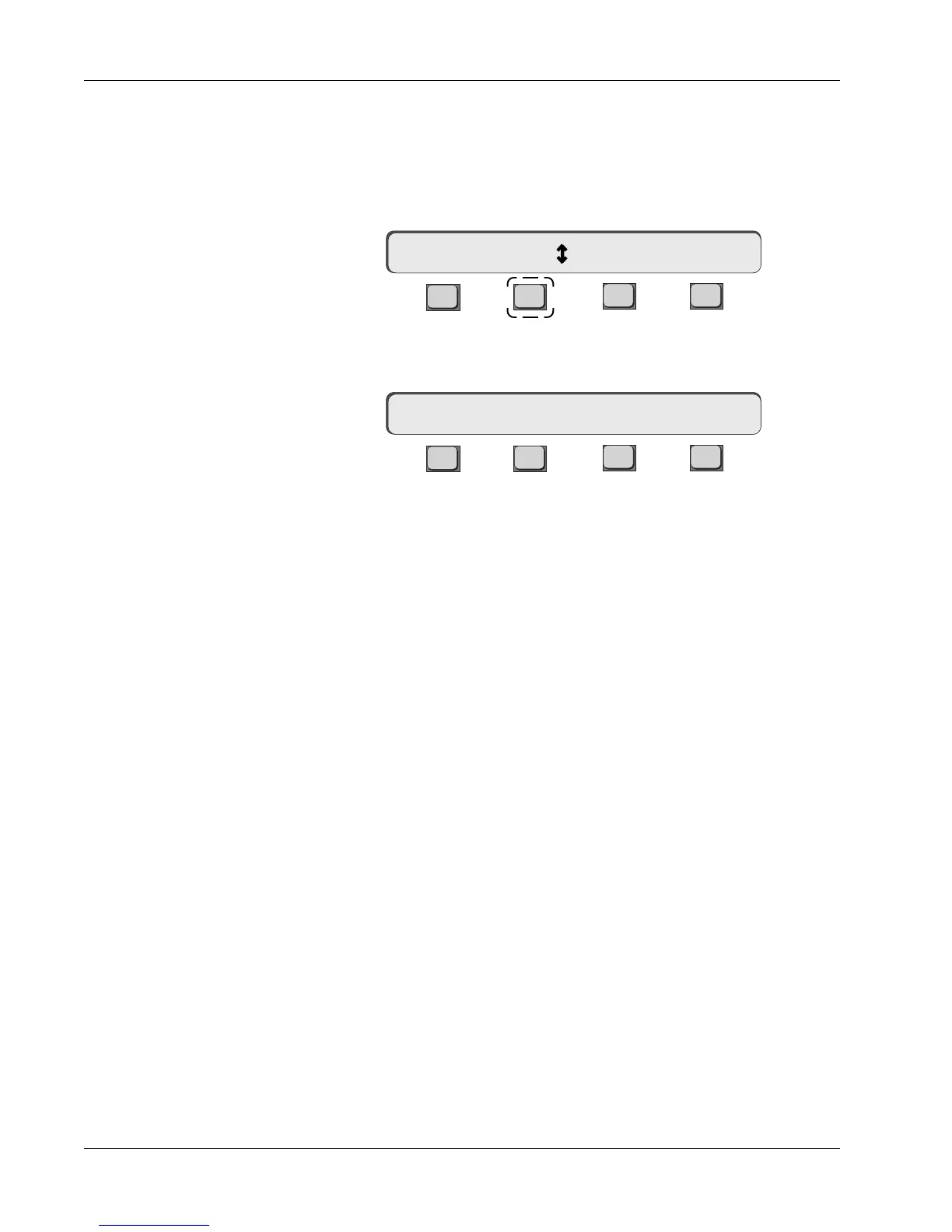
The double-ended arrow in the SmartDisplay means that the SpinKnob can be
used to change the Chan value. Pressing [F2] changes the arrow to a colon:
F3F1 F2 F4
The SpinKnob can now be used to navigate vertically within a Fader-linking
Assignment screen column.
The [Enter] key can also be used to duplicate any selected controller object
allowing you to set up multiple links to multiple console objects.
Cnsl Chan 1
Cnsl Chan : 1



 To Next Page