C User Interface Software – “PC or Amphibian” Menu
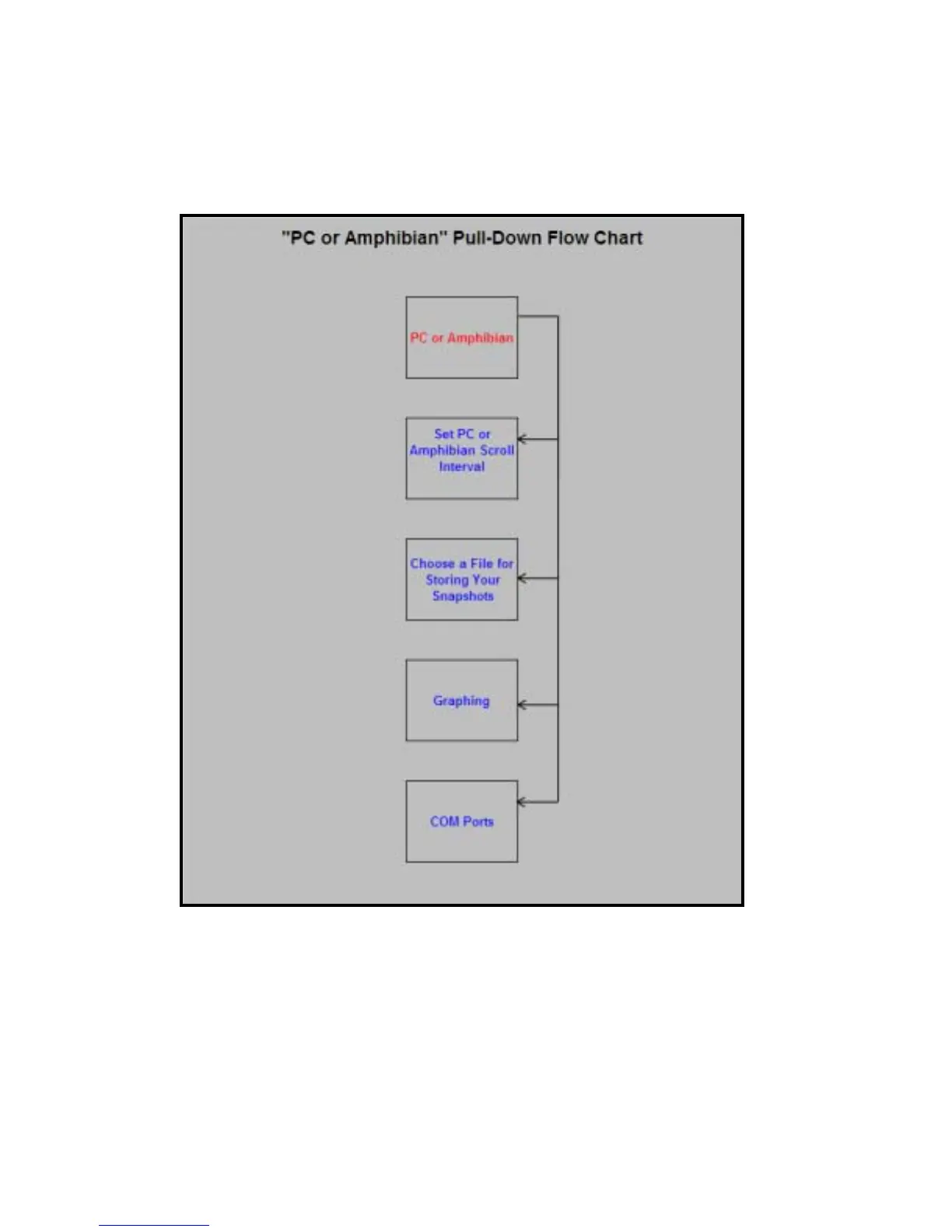
C1 “PC or Amphibian” Flow Chart
When you click on the “PC or Amphibian” menu, you can click on your choice of:
C2 Set PC or Amphibian Scroll Interval
Click on “PC or Amphibian Scroll Interval” if you wish to change the time for which lines of data on
your screen are updated. You can click on a specific scroll interval, or write in your own:
13



 To Next Page