The 3.5- and 4-inch Manta 2’s use the optional Manta 2 Internal Battery Pack (IBP): a watertight (to 200 meters)
housing with a cassette for six “C” batteries, on/off switch for the logging function, and a data port. The data port lets
you connect your MBP-equipped Manta to a PC for dumping logged data, or for calibrating the Manta sensors.
The Manta 2 has been specifically designed with a clear housing to allow for visual inspection of the
electronics as well as to insure the batteries are correctly installed. Also, the IBP has a simple on/off
switch so that you don’t have to type endless strings of digits into a computer in hopes that the
logger will somehow start logging when you get to the field.
One you have activated the Manta 2 logging (by clicking on the logging button on the Manta 2 Control Software’s main
page) all you have to do to start logging is turn the battery pack on:
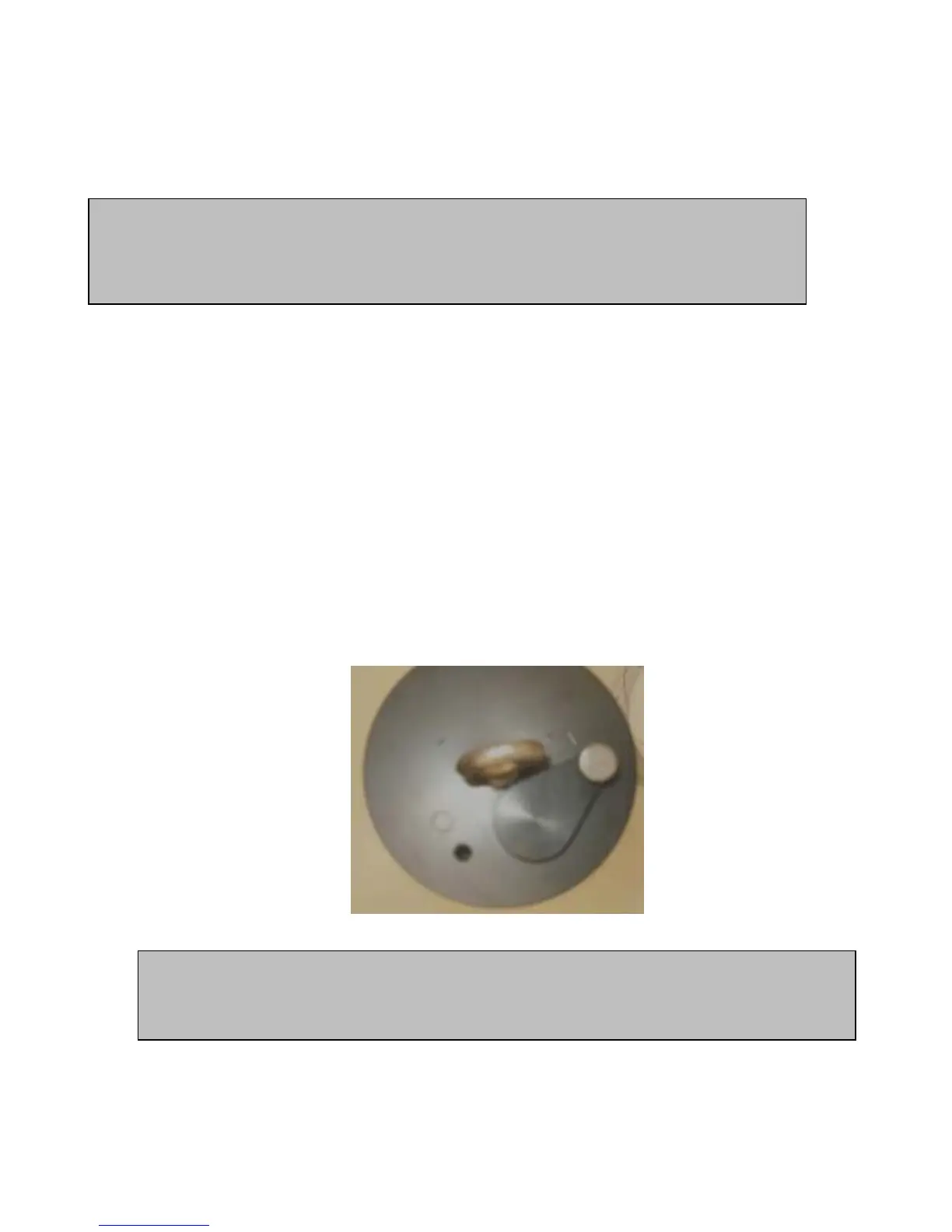
1) Remove the two thumb screws that hold the battery switch in place (it’s the half-circle plate that also holds the
cable in place (some models have an on/off switch; see picture below).
2) Turn the battery switch over to the side that says “ON” and put it back into place – that turns the IBP on.
3) Put the thumb screws back in place (finger-tight is sufficient).
4) When you turn the IBP on, make sure that the amber LED blinks every five seconds (on most models) – it’s
your assurance that the IBP has sufficient voltage to power the logging function.
5) Also when you turn the IBP on, make sure the red LED blinks every 2 seconds for 10 seconds upon each power
up (on most models) – it’s your assurance that Manta 2 logging is enabled.
Your Manta 2 is now logging, and will continue logging until you turn the battery switch to its “OFF” side (or turn the
battery switch to the “I” side) , or your batteries are depleted.
Those with other brand instruments have also likely been disappointed by logging runs that quit too
early – for instance, if a storm event or broken truck has prevented scheduled data dumps. The
Manta logger, on the other hand, only stops logging when you rotate the switch from “ON” to “OFF” –
again, no programming is required.
To replace batteries in the Internal Battery pack:
1) Replace all batteries at the same time, and use the same brand of battery.
36



 To Next Page