A6 Connecting the Manta 2 to a PC
You’re not going to believe how easy it is to communicate with your Manta 2 and make it jump
through all its hoops:
1) Put the CD with the fish logo in your PC’s CD tray. The Manta 2’s operating software will
automatically load on your PC in a few minutes, and you will see a new fish icon called Manta
2 Control Software on your PC desktop.
2) Plug the Manta 2’s USB adapter into any USB port on your PC.
3) Connect the cable between the Manta 2 and the USB adapter.
4) Click on your desktop’s fish icon.
5) Marvel at how quickly the Manta 2 software boots, automatically finds the correct PC
communication port, and starts reeling off data from your Manta 2.
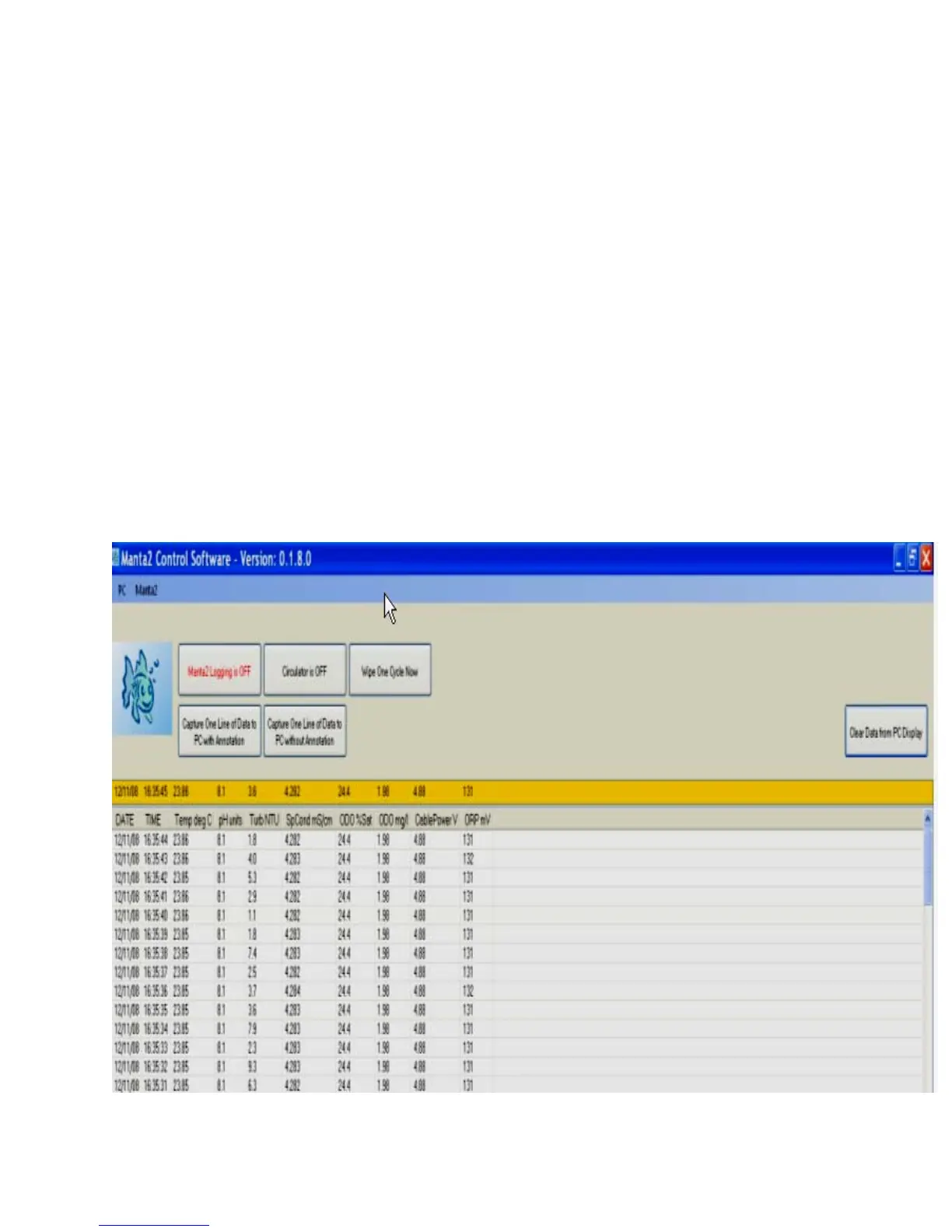
The first screen you see - the one with the rolling, real-time data - is called the Main Screen, which
you can read more about in Section B.
9



 To Next Page