C4 Choose a File for Storing Your Snapshots
Click on “Choose a File for Storing Your Snapshots” if you wish to change the file in which your
chosen lines of data (“snapshots”) are filed. This calls up the standard “Save As” function of your
PC’s Windows operating system. Follow the instructions just as if you were saving a new Excel
document.
C5 Graphing
Click on graphing to see your M2 data in graphical form.
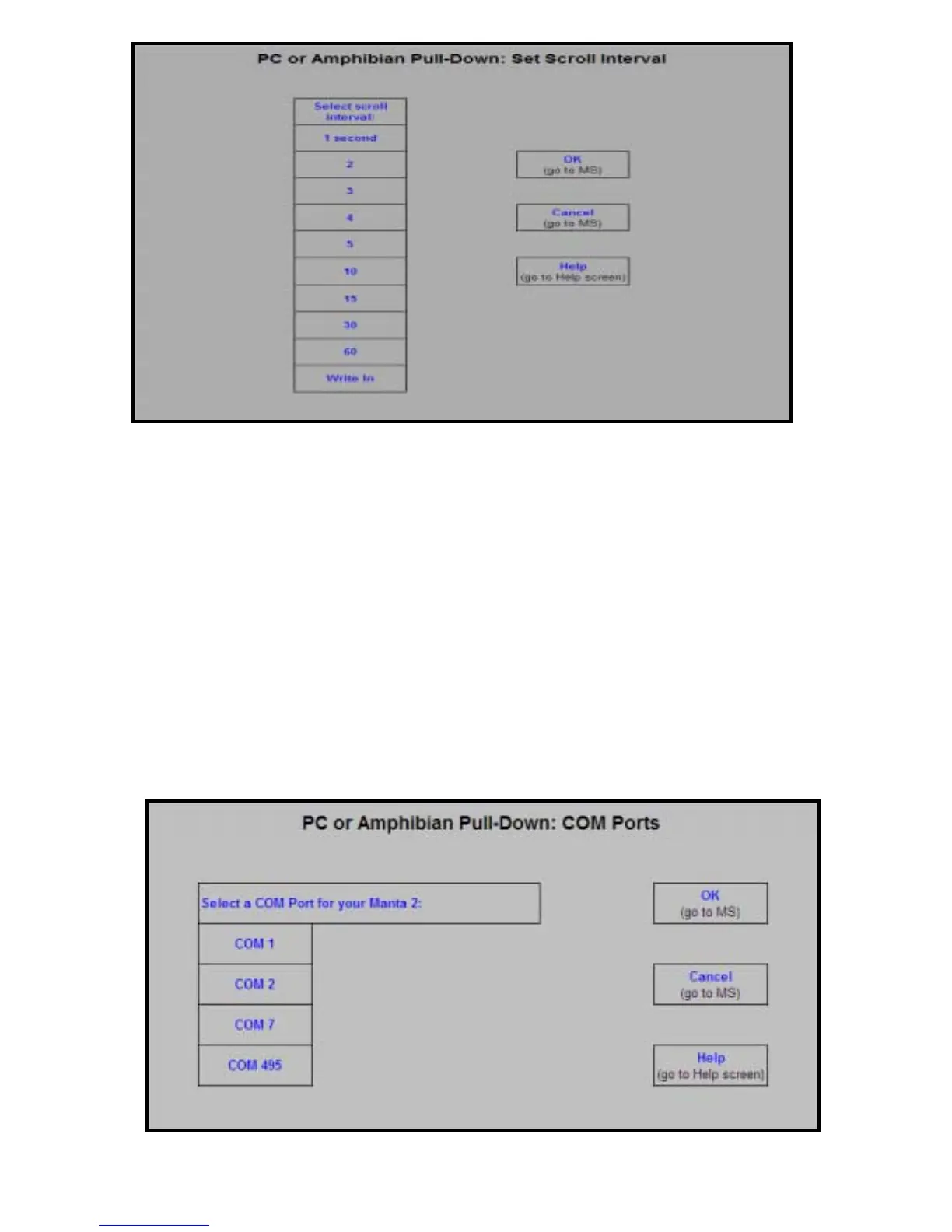
C6 COM Ports
Click on “COM Ports” if you wish to change the USB port that your Manta 2 Control Software uses to
talk to your Manta 2. Because the Manta 2 Control Software searches all active USB ports until it
finds a Manta 2 to talk to, you may wish to tell the Manta 2 Control Software to look at another port if
you have more than one Manta 2 connected to your PC at one time. This might be valuable if you
are calibrating several Manta 2’s at the same time, or are using your PC to monitor several Manta 2’s
at the same time (for instance in a fish hatchery with multiple tanks).
14


 To Next Page