PROTEUS user manual
Issue C
42
LEDs
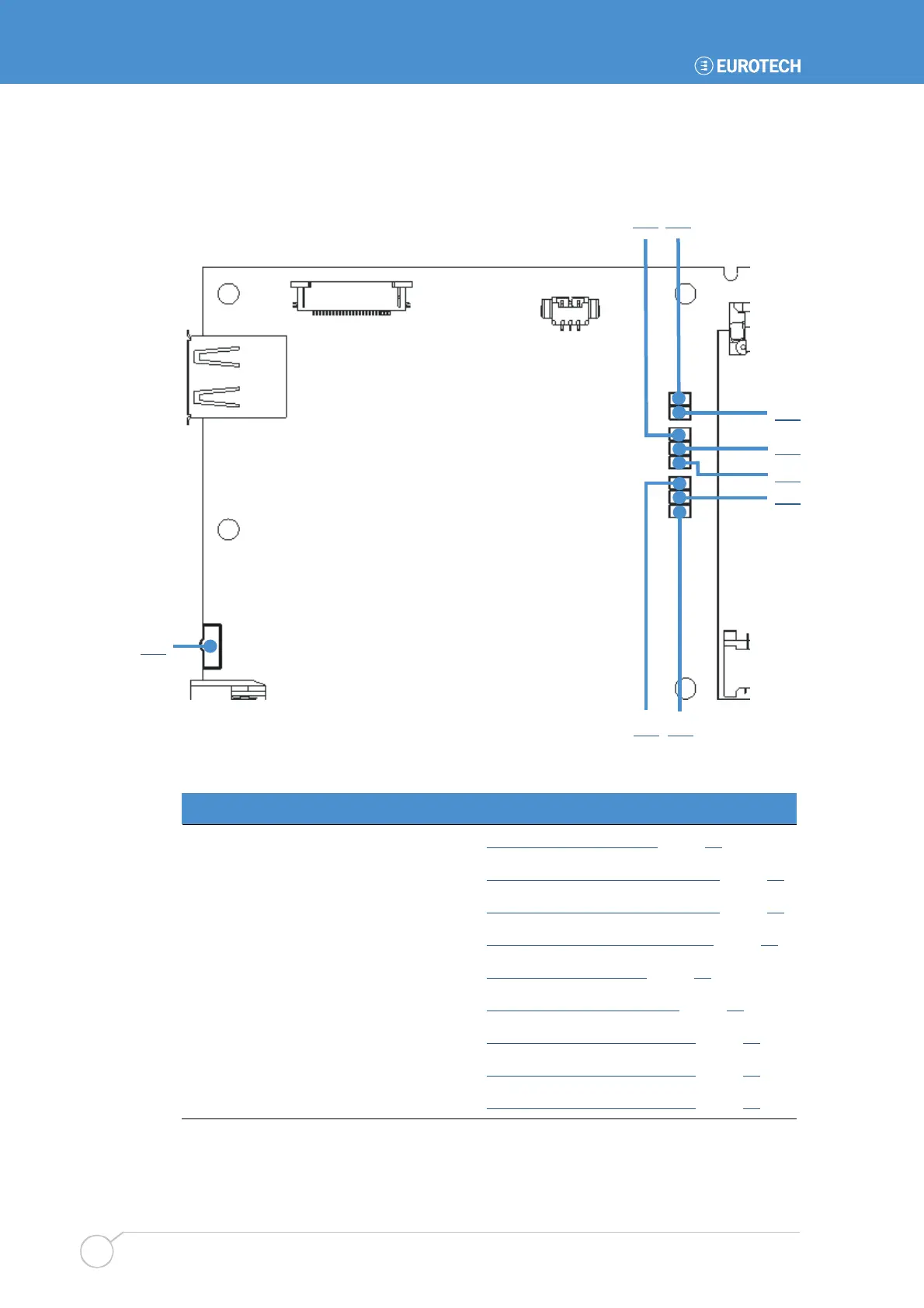
The following diagram shows the location of the LEDs on the PROTEUS.
D81 D36
D19 D18
The PROTEUS has the following connectors LEDs:
LED Function LED details in section
D80 Power / sleep LED
D80 - Power / sleep LED
, page 65
D36 PCIe Minicard slot 0 activity
D36 - PCIe Minicard slot 0 activity
, page 65
D37 PCIe Minicard slot 1 activity
D37 - PCIe Minicard slot 1 activity
, page 65
D81 Thunderbolt / SATA activity
D81 - Thunderbolt / SATA activity
, page 66
D50 Bluetooth activity
D50 - Bluetooth activity
, page 66
D62 Micro SD card activity
D62 - Micro SD card activity
, page 66
D19 S3 power state indicator
D19 - S3 power state indicator
, page 67
D20 S0 power state indicator
D20 - S0 power state indicator
, page 67
D18 S5 power state indicator
D18 - S5 power state indicator
, page 67
D80
D37
D50
D62
D20



 To Next Page