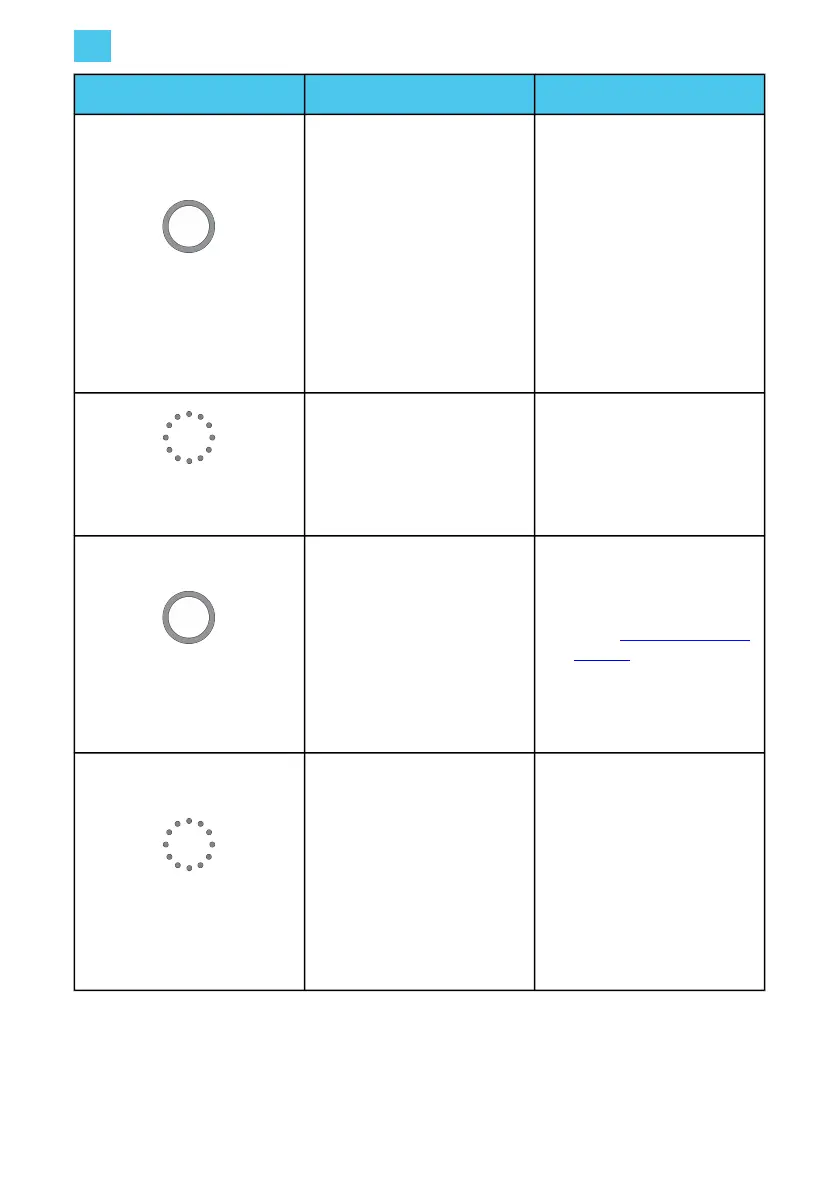
LED ring color What it means What to do
LED ring yellow.
The car is fully charged.
• Stop the charging session
using the payment
method used for activation
(for example, Charging
Point Operator (CPO)
card, or QR code).
• Unplug the charging cable
from the vehicle.
• Retract the charging cable
and place the plug into
the holder.
LED ring flashing yellow.
Charging session is in queue
(applicable for Smart Charging
only).
When power becomes
available, charging will start or
resume and the LED ring will
turn blue.
LED ring red.
An error has occurred.
• Place the plug correctly
back into the holder on
Iqon.
• Check Troubleshooting on
page 39 for a solution. If
you cannot solve the issue,
contact your EVBox
installer or supplier.
LED ring flashing red.
Selected payment method is
not authorized.
• Check the error shown on
the touchscreen.
• Check if the charging
station is connected to a
Charging Management
Platform (CMP).
• Unblock the user.
• Contact the charge card
service operator.
EN
5. Operation instructions
38



 To Next Page