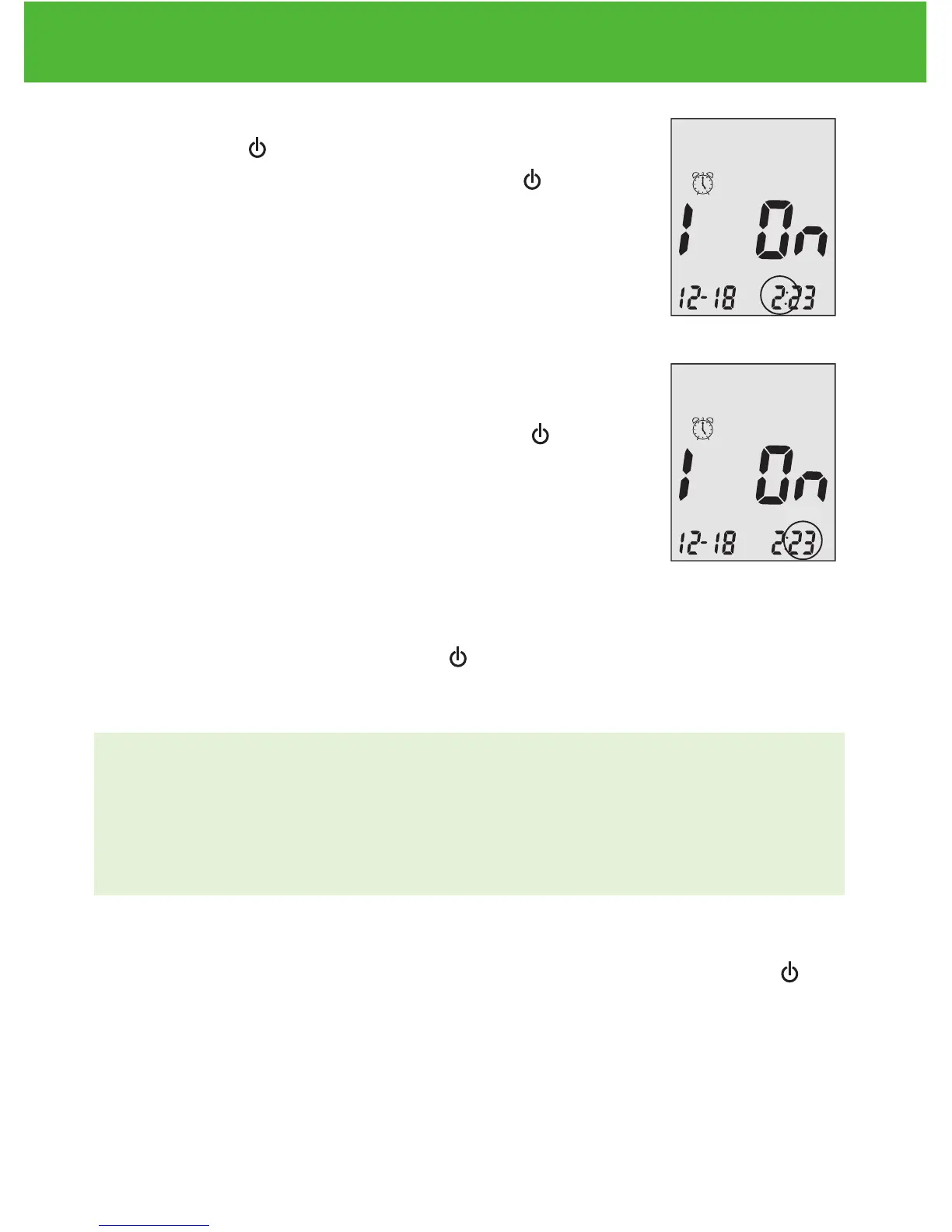
Step 5:
Press Enter ( ) and the hour will flash. Press
▲or▼ to select the hour. Press Enter ( ) to
confirm your choice and advance to set minutes.
Step 6:
The current minutes will flash. Press ▲or▼ to
select the correct minutes. Press Enter ( ) to
confirm your choice and advance to set alarm 2.
Step 7:
Set alarm 2 and 3 following steps 4 through 6. After you have finished
setting up alarm 3, press Enter ( ) to exit alarm setup.
NOTE:
• Alarm will not sound during testing.
• Alarm will follow the time format (12-hour or 24-hour) you choose
when setting up the clock.
• Alarm settings will not be erased when changing batteries.
Begin testing by inserting a EvenCare G2 Blood Glucose Test Strip (see
page 30, Testing Your Blood Glucose), or press and hold Enter ( )
to turn off the meter, or see the next section on how to set up the voice
feature on your meter.
EvenCareG2
Setting Up Your New System
17



 To Next Page