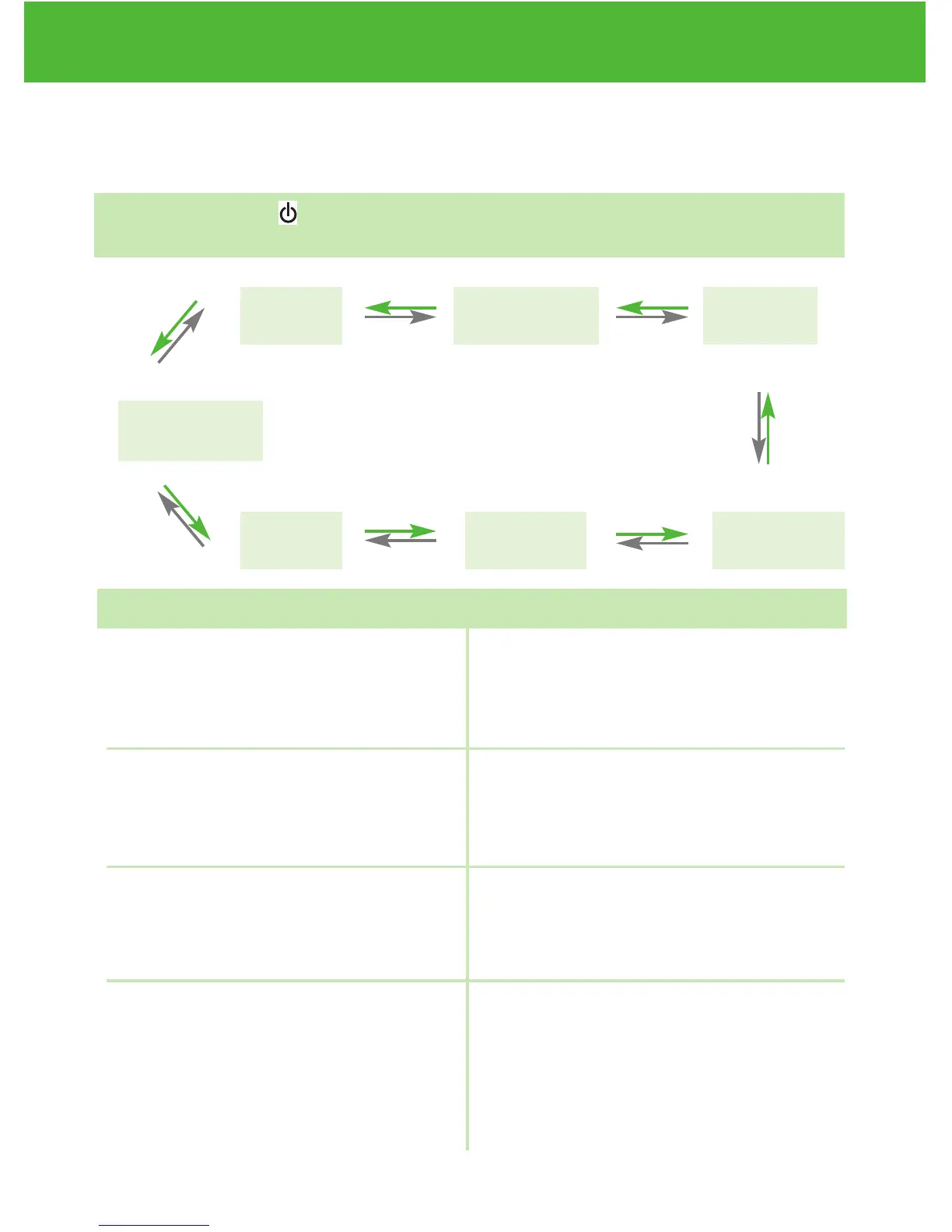
Setting Meter Functions via the Setup Screen
(see page 12, setting up your new system)
WHEN the meter will speak… WHAT the meter will say…
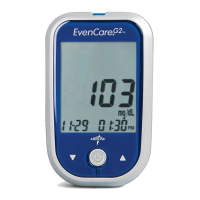
EvenCareG2
Voice Function Table
22
Memory
Recall
PC Link*
* This function is not
available yet.
Language
Selection
Exit Function
Mode
Set Sound
Volume
Set Testing
Alarm
Set Date
and Time
▲
▼
▲
▼
▲
▼
▲
▼
▲
▼
▲
▼
▲
▼
During date and time setup,
setting up the year
During date and time setup,
setting up the month
During date and time setup,
setting up the date
During date and time setup,
setting up the hour
“Set Year”
“Set Month”
“Set Date”
“Set Hour”
Pressing Enter ( ) to enter setup screen (after the meter has been
turned on)


 To Next Page