Solving Problems
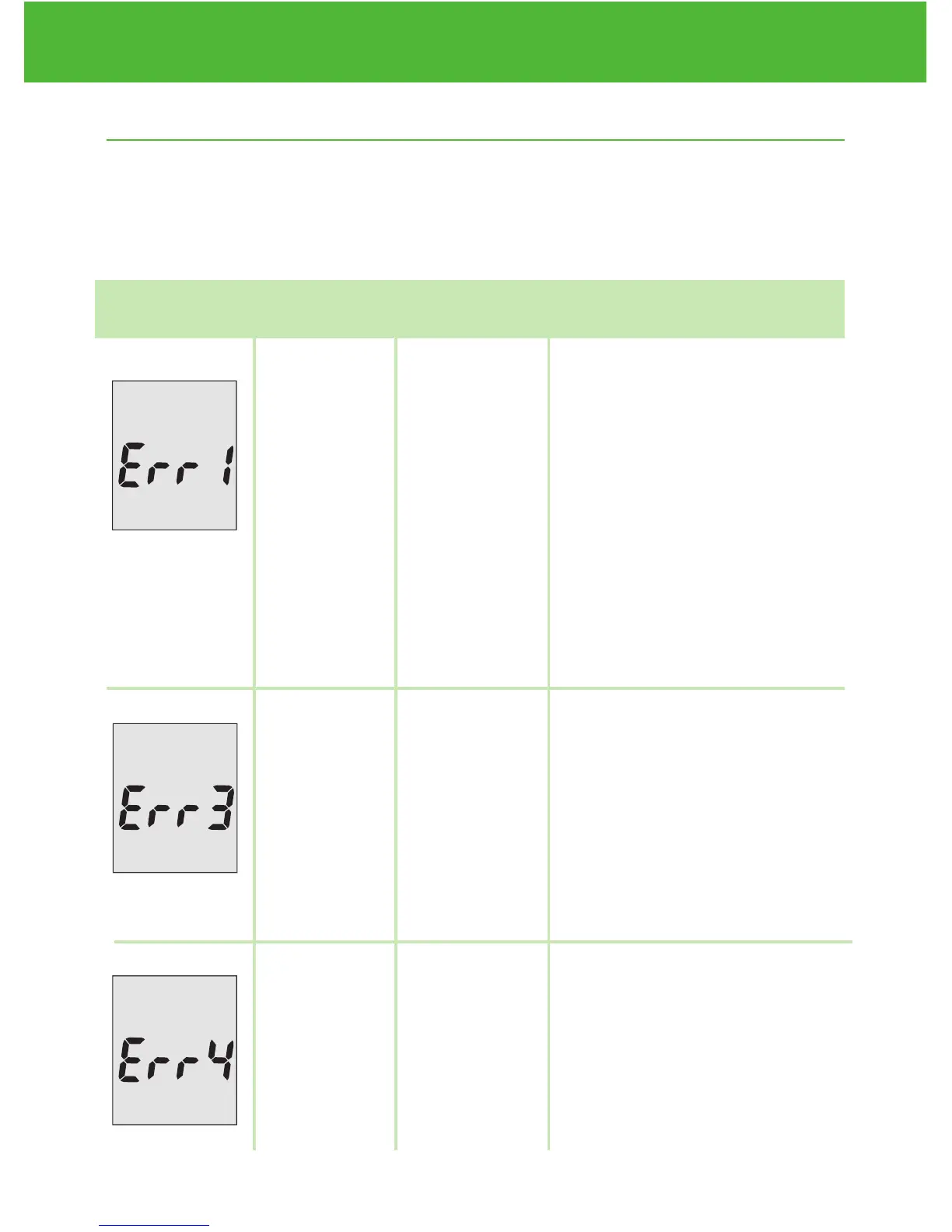
This section details the significant display screen messages and error
codes you will encounter when using your EvenCare G2 meter and
EvenCare G2 test strips.
What What the What it What Should
You See meter says MeansYou Do
EvenCareG2
Table of Contents
46
Solving Problems
“Error 1
Meter
Failure”
“Error 3
used test
strip”
“Error 4
not
enough
sample”
The meter
electronic or
test strip is
damaged
Used or
damaged
test strip
Not enough
sample on
the test strip
to start
• Remove the battery and
turn on the meter again.
• Remove the test strip and
insert a new test strip
again.
• If the problem persists,
please call 1-866-274-2131
Monday through Friday,
8:00 a.m.- 5:00 p.m.(CST).
Contact your Healthcare
Provider at all other times.
• Repeat the test with a new
test strip. Remember to
add sample only when
you see the prompt on the
display screen or the
meter verbally prompts
you to add sample.
• Remove the Test Strip
and repeat the test with
a new test strip. See
Testing Your Blood Glu-
cose on page 30.


 To Next Page