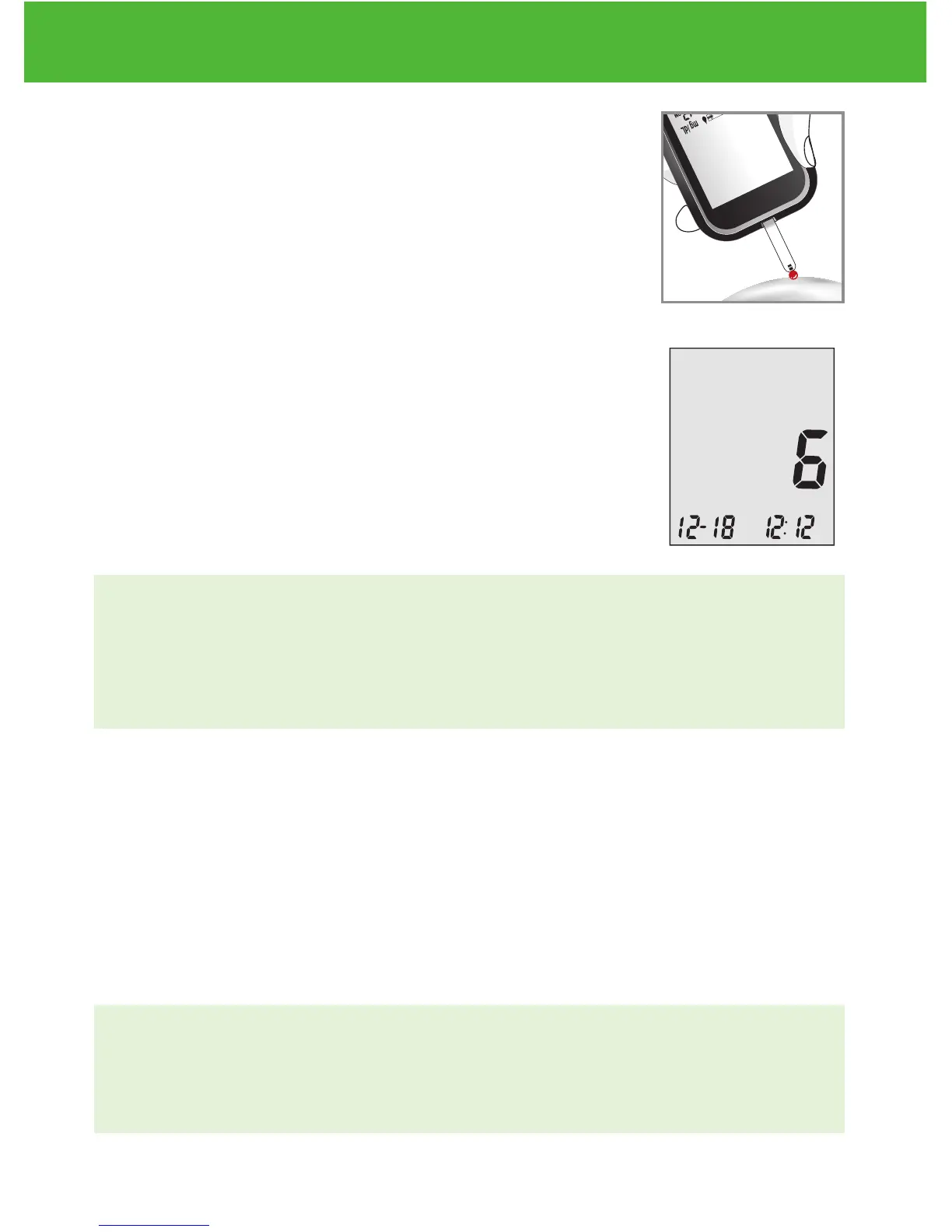
Step 4:
Gently bring the test strip and touch the drop of
blood at a slight angle. The test strip acts like a
straw to pull the blood in. Keep the test strip in the
blood drop until the meter beeps to indicate the
test strip has enough blood to test.
Step 5:
The screen will start to count down. After 6
seconds, your glucose testing result will appear on
the meter display screen and will be announced
verbally if you have the voice feature turned on.
Your test result will be automatically stored into the
meter memory.
CAUTION:
• If you see “HI” or “LO” displayed, your blood glucose level may
be above 600 mg/dL or below 20 mg/dL. Test again using fingertip
testing, DO NOT test on forearm. If you still receive the same result,
call your physician or healthcare professional immediately.
Step 6:
Properly discard the used test strip. The meter will automatically
shut off.
Step 7:
Remove the used lancet from your lancing device according to
instructions and discard into proper waste container.
IMPORTANT:
• Used lancets and strips are biohazardous materials and can
transmit bloodborne diseases. Dispose of them according to local
government regulation to avoid injury or contamination.
EvenCareG2
Testing Your Blood Glucose
37
DVI
e
g
a
r
otS
e
ru
tarep
meT
51
e
t
a
d
n
oi
t
a
ri
px
e
e
h
t
e
rofe
b
r
o
gn
i
n
e
p
o
t
sr
if r
et
f
a
shtn
om 3
ni
htiw
esU
Low
Control Soluon
Suitable for Self-tesng
www.medline.com
©2010 Medline Industries, Inc.
Manufactured for Medline Industries, Inc.,
Mundelein, IL 60060 USA Made in Taiwan
1-800-MEDLINE RK10APB
Patent# 7655128
DVI
e
g
a
r
otS
erutarepmeT
51
e
t
ad
n
oit
a
ri
px
e eht e
r
ofe
b
r
o
gninepo tsrif retfa shtnom 3 nihtiw esU
Low
Control Soluon
Suitable for Self-tesng


 To Next Page