SEQ: Press this key to enter the auto sequential switching mode.
SELECT: Press this key to select, to assign a camera to a display, to adjust screen display, and so on.
12
13
15
14
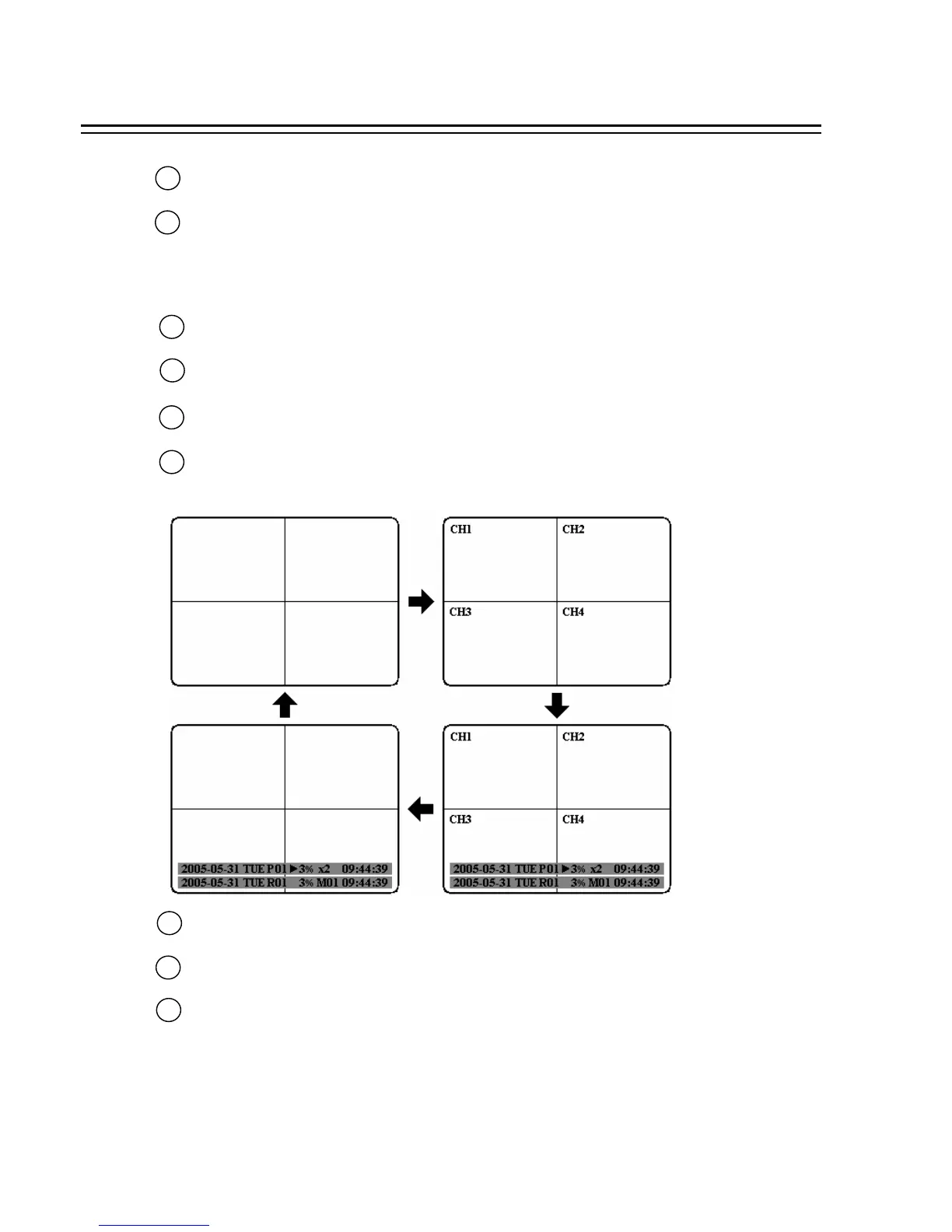
DISPLAY: Press this key to switch display of channels and/or status bar.
16
17
HDD LOCK: Protect HDD without steal and turn on HDD power.
CALL: Press this key to enter and set up CALL MENU.
18
MENU: Press this key to enter or quit MAIN SETUP MENU.
Hard Disk Tray: Hard Disk holder for HDD.
10
11
MODE: Switch PIP, 4, 7, and 8 displays in Live and Playback modes.
ZOOM: Press this key while viewing the full screen image to display a magnified resolution on the
monitor. You must be in “Full” screen mode first before zooming. While zooming, all other
function keys will be disable until you press “ZOOM” again to exit “ZOOM” mode.
12














 To Next Page