20
21
22
Compact Flash Card Slot: Insert a Compact Flash Card to archive an image or video file.
HDD LEDs: LEDs for HDD active power (GREEN) and data reading /writing (YELLOW).
Remote Control: IR remote control receiver.
23
System LEDs: LEDs for system active POWER , LAN and ALARM display.
19
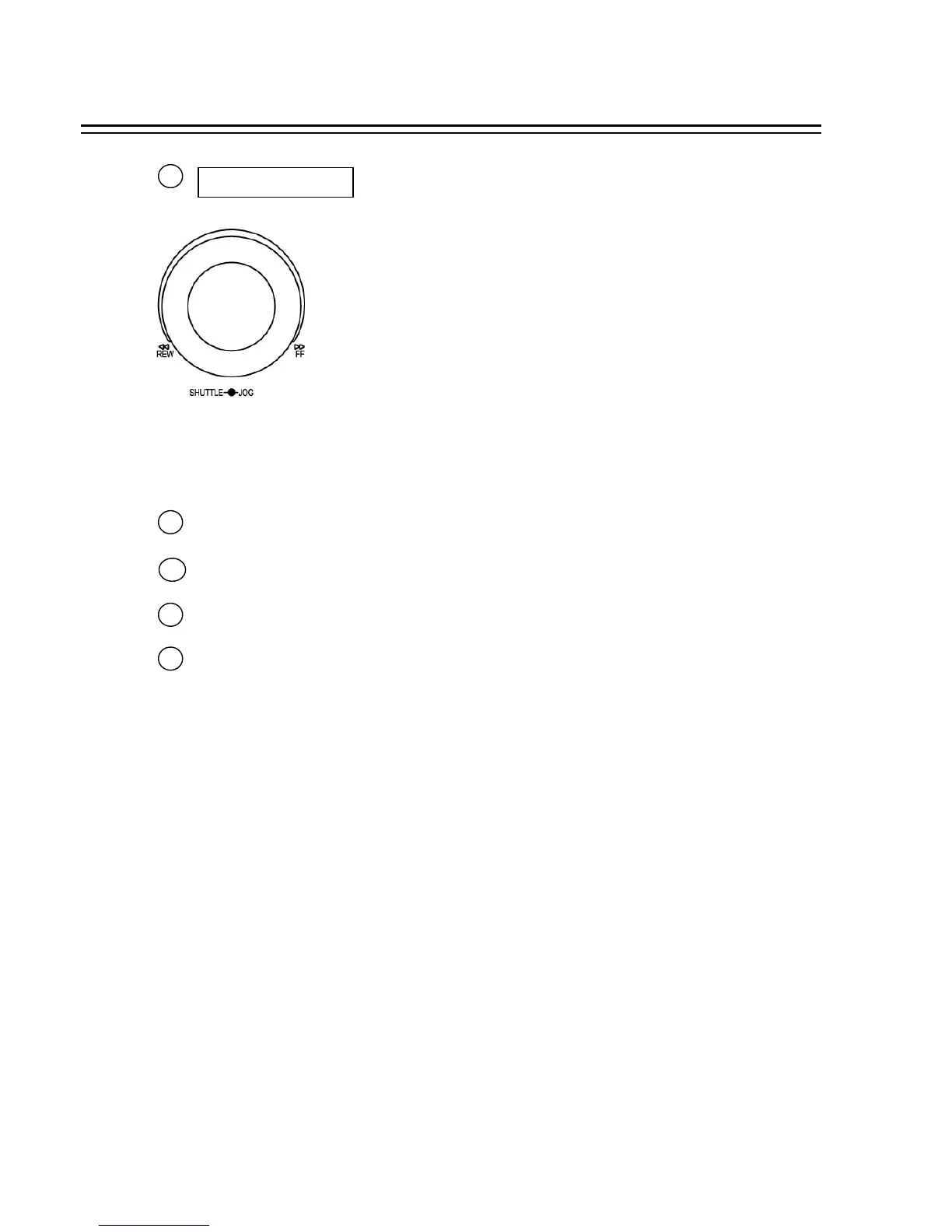
Shuttle and Jog Dial
Shuttle: In the Playback mode, turn the Shuttle dial to fast forward/rewind
the video.
In the Pause mode, turn the Shuttle dial to slow forward/rewind
the video.
In the Search mode, turn the Shuttle to change pages.
Jog Dial:
In the Pause mode, turn the Jog dial to forward/rewind the video.
In the Menu mode, turn the Jog dial to change settings and values
in subentries.
13














 To Next Page