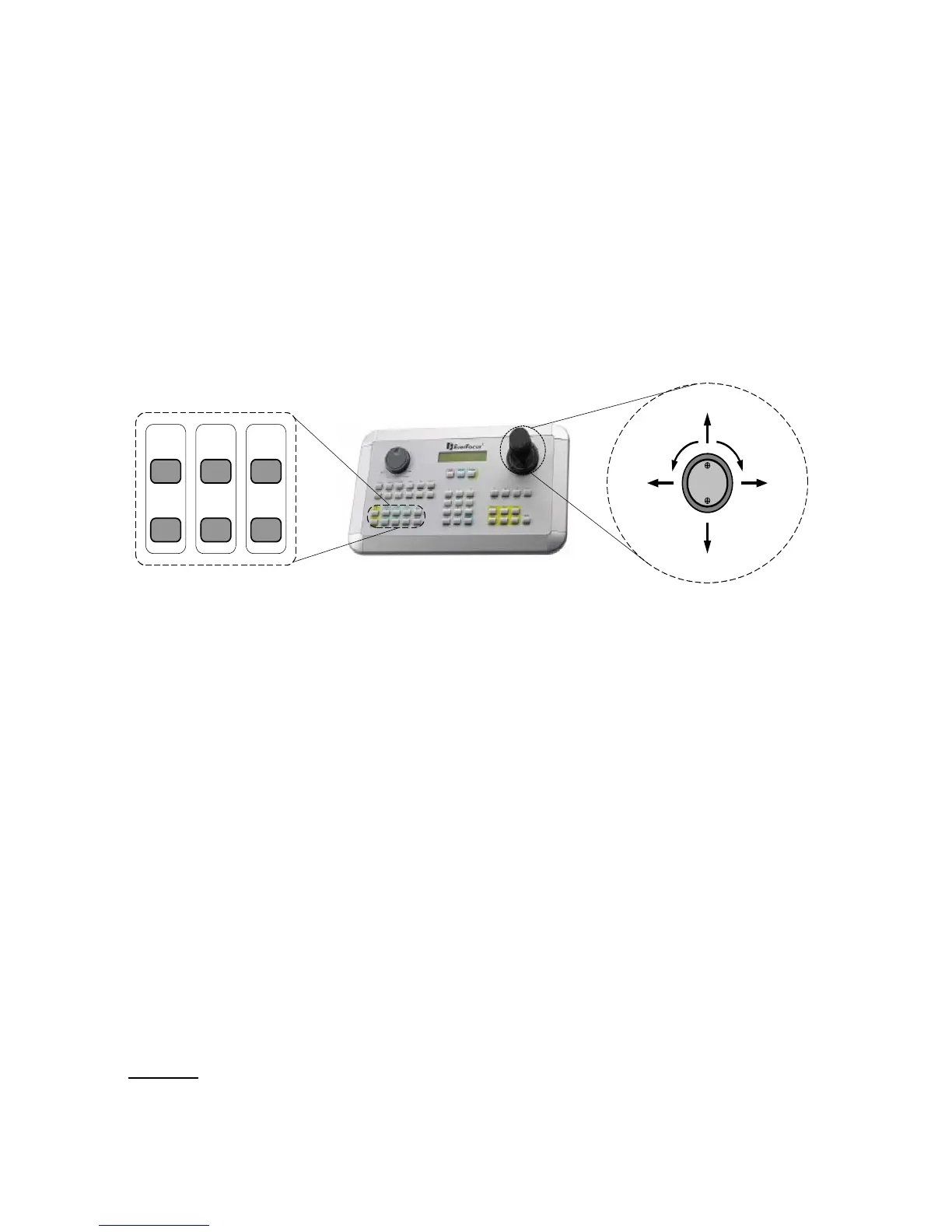
1. Connect the RS-485 cable to EPTZ3600/EPTZ3600I and a keyboard (EKB500).
2. Connect a video cable from EPTZ3600/EPTZ3600I to a monitor.
3. Connect the power to the EPTZ3600/EPTZ3600I and a keyboard (EKB500).
After the EPTZ3600/EPTZ3600I finishes the self-test mode, you can start to operate
the EPTZ3600/EPTZ3600I via the keyboard.
To operate the EPTZ3600/EPTZ3600I:
1. Move the Joystick up/down or right/left to shift the camera view in that
direction.
2. Twist the top of the Joystick to zoom in/out.
3. Press the Zoom In/Out, Focus F./N., or IRIS +/- keys to manually operate
these functions.
2. EPTZ3600/EPTZ3600I INSTALLATION
2.1. Packing List
There are 3 boxes that are camera main body with a camera module, top housing with a
base board & pin connector and outer housing with bubble, plus one tool packet in the
package. The detail accessories are listed below:
Standard
Camera Main Body x 1











 To Next Page