position.
5. Go to Return and turn joystick Left/Right to return to previous menu.
3.4.4. DISPLAY
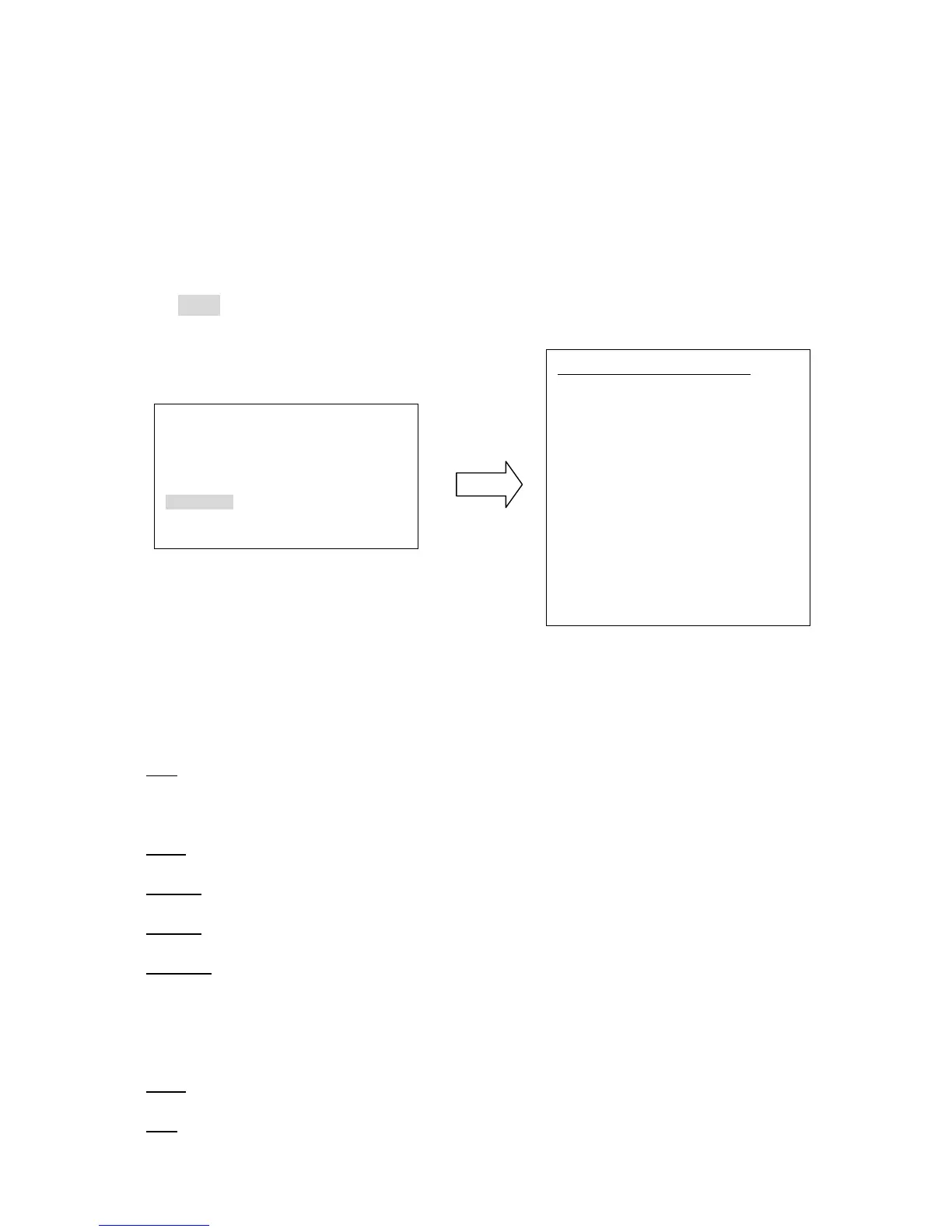
Press Enter key of keyboard or turn joystick Left/Right to enter DISPLAY sub-menu (see
diagram 3.14)
(diagram 3.14)
1. SHOW OSD
ON: show OSD of Camera Title, Directions, Zones, Preset Title, Motion, Zoom, Fan and
Camera Status.
OFF: do not show OSD.
2 SEC: show OSD for 2 seconds.
5 SEC: show OSD for 5 seconds.
10 SEC: show OSD for 10 seconds.
2. CAMERA TITLE
YES: show camera title
NO: do not show camera title
SHOW OSD ON
CAMERA TITLE NO
DIRECTIONS NO
ZONES NO
PRESET TITLE YES
ZOOM NO
FAN NO
MOTION NO
CAMERA STATUS NO
RETURN











 To Next Page