h. DEFAULT
ON: all settings in AUTOPAN menu will be returned to default values.
OFF: the setting in AUTOPAN menu is not default value.
i. RETURN
Turn joystick Left/Right to return to previous menu
3.5.3. PRESET TOURS
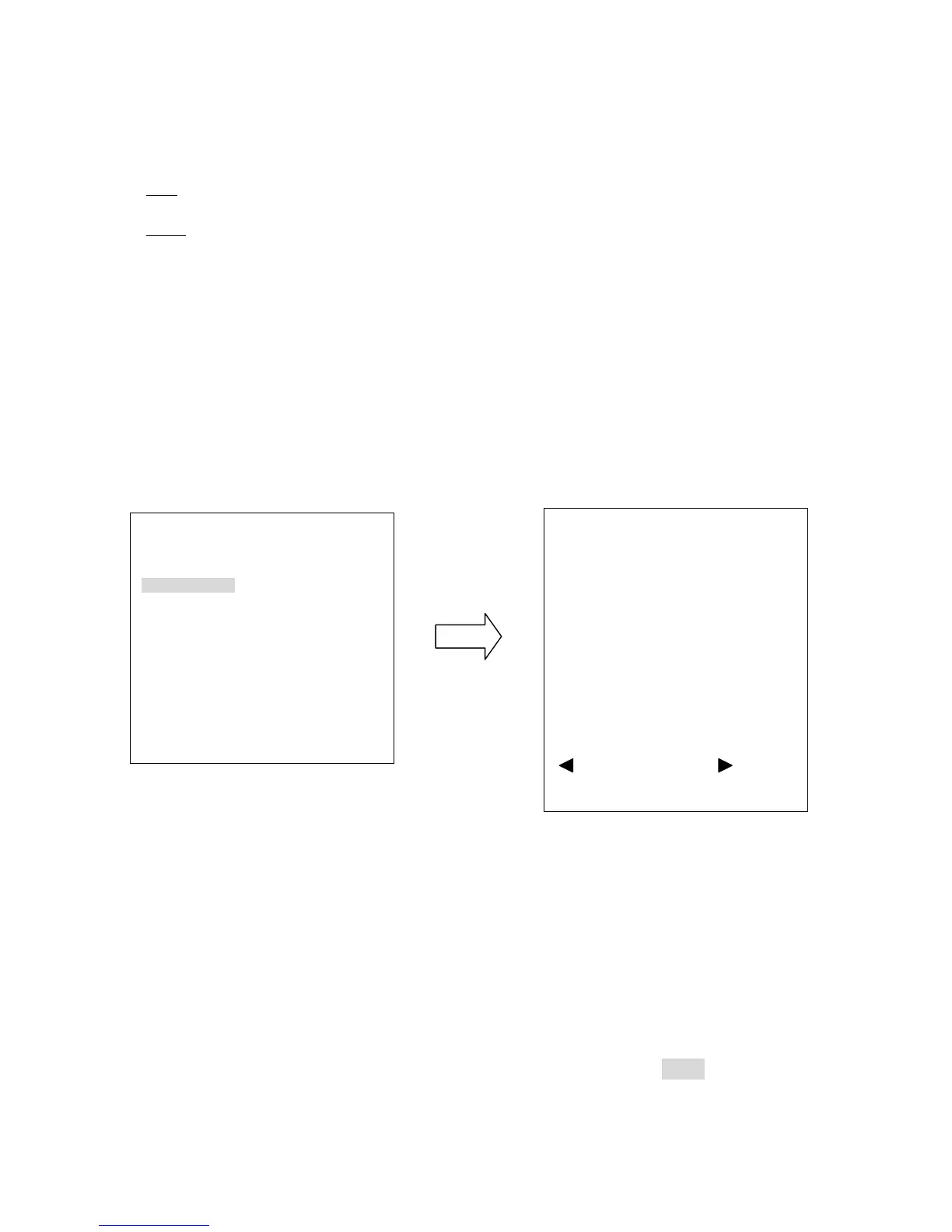
Press Enter key or turn the joystick Left/Right to enter PRESET TOURS sub-menu (see
diagram 3.26)
(diagram 3.26)
a. TRACKING MODE (For Auto Tracking Models Only): Auto tracking can be set on
when tour function is working. Turn joystick Left/Right to select tracking mode on/off.
The system will go back to tour mode when tracking is not working.
b. Tour NO.: Turn the joystick Left/Right to select tour number first
c. POS: Turn the joystick Left/Right to select preset position. Press Enter key of
keyboard to go next setting. Max. 16 positions can be set for a tour.
AUTO TRACKING ON <┘
AUTOPAN
<┘
PRESET TOURS <┘
PATTERN <┘
AUTO RESUME OFF
RESUME TO POS.1(H)
POWER UP FUNC PREV MODE
AUTO FLIP ON
EXIT
TOUR NO. 1
TRACKING MODE ON
POS DWELL SPEED
1 PRE1
<┘ DEFAULT DEFAULT
2 PRE2
<┘ DEFAULT DEFAULT
3 PRE3
<┘ DEFAULT DEFAULT
4 PRE4
<┘ DEFAULT DEFAULT
5 PRE5
<┘ DEFAULT DEFAULT
6 PRE6
<┘ DEFAULT DEFAULT
7 PRE7
<┘ DEFAULT DEFAULT
PREV PAGE/NEXT PAGE











 To Next Page