3.3. POSITIONS
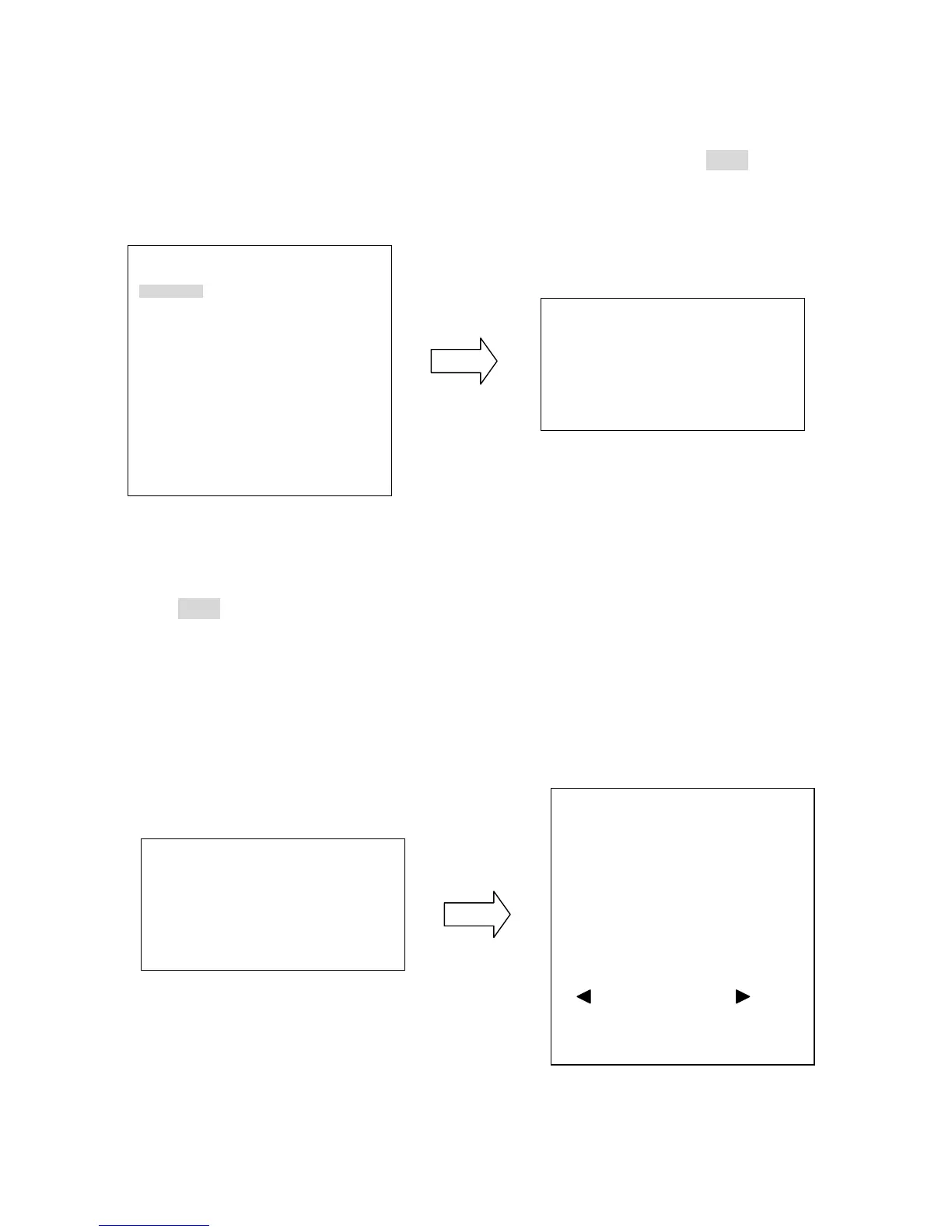
In main menu, turn joystick Up or Down to select POSITION option. Press Enter key or
turn joystick Left / Right to enter POSITION sub-menu (See diagram 3.4).
(diagram 3.4)
Press Enter key of keyboard to enter SET POSITIONS sub-menu.
Tilt the joystick left/right to highlight a preset position and press Enter to select it. There
are a total of 36 presets per page. Once the position is selected, a star sign (*) will appear
next to the number. When finished, go to RETURN and tilt the joystick left/right to go to the
Preset options.
(diagram 3.5)
VIDEO SETTINGS
POSITIONS
OSD/AREAS
AUTO MODES
ALARM
PRIVATE ZONES
SYSTEM
INFO
EXIT











 To Next Page