(such as a keyboard or DVR).
Notice: Please make sure the power is off while making changes. EPTZ3600/EPTZ3600I
must be restarted before new values will take effect.
2.3.1. Address Setting
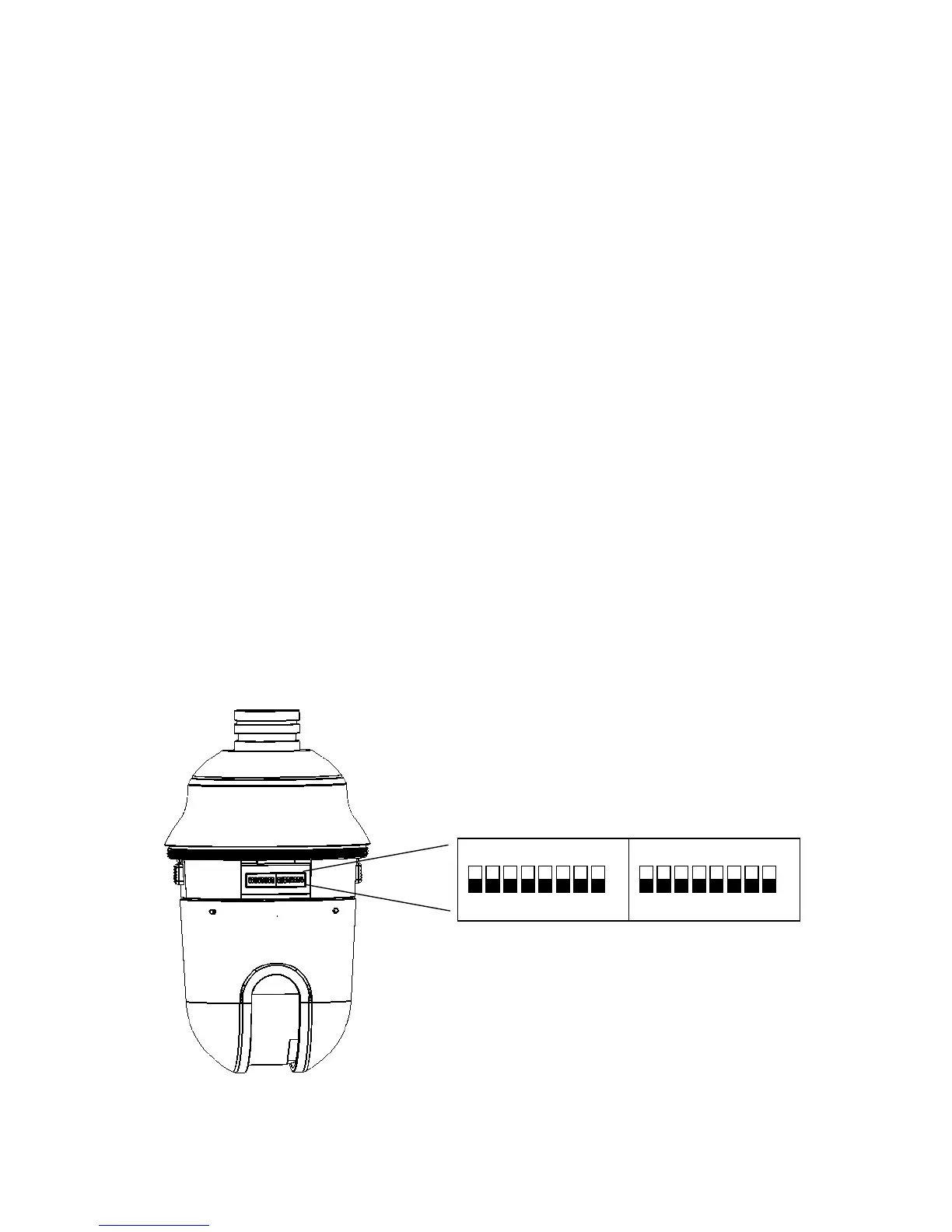
The address code of the EPTZ3600/EPTZ3600I should be set to correspond properly
with a control device to control multiple dome cameras. The address is indicated by the
dip switches on the main camera body. The 8 switches correspond with the binary
code of the address, allowing up to 256 total addresses (0~255). It also means that
there are up to 256 dome cameras that can cascade on the RS-485 bus. The dip
switch setting and the indicated address are represented in the following diagram.
Note: The factory default address is 1.
ON
1 2 3 4 5 6 7 8
ON
1 2 3 4 5 6 7 8
ID address Protocol/Baud rate











 To Next Page