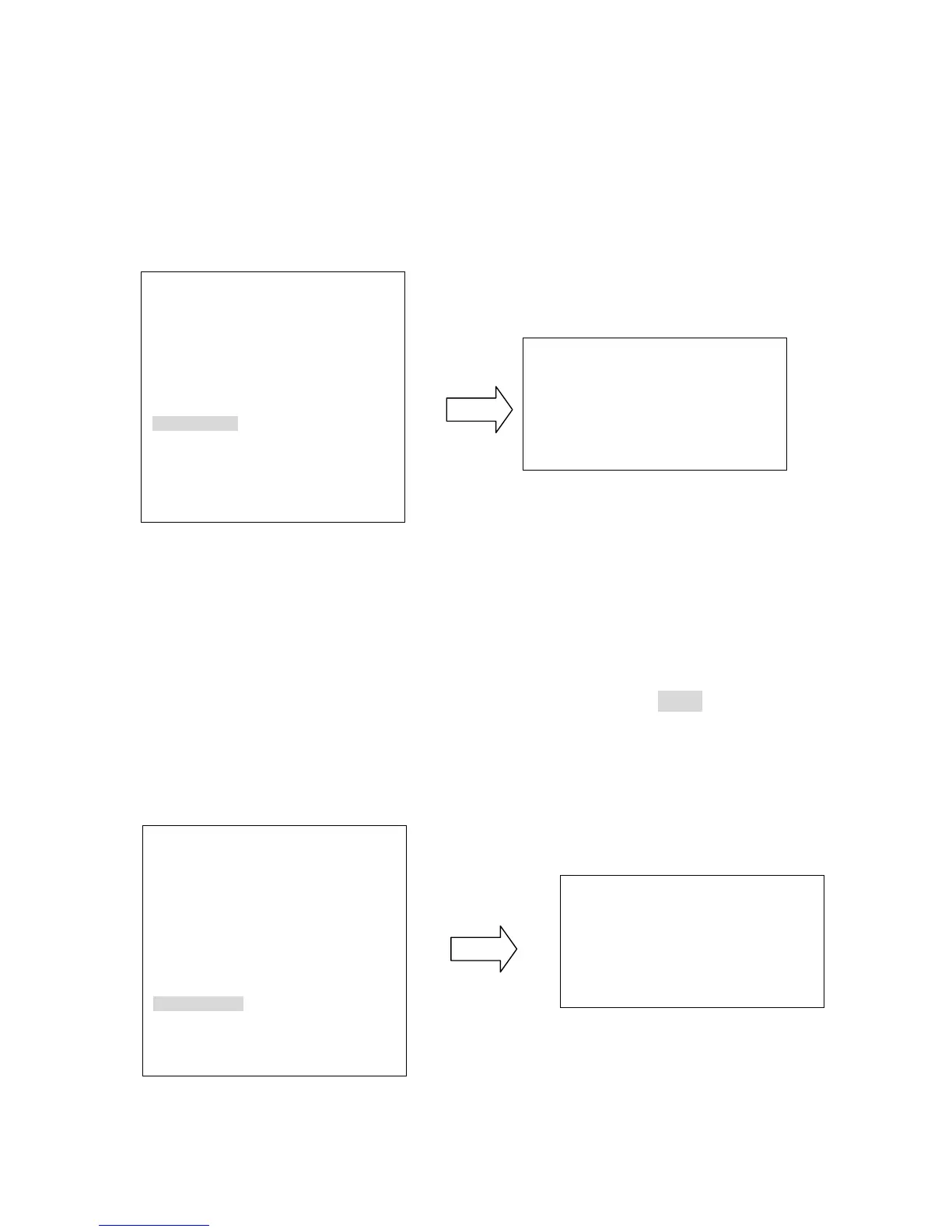
f. SET LEFT POS.
Press Enter key or turn the joystick Left/Right to enter SET LEFT POS. menu. Turn the
joystick to the position where you wish to set Left position. Press IRIS+ key of keyboard
to save setting and return to previous menu. (see diagram 3.24)
(diagram 3.24)
g. SET RIGHT POS.
Press Enter key or turn the joystick Left/Right to enter SET RIGHT POS. menu. Turn the
joystick to the position where you wish to set RIGHT position. Press IRIS+ key of
keyboard to save setting and return to previous menu. (see diagram 3.25)
Note: When Left/Right Position are set, the speed dome will patrol between each position.
(diagram 3.25)
AUTOPAN
ENDLESS MODE ON
SPEED 32
DWELL TIME L (S) 4
DWELL TIME R (S) 4
SET LEFT POS. <┘
SET RIGHT POS. <┘
DEFAULT ON
IRIS-: RETURN
MOVE TO POSITION
IRIS+: SAVE AND RETURN











 To Next Page