ON: Turn joystick Left/Right to switch Limits on or off. When Limits is on, press Enter
key to enter AUTO TRACKING LIMIT menu (see diagram 3.18). Turn the joystick
Up/Down to select one of the four following functions and press Enter key to enter
its setting menu.
(diagram 3.18)
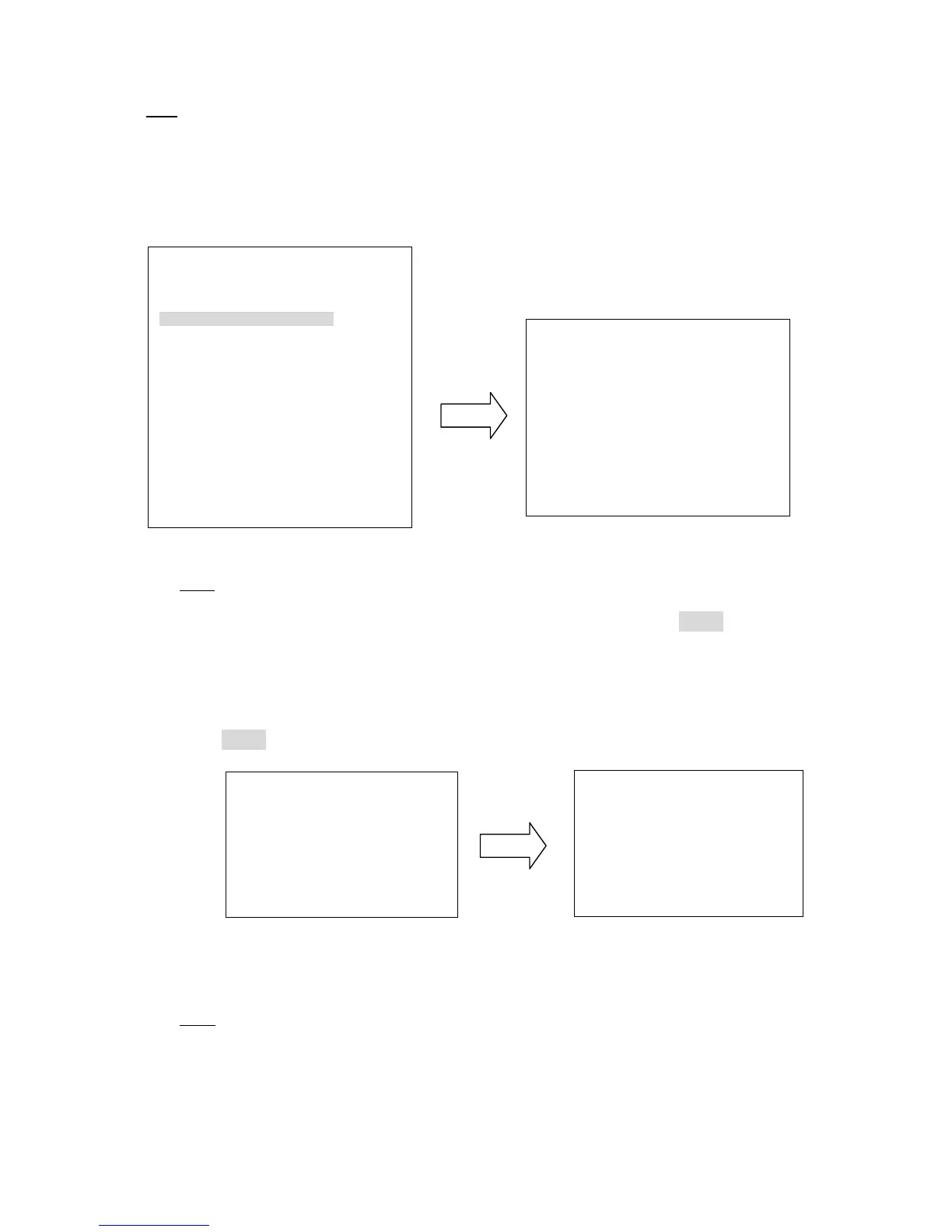
PAN: In MOVE TO LEFT LIMIT window (see left of diagram 3.19), turn the joystick
to select the position where you wish to set left limit. Press IRIS+ key of
keyboard to enter MOVE TO RIGHT LIMIT window (see right of diagram 3.19).
Turn the joystick to select the position where you wish to set right limit. Press
IRIS+ key of keyboard to save setting and return to previous menu.
(diagram 3.19)
TILT: In MOVE TO DOWN LIMIT window (see left of diagram 3.20), turn the joystick
to select the position where you wish to set down limit. Press IRIS+ key of
keyboard to enter MOVE TO UP LIMIT window (see right of diagram 3.20).
AUTO TRACKING LIMIT
PAN
<┘ 0 - 360
TILT
<┘ 0 - 90
CLEAR PAN
<┘
CLEAR TILT
<┘
RETURN
MOVE TO LEFT LIMIT
IRIS+: NEXT
IRIS-: RETURN











 To Next Page