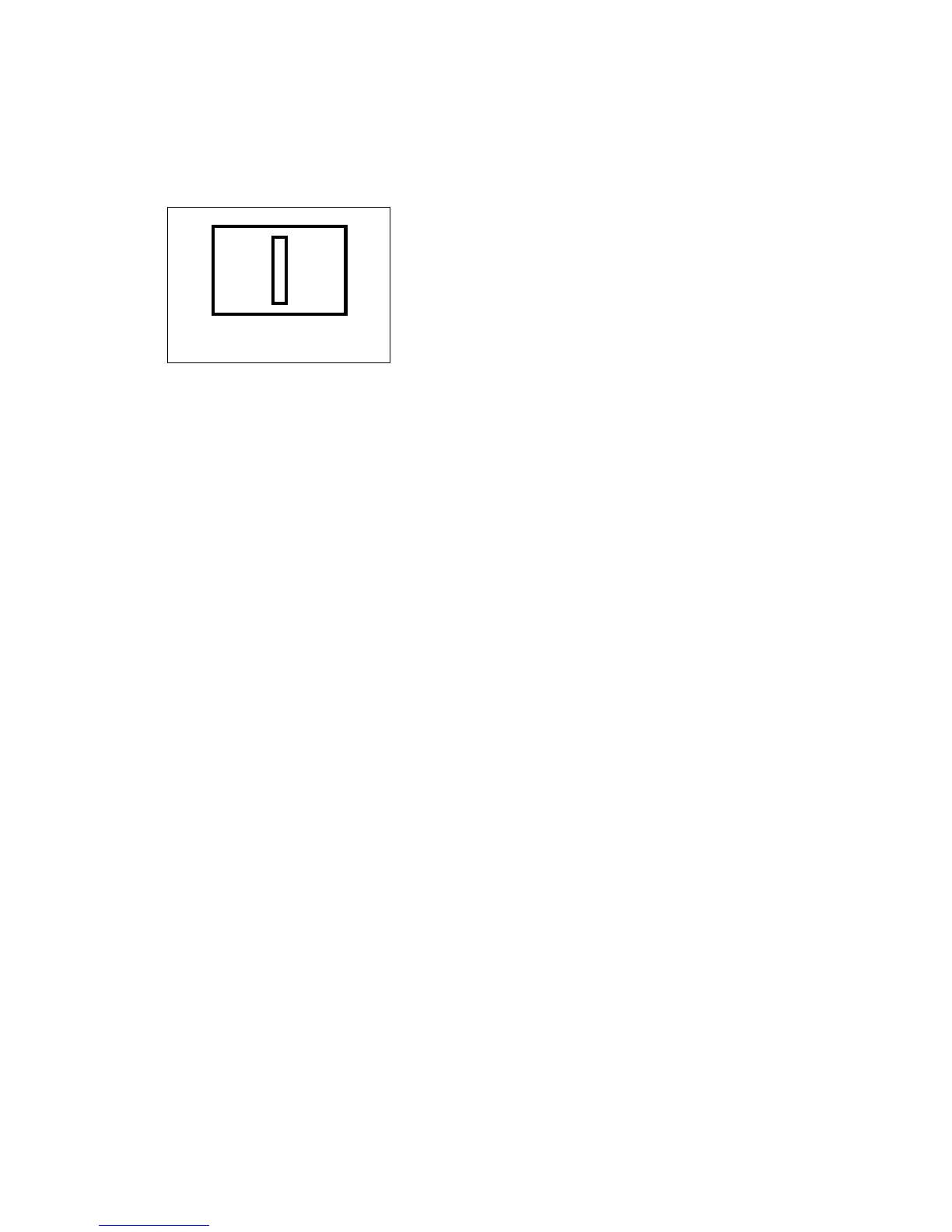
and turn the joystick to change selected frame to desired size: turn up/right to increase
the length/width and turn down/left to decrease the length/width. After completing the
setting, press IRIS- key of keyboard to save and return to previous menu.
(diagram 3.22)
g. SENSITIVITY
Turn the joystick Left/Right to change sensitivity level, including High, Middle and Low.
h. FRAME
Turn the joystick Left/Right to set tracking object frame visible or invisible.
IRIS-: MAX/MIN IRIS+: SAVE











 To Next Page