105
Alert Descriptions and Actions (continued)
Alerts
App DisplayDescription
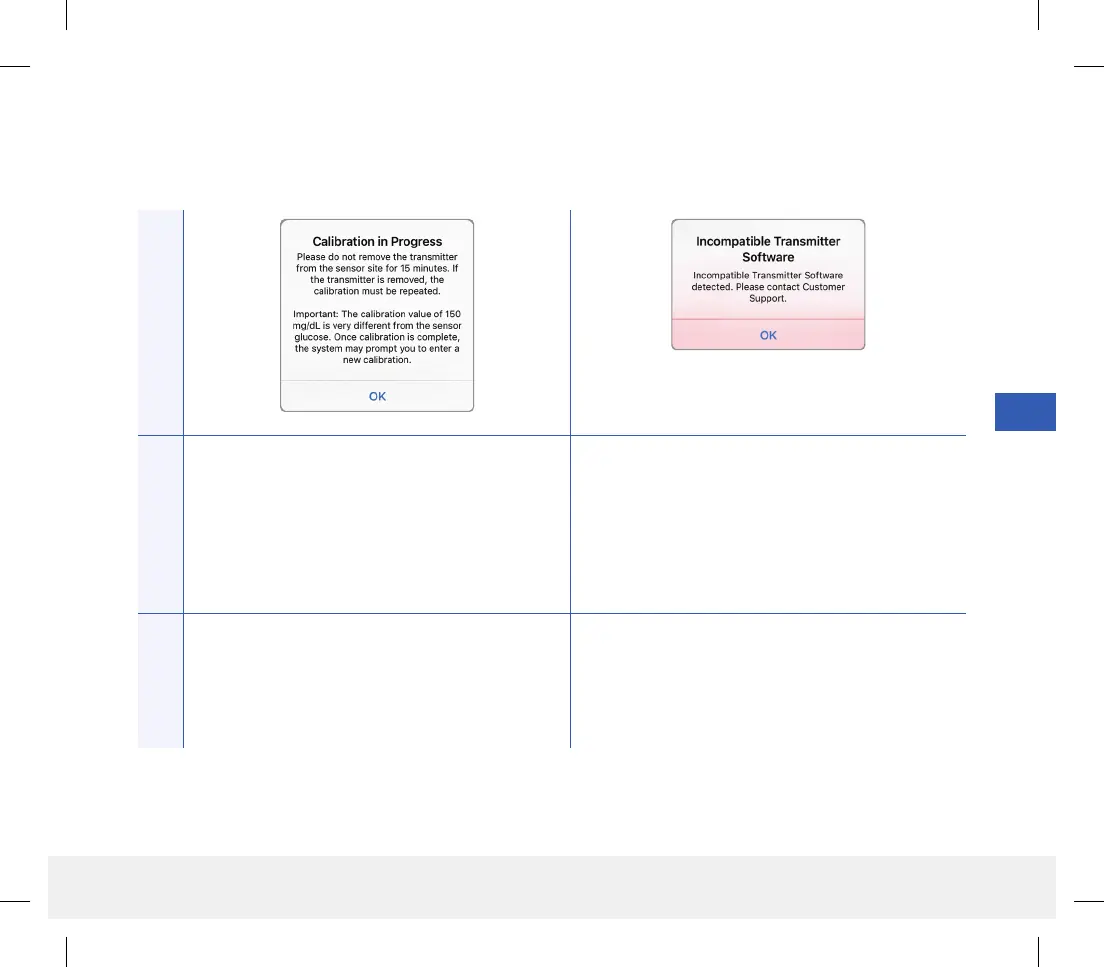
Calibration In Progress
Appears when your calibration value is significantly
dierent from your sensor glucose value.
Incompatible Transmitter Software
Appears when the software in your smart transmitter
is incompatible with the Eversense CGM Mobile App
version on your mobile device.
Actions
Do not remove your transmitter for 15 minutes.
Re-calibrate when prompted.
Contact Customer Support.
LBL-1602-01-001 Rev N_Eversense User Guide_mgdL_R1.indd 105LBL-1602-01-001 Rev N_Eversense User Guide_mgdL_R1.indd 105 2/26/20 12:59 PM2/26/20 12:59 PM



 To Next Page