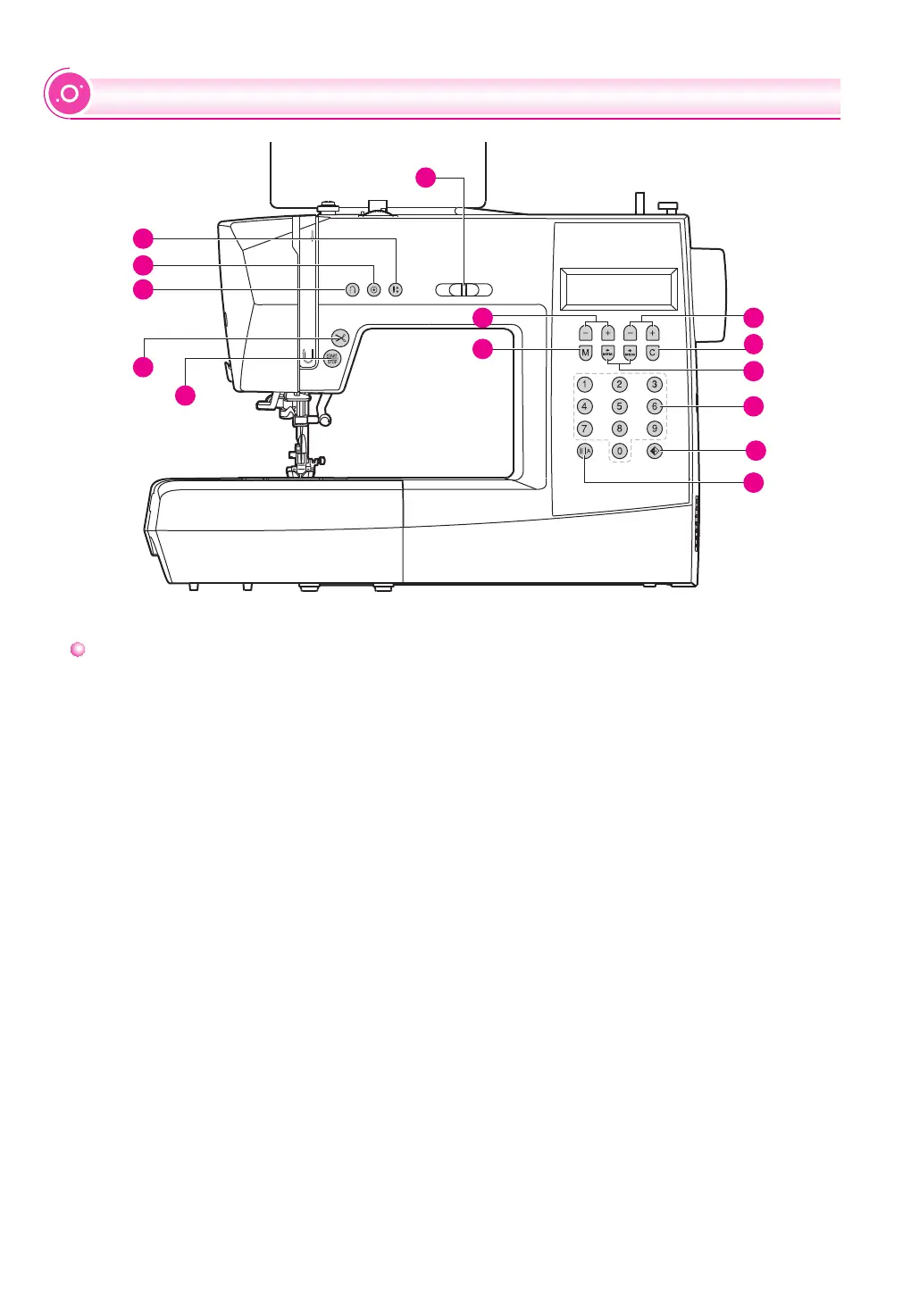
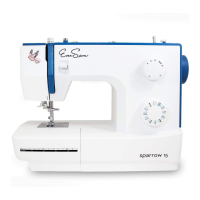
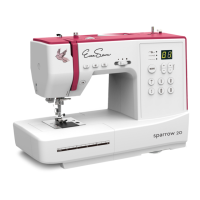
1. Start/stop button
3. Reverse button
4. Auto-lock button
5. Needle up/down position button
Speed limiting adjustment lever
Press this button to start or stop the machine.
Hold down this button to sew stitches in reverse or sew reinforcement stitches at a low speed.
Hold down this button to sew locking stitches immediately or at the end of the current patterns
and automatically stop.
Press this button to move the needle to either up or down position. Needle will be programmed
to stop in selected position until button is pressed again.
6.
Slide this lever to change the sewing speed.
2. Thread cutter button
Press this button after finishing sewing and the machine will trim the threads.
A. Operation buttons (see page 28/29/30)
MACHINE CONTROL BUTTONS
1
6
9
7
2
3
4
5
14
8
13
12
11
10
7


 To Next Page