SELECTION BUTTONS
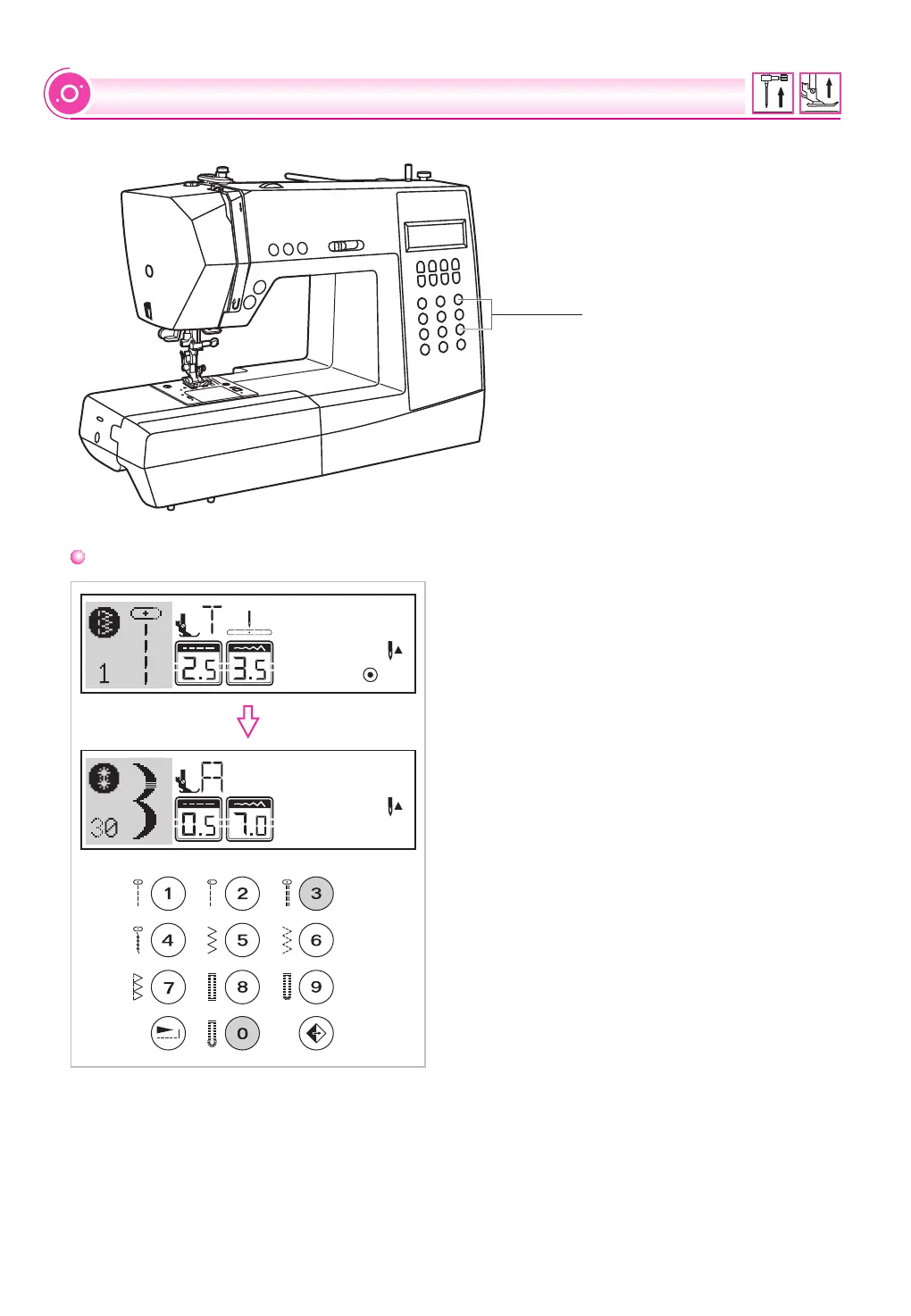
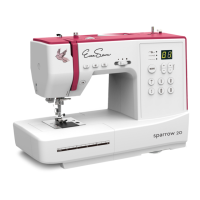
Direct pattern selection and number buttons
Direct pattern selection
Press the buttons to select the utility patterns shown
beside the number button when the mode button
is set at the Direct mode.
Number buttons
Press the number buttons for selecting the pattern
needed.
Except the Direct pattern mode, the other mode
can be selected by pressing the desired numbers.
For example: pattern 30
Direct pattern selection
and number buttons
35


 To Next Page