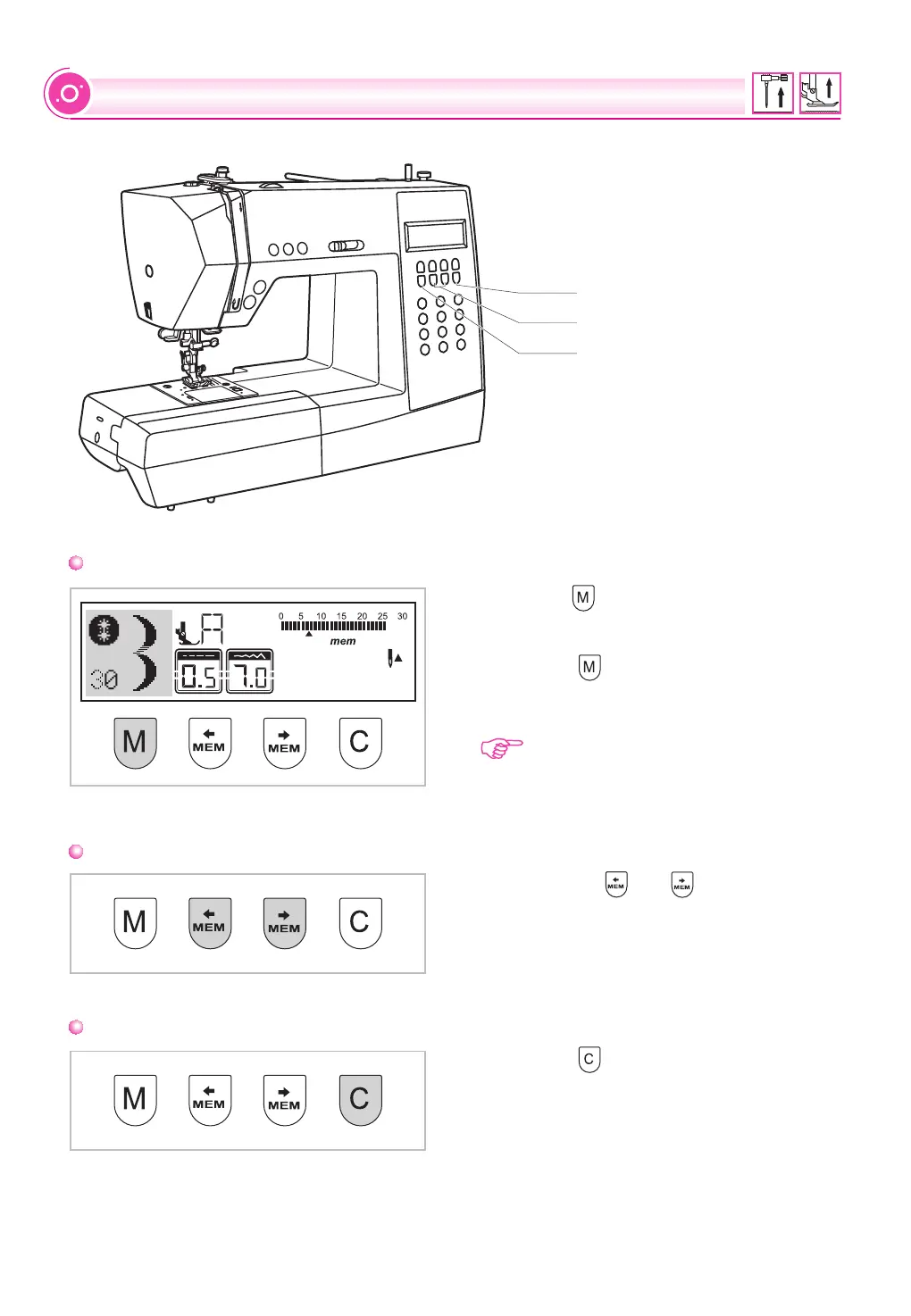
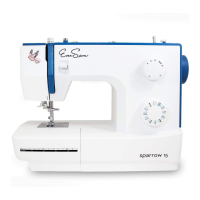
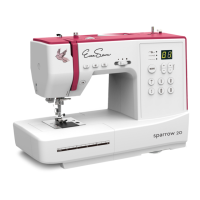
Memory button
MEMORY BUTTONS
Arrow button
Clear button
Press the " " button to enter the memory
mode, and store the combinations of
characters or decorative stitches.
Press the " " button again to leave the
memory mode and return Direct mode.
Please Note: The Direct Patterns and
Patterns 15-26 cannot be memorized.
Press the " " button when the incorrect
character is selected. Each press of this button
erases one character, or press this button to
remove an added pattern when sewing
combinations of characters or decorative
stitches.
Use the arrow " " or " " button to confirm
the pattern memorized by pressing this button
in memory mode.
Memory button
Arrow button
Clear button
34


 To Next Page