MEMORY
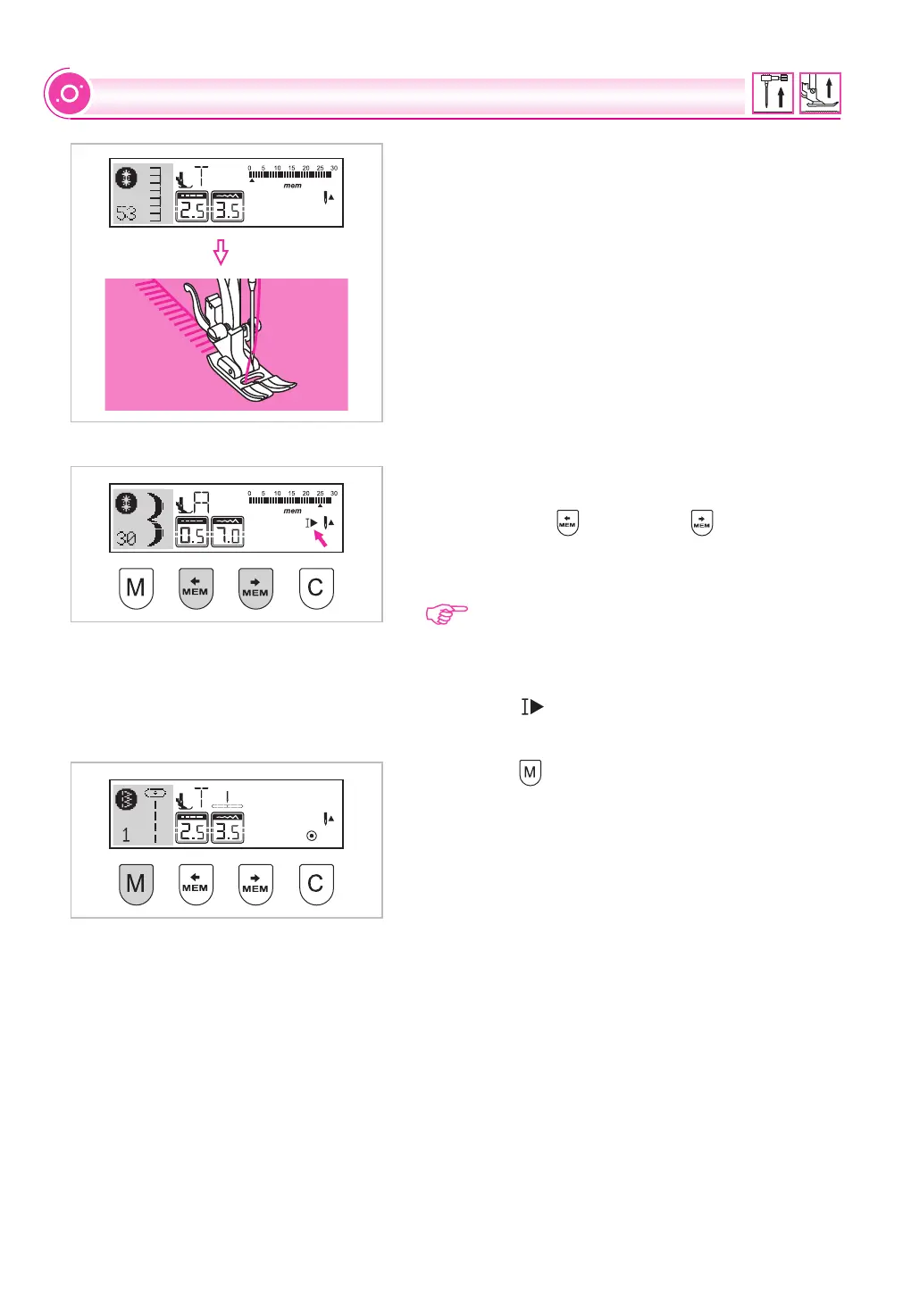
Press foot controller. The machine will start to sew
from first entered pattern. On the LCD screen,
sewing stitch data is indicated.
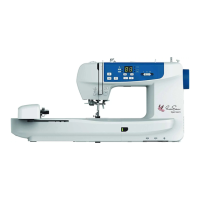
If you wish to check what is programmed or if you
wish to start sewing a few stitches in
, use the " " button or " " button.
You can use the Auto-lock function when the sewing
machine is stopped.
the memory
mode
........
Please Note: If you wish to repeat your stitch
combination without having the machine stop
press the Auto-lock button to cancel the Auto-
Stop in .
The " " will disappear from the LCD screen.
the memory mode
Press the " " button to leave the memory mode
and return to the Direct mode.
68


 To Next Page