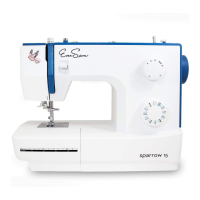
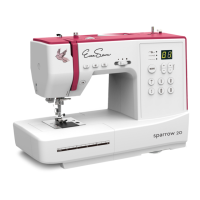
FUNCTION BUTTONS
MODE selection button
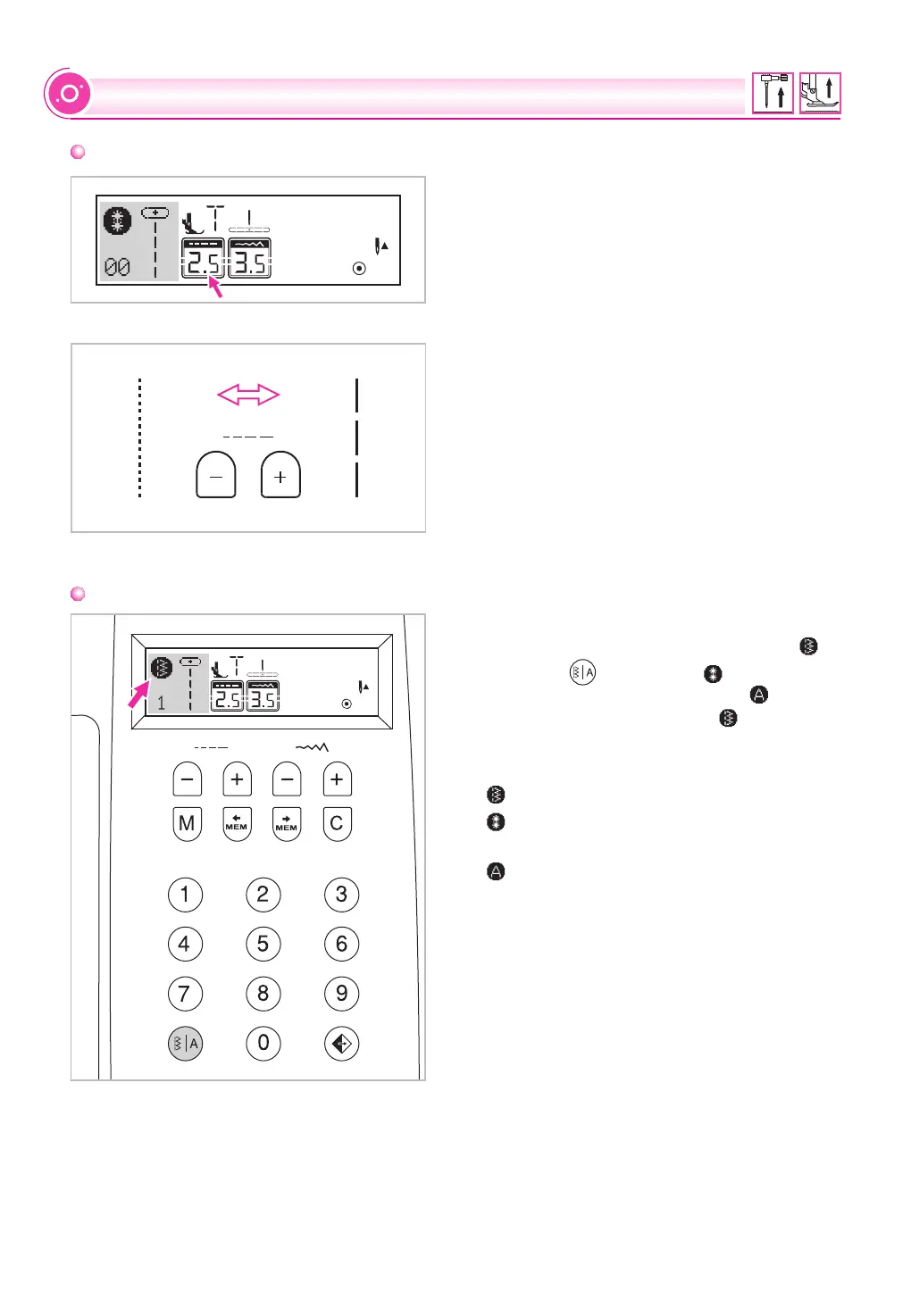
Stitch length adjustment buttons
When you select a stitch the machine will
automatically set the recommended stitch
length which will be indicated by numbers on
the LCD screen. The stitch length can be
adjusted by pressing the stitch length
adjustment buttons.
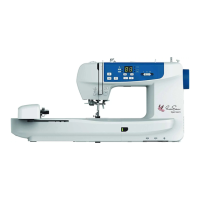
To shorten the stitch length, press the " "
button (left). For a longer stitch length, press
the "+" button (right). The stitch length can be
adjusted between "0.0-4.5". Certain stitches
have a limited length.
When you turn the machine "ON" the LCD
screen display will be set at direct mode " ".
Press the " " button to " " mode, if you
press the function button again, " " will be
displayed. After a third press, " " is displayed
again.
Direct mode stitch selection.
Utility and decorative pattern mode: Stitch
selection using number buttons.
Block letter mode: Character selection
using number buttons.
32


 To Next Page