MEMORY
If you wish to delete a certain stitch within in the
memory mode, use the " " button or " " button
until the actual stitch number is displayed.
Press the " " button to delete the selected pattern
and the next pattern in the back will move forward.
Clearing patterns or letters
Adding patterns or letters
Attention: The selected pattern will be cleared
from the memory module after closing the
machine if you do not press the " " button
again when you have completed your selection.
Press the " " button to leave the memory mode
and return to the Direct mode.
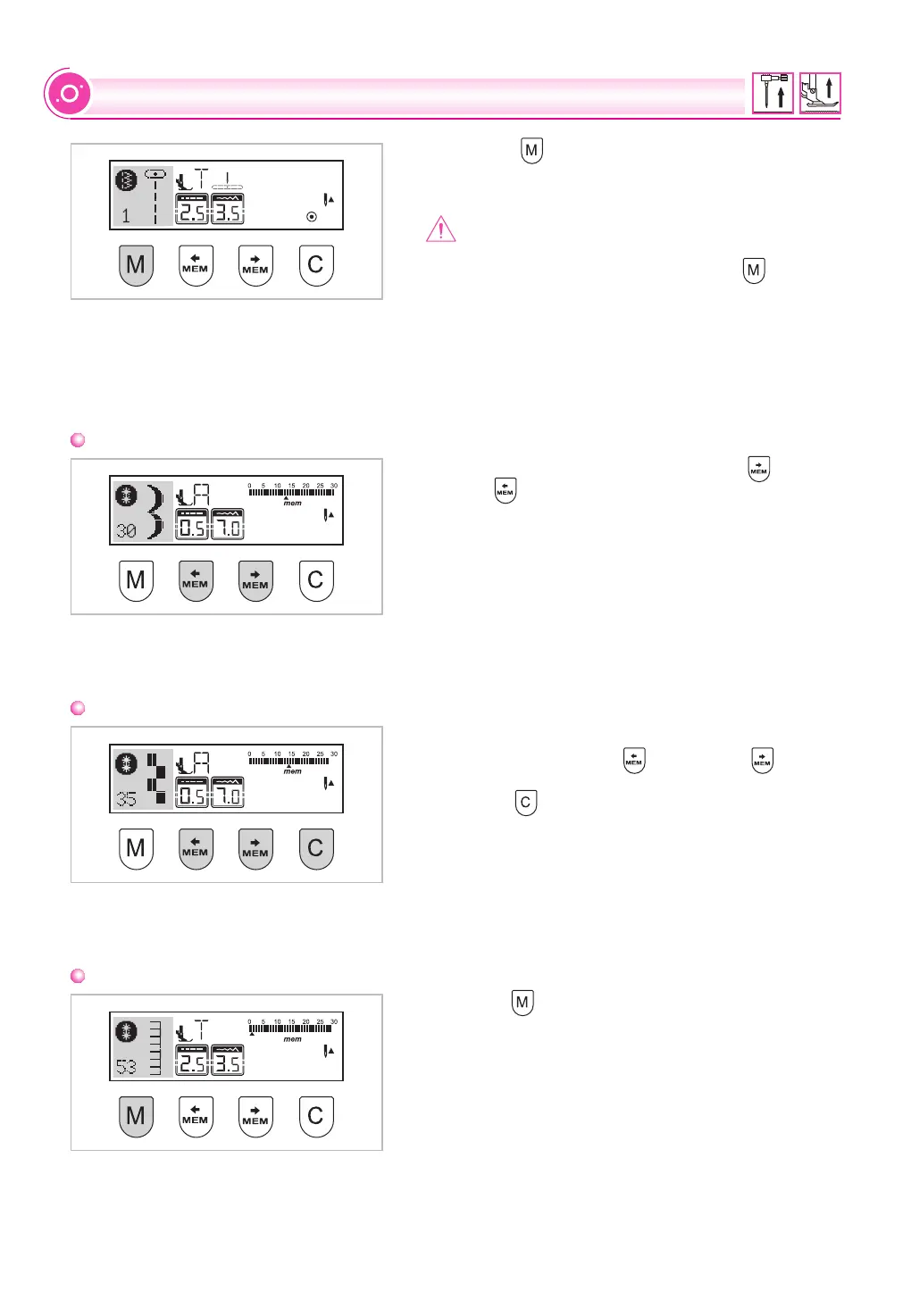
While in the memory mode, press the " " button
or the " " button until the stitch number you have
selected is displayed, then add the new stitch or
change the stitch length, width, Auto-stop or mirror,
if desire.
Recalling and sewing the memorized pattern
Press the " " button to enter the memory mode.
The machine will be positioned at the first
programmed stitch.
67


 To Next Page