Please Note:
- The cannot be mirror imaged.
- Mirror imaged patterns can also be combined with other patterns.
Direct Patterns 8,9,0 and Patterns 15-26
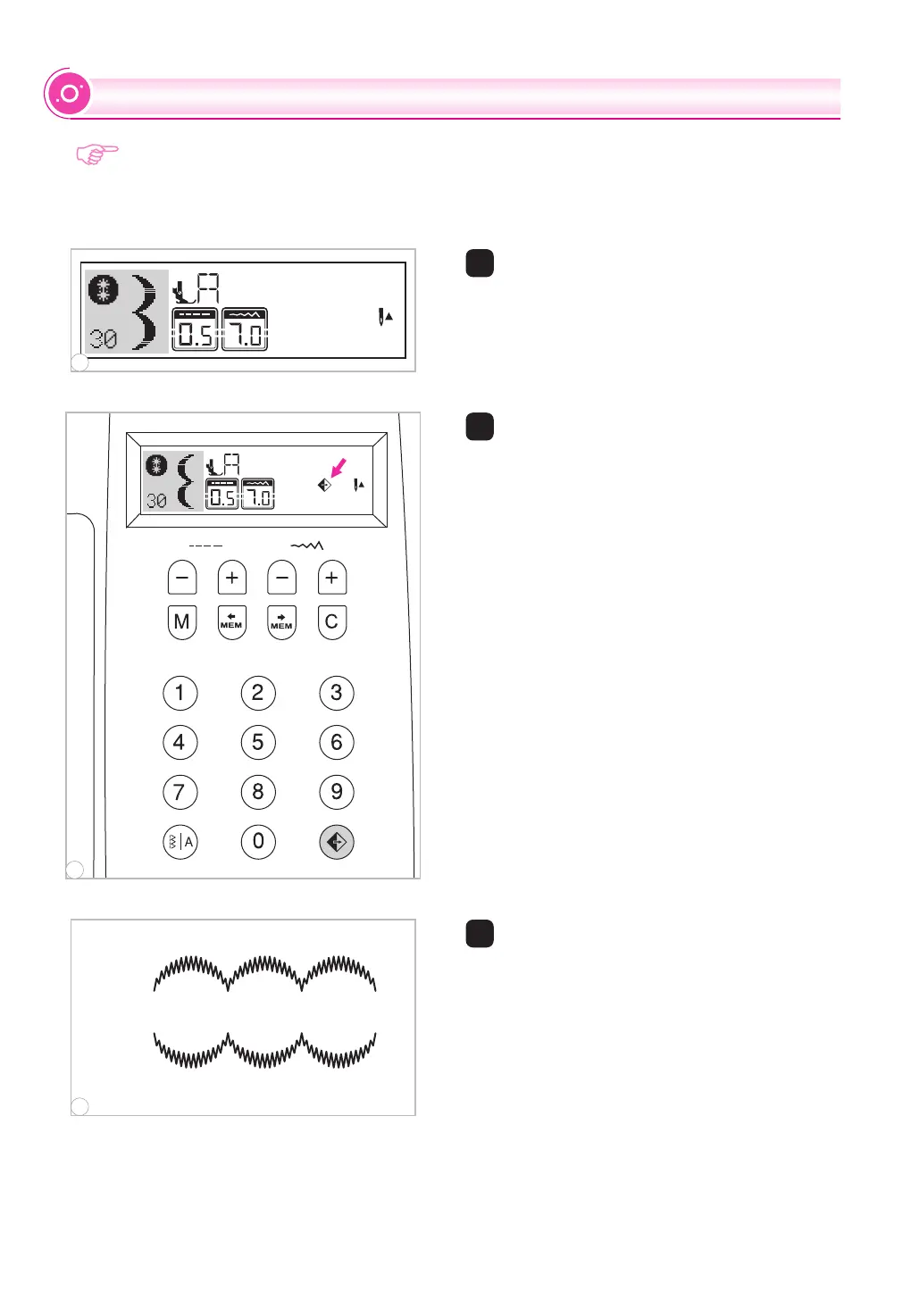
1 Select the pattern.
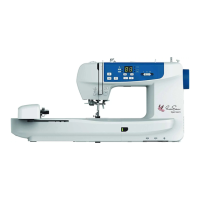
2 Pressing the mirror button.
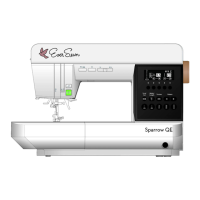
A. Normal pattern sewing.
B. Mirror pattern sewing.
2
3 The LCD screen icon for mirror imaging of
the pattern appears.
3
1
MIRROR IMAGE
A
B
1
3
2
64


 To Next Page