27
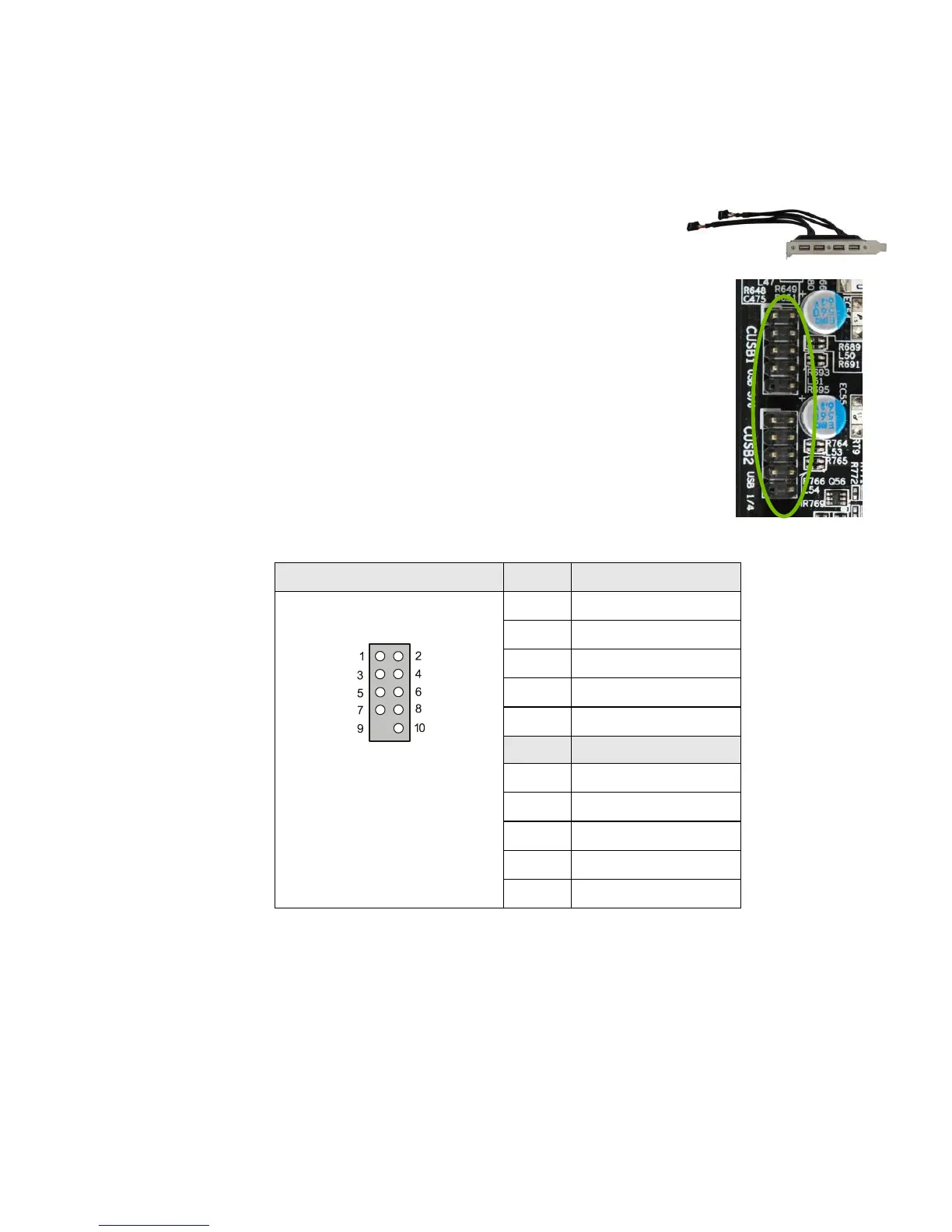
USB Headers
This motherboard contains eight (8) USB 2.0
ports that are exposed on the rear panel of the chassis
(Figure 2). The motherboard also contains two 10-pin
internal header connectors onboard that can be used to
connect an optional external bracket containing four
USB 2.0 ports.
1. Secure the bracket to either the front or rear panel
of your chassis (not all chassis are equipped with the
front panel option).
2. Connect the end of the cable to the USB 2.0
header on the motherboard.
Table 4. USB 2.0 Header Pins



 To Next Page