38
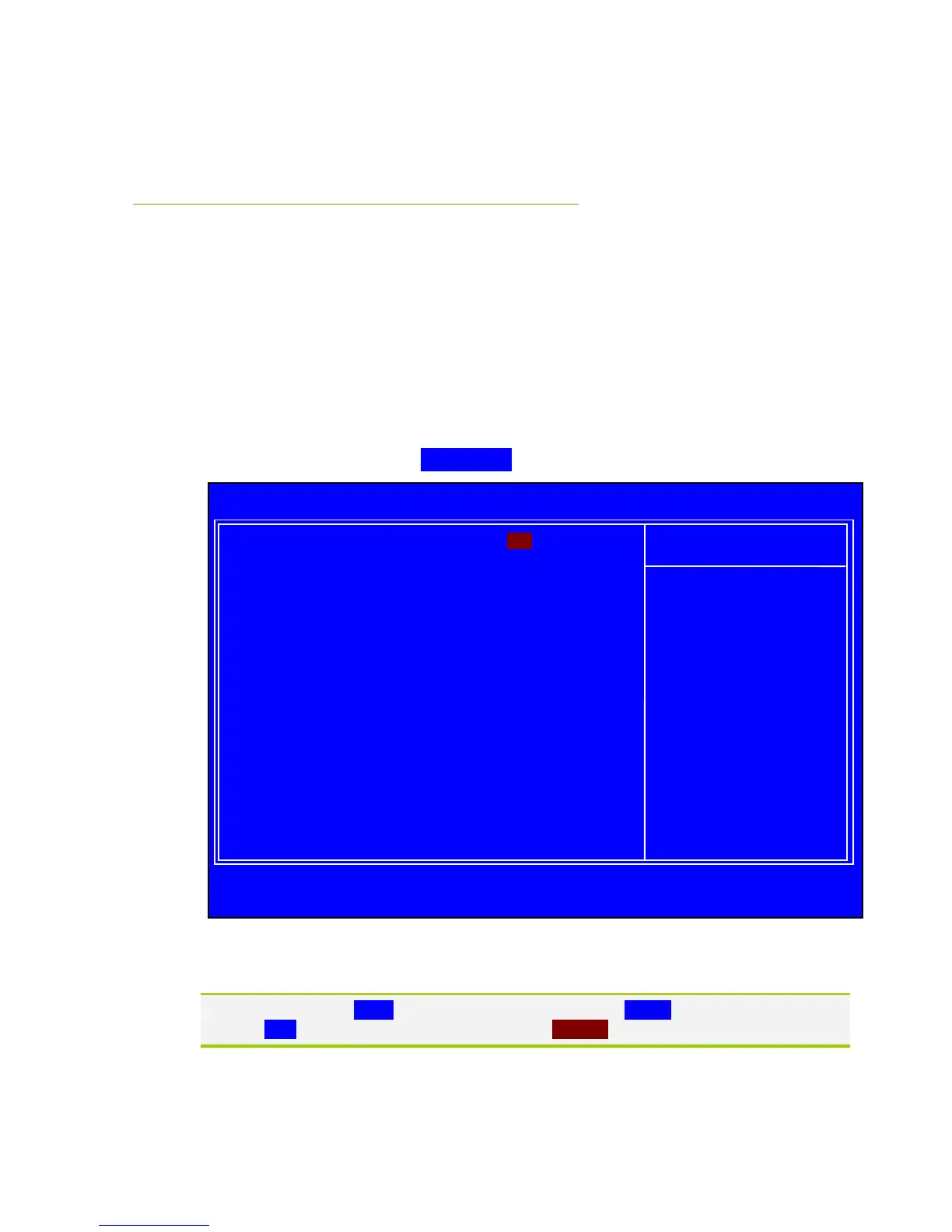
Standard CMOS Features
Menu
The Standard CMOS Features menu is used to configure the standard CMOS
information, such as the date, time, HDD model, and so on. Use the Page Up
and Page Down keys to scroll through the options or press Enter to display the
sub-menu. Use the arrow keys to position the selector in the option you
choose. To go back to the previous menu, press Esc.
The information shown in Item Help corresponds to the option highlighted.
Figure 5. Standard CMOS Features Menu
Note that all data in white is for information only, data in yellow is changeable, data in
blue is non-changeable, and data in a red box is highlighted for selection.
Date (mm:dd:yy) Thu, Oct 23 2008
Time (hh:mm:ss) 12 : 48: 23



 To Next Page