14
2
1RWLÀFDWLRQRIPHVVDJHVDQGZDUQLQJV
The Evolis Printer Manager has an additional function allowing the printer to communicate with the user ZLWKQRWLÀFDWLRQV.
7KHUHDUHVHYHUDOW\SHVRIQRWLÀFDWLRQV
Q Messages about the maintenance of the printer.
Q Messages and alerts associated with the ribbons, their compatibility with your printer or the nature of your print requests.
Q Warnings about problems which have stopped the printer.
When the Evolis Printer Manager is active, a small icon is displayed in the bar on the bottom right of your screen.
The colour of the icon varies according to the status of the printer:
Q *UHHQ: Printer ready
Q Orange: Information message issued N printing stopped
Q Red: Warning message issued N printing stopped
Q *UH\: Printer in hibernation mode, disconnected or communication interrupted.
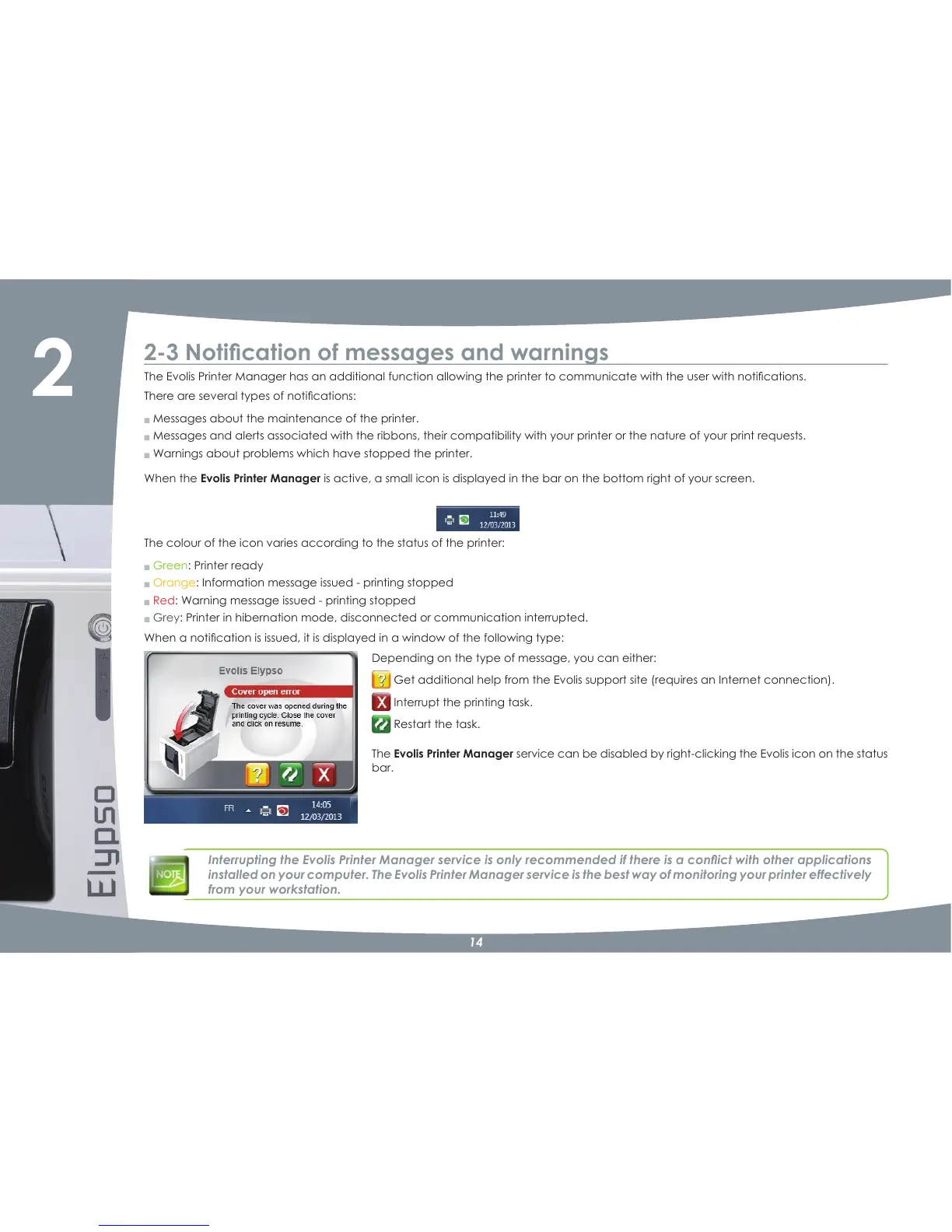
:KHQDQRWLÀFDWLRQLVLVVXHGLWLVGLVSOD\HGLQDZLQGRZRIWKHIROORZLQJW\SH
Depending on the type of message, you can either:
*HWDGGLWLRQDOKHOSIURPWKH(YROLVVXSSRUWVLWHUHTXLUHVDQ,QWHUQHWFRQQHFWLRQ
Interrupt the printing task.
Restart the task.
The Evolis Printer Manager service can be disabled by rightNclicking the Evolis icon on the status
bar.
,QWHUUXSWLQJWKH(YROLV3ULQWHU0DQDJHUVHUYLFHLVRQO\UHFRPPHQGHGLIWKHUHLVDFRQÁLFWZLWKRWKHUDSSOLFDWLRQV
installed on your computer. The Evolis Printer Manager service is the best way of monitoring your printer effectively
from your workstation.



 To Next Page