60
³
Computer connection
If your encoder is supplied with an USB interface, it will either be connected to the printer’s internal USB Hub, or equipped with a USB cable
to connect to your computer directly.
,QWKHÀUVWFDVH\RXUSULQWHU·V86%FDEOHLVXVHGWRGULYHÀUVWO\WKHSULQWHUDQGVHFRQGO\WKHHQFRGHUIURPWKHFRPSXWHU
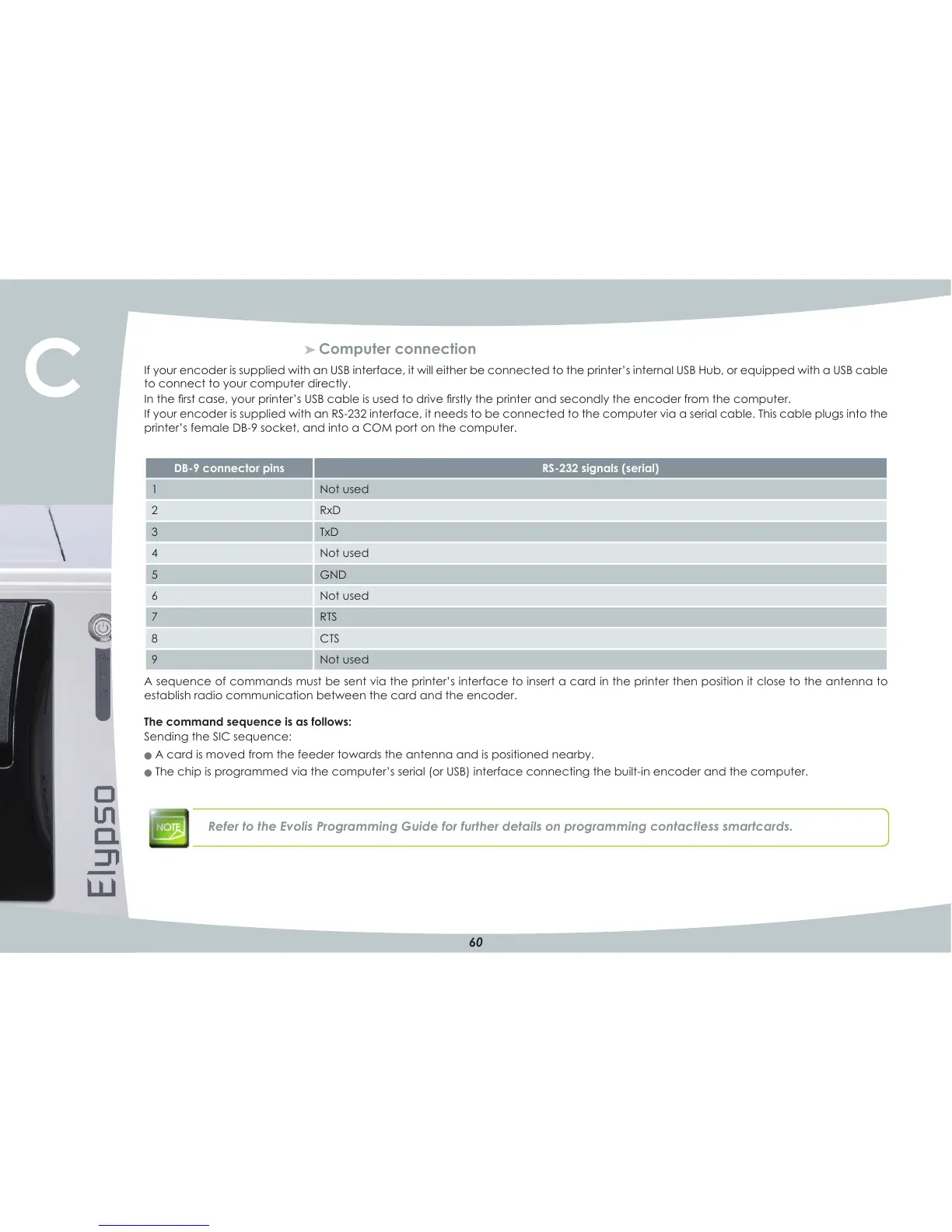
If your encoder is supplied with an RSN232 interface, it needs to be connected to the computer via a serial cable. This cable plugs into the
printer’s female DBN9 socket, and into a COM port on the computer.
A sequence of commands must be sent via the printer’s interface to insert a card in the printer then position it close to the antenna to
establish radio communication between the card and the encoder.
The command sequence is as follows:
Sending the SIC sequence:
O A card is moved from the feeder towards the antenna and is positioned nearby.
O The chip is programmed via the computer’s serial (or USB) interface connecting the builtNin encoder and the computer.
Refer to the Evolis Programming Guide for further details on programming contactless smartcards.
DB?9 connector pins RS?232 signals (serial)
1 1RWXVHG
2 RxD
3 TxD
1RWXVHG
5 *1'
6 1RWXVHG
7 RTS
8 CTS
9 1RWXVHG
C



 To Next Page