31
4
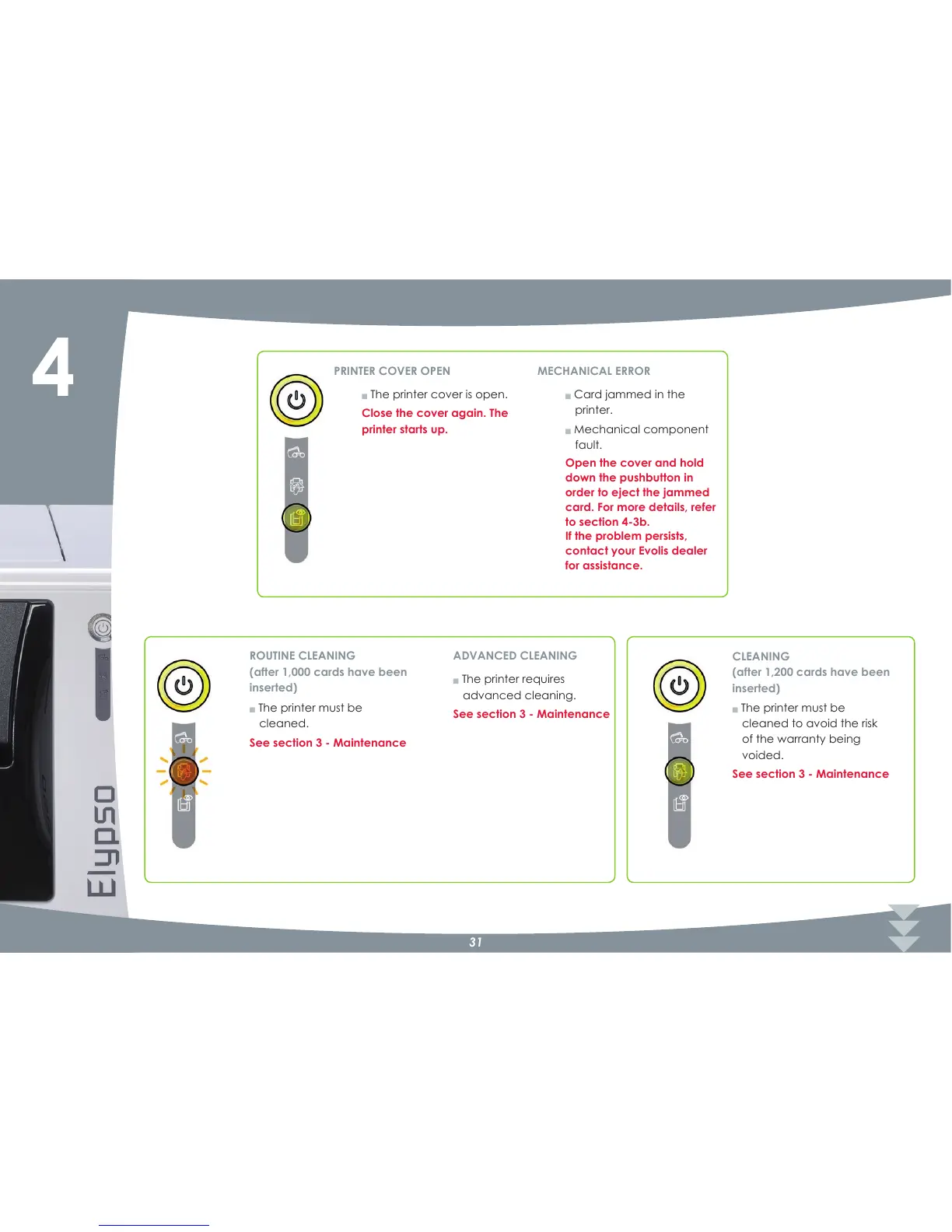
Q The printer cover is open.
Close the cover again. The
printer starts up.
PRINTER COVER OPEN
Q Card jammed in the
printer.
Q Mechanical component
fault.
Open the cover and hold
down the pushbutton in
order to eject the jammed
card. For more details, refer
to section 4?3b.
If the problem persists,
contact your Evolis dealer
for assistance.
MECHANICAL ERROR
Q The printer requires
advanced cleaning.
See section 3 ? Maintenance
ADVANCED CLEANING
Q The printer must be
cleaned.
See section 3 ? Maintenance
ROUTINE CLEANING
(after 1,000 cards have been
inserted)
Q The printer must be
cleaned to avoid the risk
of the warranty being
voided.
See section 3 ? Maintenance
CLEANING
(after 1,200 cards have been
inserted)



 To Next Page