10
IMPORTANT !
Advice about selecting cards :
• Only use the types of card appearing in the Specifications page of
this manual
• Do not touch the printable surface of the cards ; the print quality
depends upon this
• Do not use damaged or folded cards or ones with an embossed
texture.
• Always store the blank cards in a clean, dust free location
Card thickness :
• The Evolis printer accepts cards from 0.25mm (10mil) to 0.76mm
(30mil) thick without any adjustment.
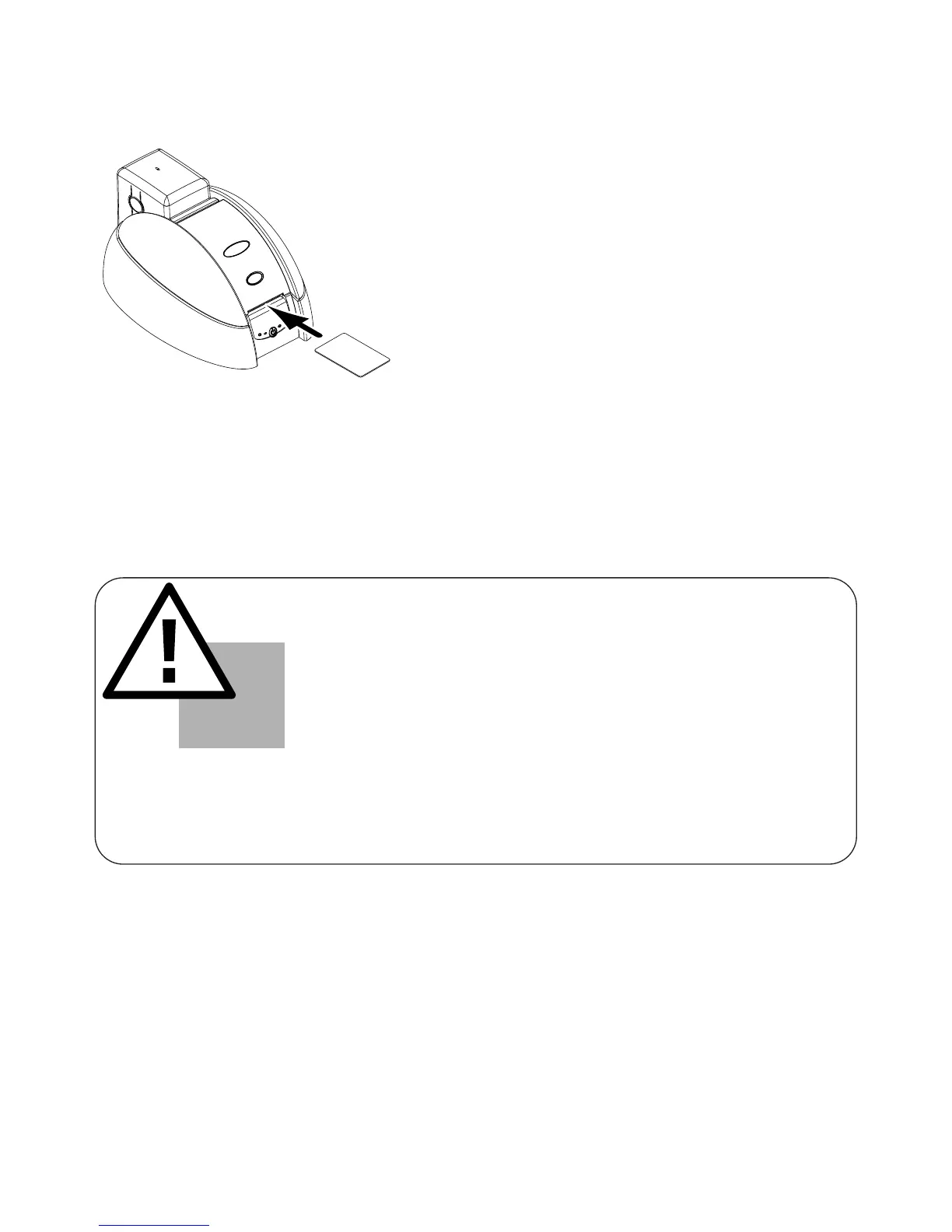
1. Insert a card in the feeding mouth. The card will be automatically
taken out.
TO LOAD A CARD MANUALLY FROM THE FEEDING MOUTH :



 To Next Page