3. Installing my printer
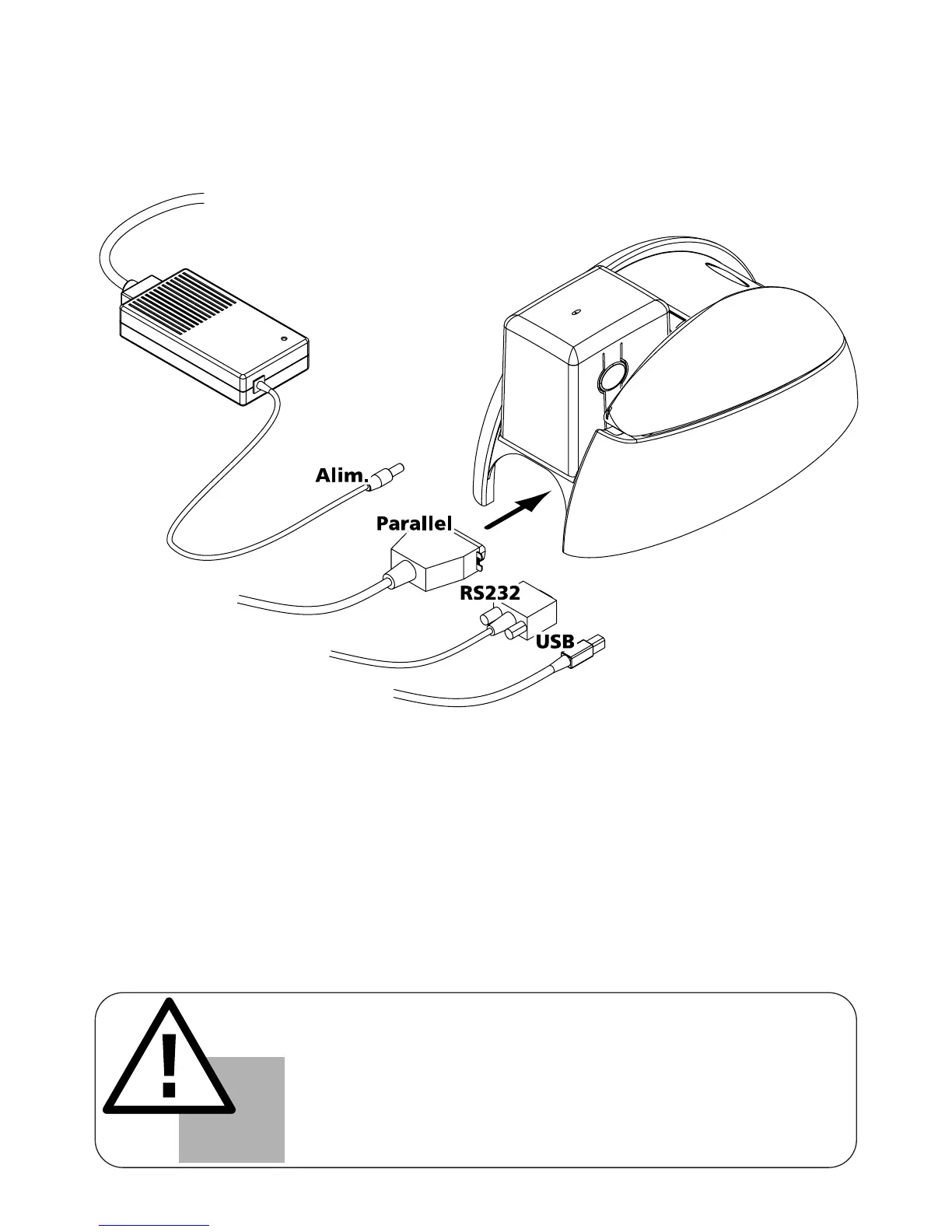
a) Installation of the interface and supply cables:
7
IMPORTANT !
To disconnect this product, pull the plug out of the socket, which
should remain easily accessible.
This product must be connected to an electrical installation correct-
ly protected and equipped with a protective earth.
Only use the printer power supply provided by Evolis.
1. Connect the supplied interface cable to your printer as shown while slightly lifting this side of
the printer up to get a better reach.
2. Connect the other end of the cable to the appropriate port of your computer.
3. Connect the power cable to the supply then plug in the power cable connector to the printer.
Then connect the end of the power cable to an earthed mains power point.



 To Next Page