15
"General" Dialog Box
This dialog box is a Windows information window. It enables a test page to be printed for the sole
purpose of checking the communication between the computer and the printer.
"Details" Dialog Box
This dialog box is a Windows control window enabling the printer port to be selected and to check
the use of the appropriate printer driver. The displayed settings must only be changed by an expe-
rienced person.
"Color Management" Dialog Box
This dialog box enables the printing to be associated with a defined colour management profile.
3. My first cards
A large number of Windows applications allow document printing (Word – Access – Excel, for
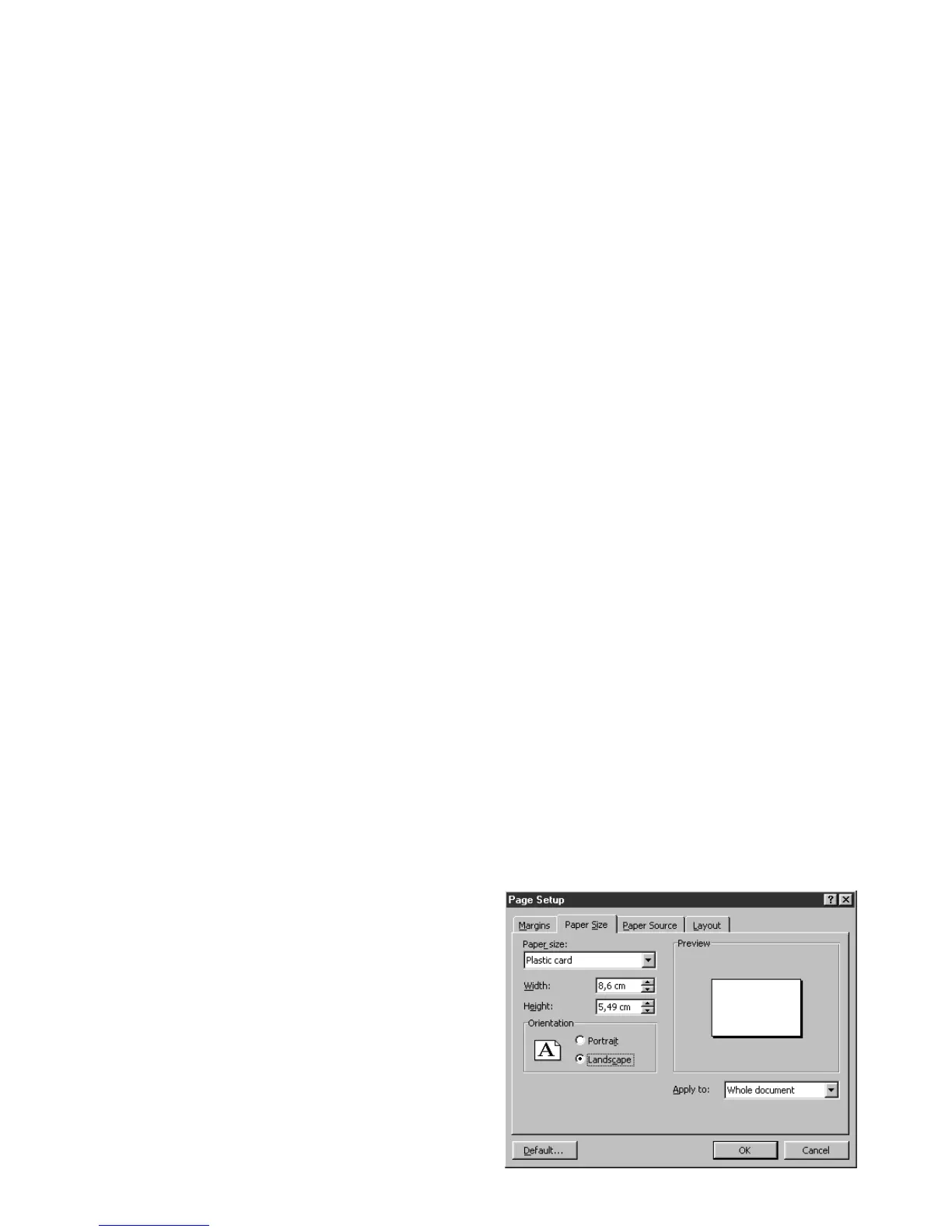
example). In order to familiarize you with the page setup of a card and the printer settings for it,
we offer you the following example.
Under Microsoft
®
Word
After having previously registered the Tattoo
printer as the default
1. Run Word and in File click on Page Setup.
2. The dialog box offers :
•
"Paper Format " select Card
• "Orientation" select Landscape



 To Next Page