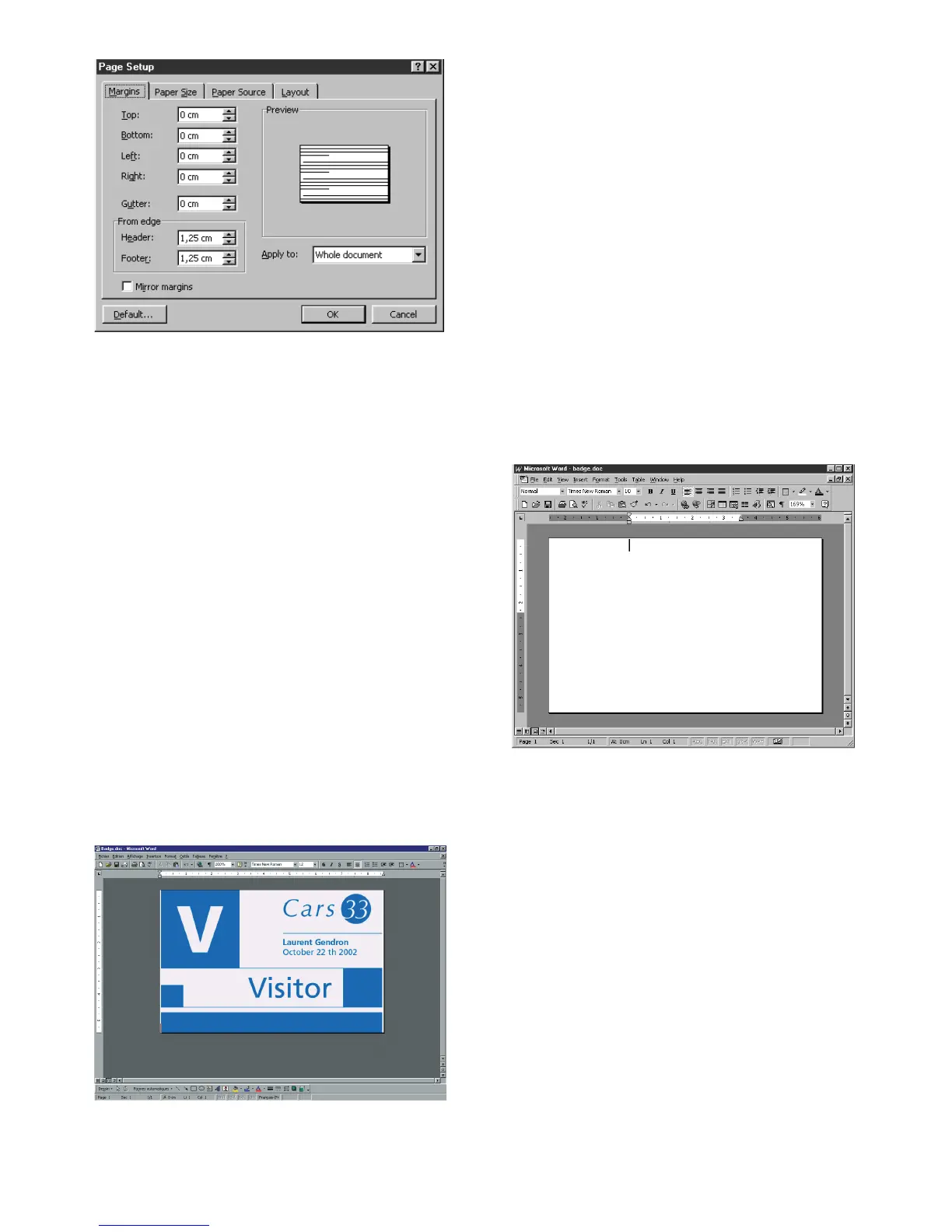
3. The "Margins" dialog box offers
"printing margins" • Select 0 cm
Your Word window should now appear like this :
You are ready to personalize your card by introdu-
cing the various composition elements :
• Logo and Illustration
• Identity photo
• Permanent texts and Variables (Identity)
• Etc..
Example :
Note that this example does not claim to
introduce the operator to the Word
application. Its only objective is to establish a
relationship between the graphics of a card
and the Tattoo Printer management settings
necessary for printing it.
16



 To Next Page