Tattoo Card Printer Driver Settings
To access the settings from the
Word window :
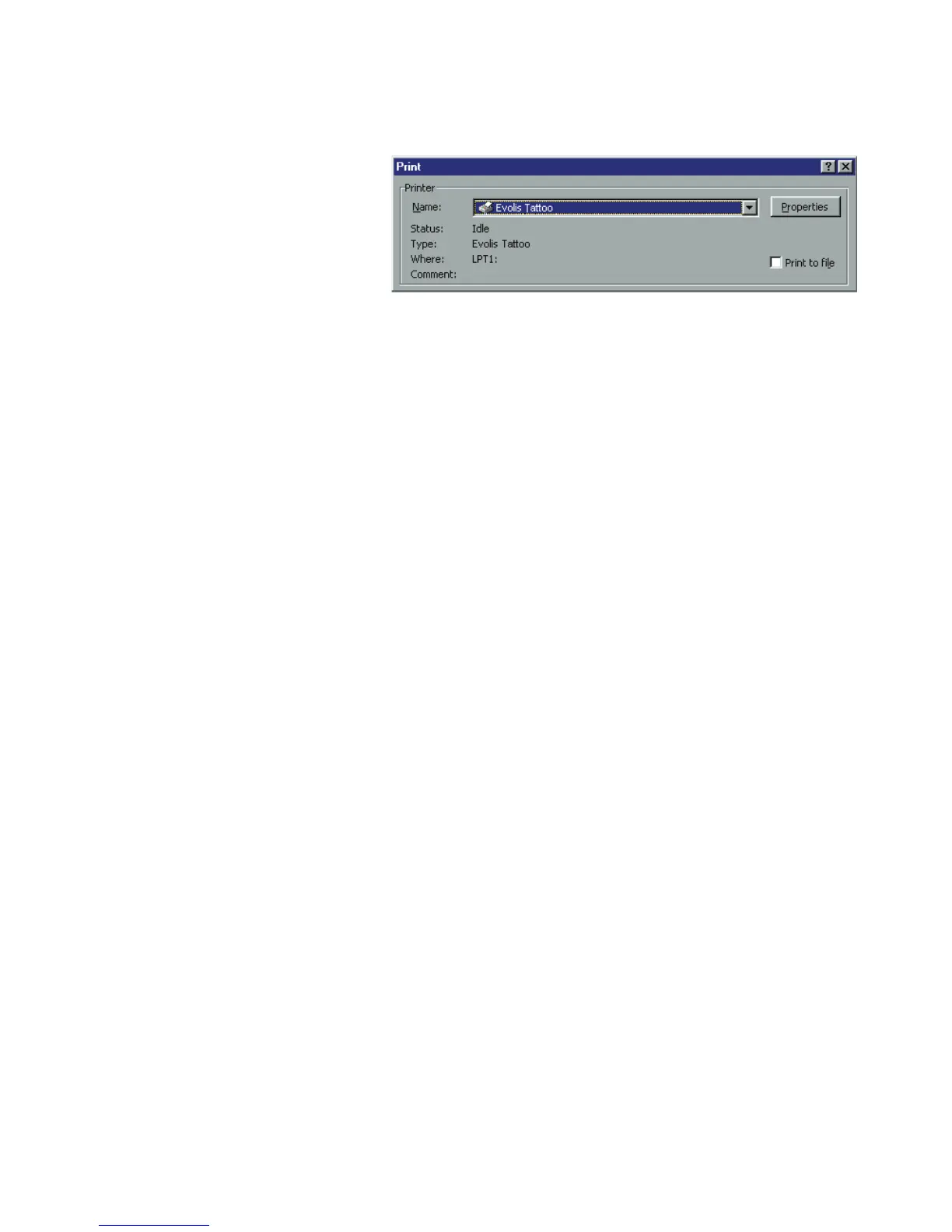
1. In the menu bar point to
File and select "Print"
2. The dialog box shows you
that the Evolis printer is
selected. Then click on
Properties.
3. The dialog box of the
Evolis Tattoo driver opens.
Do not forget to refer to
the help for each dialogue
box
The print settings for this graphic example are :
1.
"Main" Dialog Box select :
• Monochrome Black ribbon
• Treatment : Grayscale
• Landscape orientation
• Copy (number)
2. Click on
Apply, if you change a setting, then on OK to successively close each dialog box.
3. On returning to the main window click on
OK to start printing.
17



 To Next Page