/19
FOR BEST CONNECTION, TURN THE BOARD ON 1
ST
AND THE REMOTE 2
ND
.
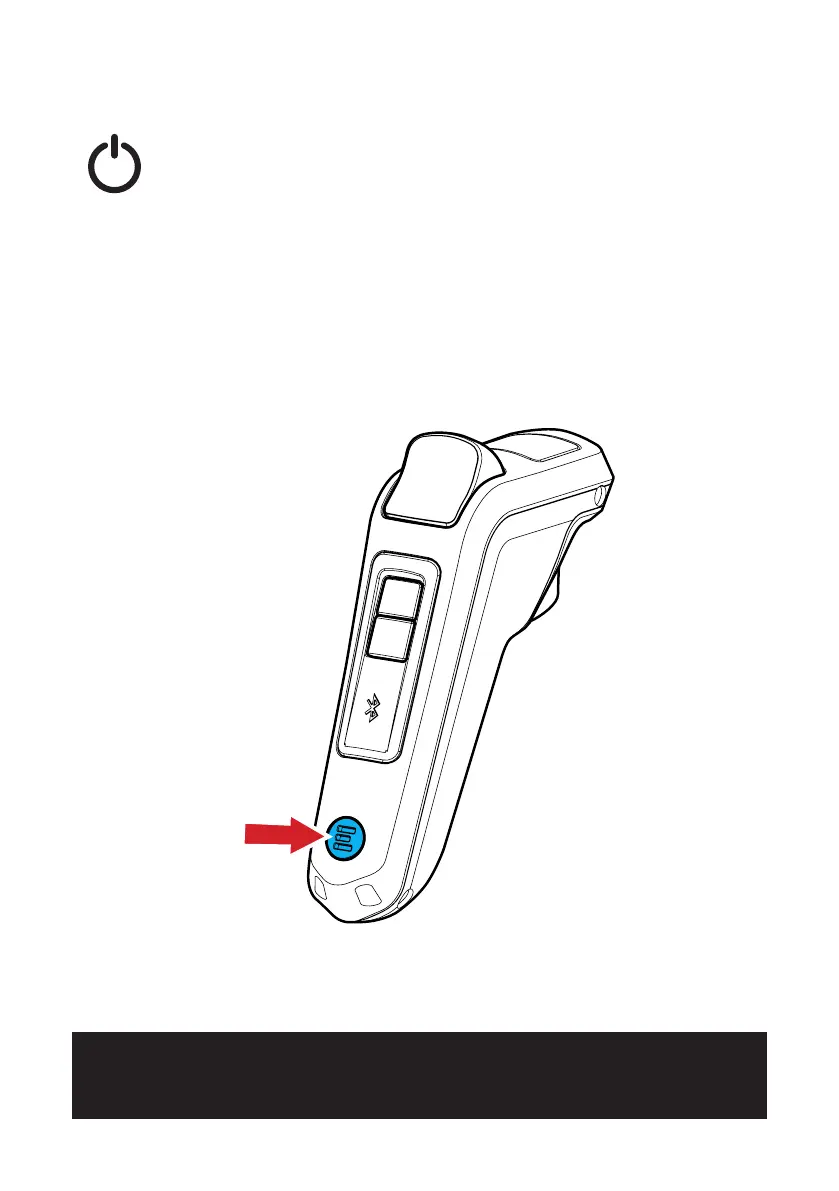
TURNING THE REMOTE ON / OFF
To turn the remote ON, quickly press the ON/OFF BUTTON one
time, the remote will vibrate once and the LCD screen will power
on, displaying the Evolve logo. The ON/OFF BUTTON will light
up on the remote and display the default screen.
To turn the remote off, press and hold the ON/OFF BUTTON for
one second or until the screen and ON/OFF light turn off.
ON/OFF BUTTON



 To Next Page