/31
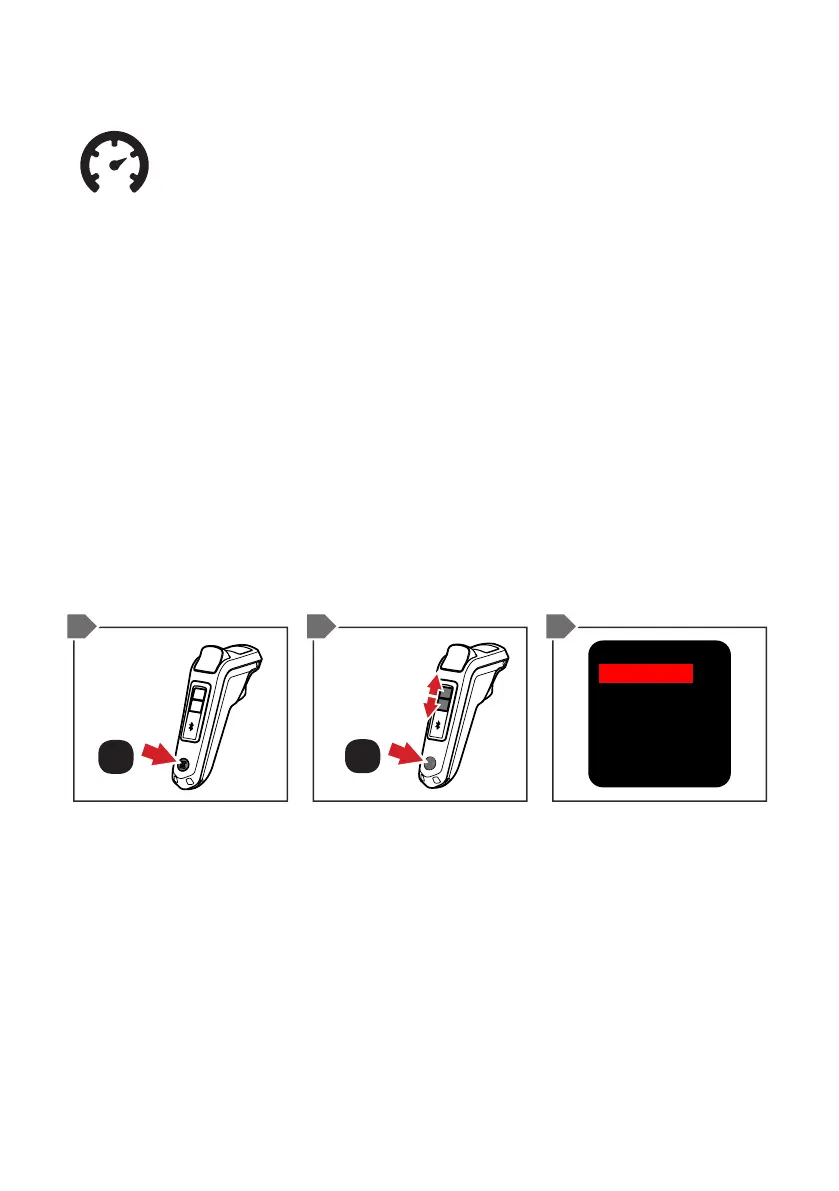
1. From the default screen, double-tap the ON/OFF BUTTON.
This will now display the menu screen.
2. Scroll down by pressing the MODE 2 BUTTON until you
reach ‘Options’, then press the ON/OFF BUTTON.
3. Press the ON/OFF BUTTON to change the unit of
measurement for your region (KMH or MPH).
4. Once selected, press the MODE 2 button to move the
highlighted box to the ‘Return’ selection, then press the ON/
OFF BUTTON. This will now take you back to the default
screen with the preferred unit of measurement.
SELECT KMH OR MPH
SCROLL
ON / OFF
ON / OFF
x1
x2
Unit: km
Battery: Bar
DeadMan: ON
Powersave: ON
Return
1 2/4 3


 To Next Page